
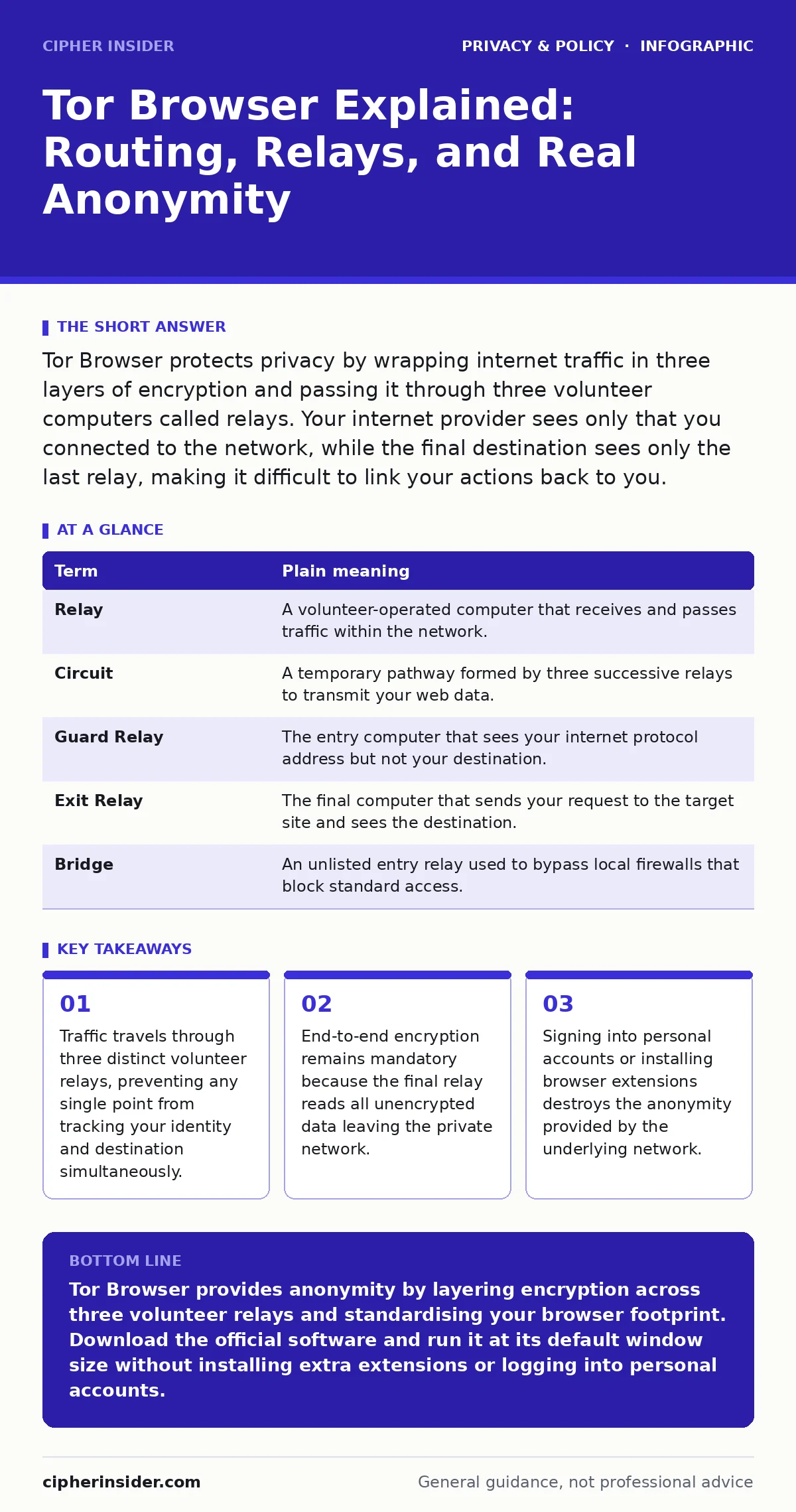
Tor Browser protects privacy by wrapping internet traffic in three layers of encryption and passing it through three volunteer computers called relays. Your internet provider sees only that you connected to the network, while the final destination sees only the last relay, making it difficult to link your actions back to you.
How Nested Post Packages Mirror Onion Routing
Postal systems offer the clearest analogy for the Tor network. Imagine writing a confidential message, sealing it inside an envelope addressed to a friend, and then packing that envelope inside two larger ones. You hand the outermost parcel to your local courier with instructions to deliver it to courier A. Courier A tears off the outer packaging to reveal an address for courier B, while courier B peels back the second layer to reveal the final destination.
Every intermediary along this route knows only where the parcel immediately arrived from and who receives it next. Courier A cannot see courier B's instructions or the final recipient. Courier B cannot see you. The final recipient receives the inner envelope from courier B without knowing you initiated the dispatch. Onion routing applies this precise nesting mechanism to digital data packets across the internet.
| Term | Plain meaning |
|---|---|
| Relay | A volunteer-operated computer that receives and passes traffic within the network. |
| Circuit | A temporary pathway formed by three successive relays to transmit your web data. |
| Guard Relay | The entry computer that sees your internet protocol address but not your destination. |
| Exit Relay | The final computer that sends your request to the target site and sees the destination. |
| Bridge | An unlisted entry relay used to bypass local firewalls that block standard access. |
Why Your Browser Builds a Three-Node Circuit
Network circuits rely on three specific nodes to enforce isolation. The guard relay learns your actual internet protocol address—a unique numerical label assigned to your connection—yet it cannot decrypt your intended destination. The middle relay serves as a blind buffer, preventing the entry node and the final node from ever communicating directly or colluding easily. The exit relay forwards your traffic to the destination website, so the site logs the relay's identity rather than yours.
Traffic correlation attacks exploit short paths, which is why three hops remain standard. If an adversary monitors both the entry connection and the exit connection simultaneously, matching the timing and size of data packets lets them infer your activity. The three-node path adds latency and complexity, making passive surveillance far harder than snooping on standard connections or public Wi-Fi risks.
What Exit Relays Can and Cannot Inspect
Exit relays strip away the final layer of network-level encryption before passing requests to web servers. Plain HTTP traffic leaves the exit node as readable text, which allows malicious exit operators to inspect, harvest, or alter unencrypted information. Secure websites employ Transport Layer Security, commonly recognised as HTTPS, which encapsulates content in an additional cryptographic shell. When browsing HTTPS destinations, the exit relay sees only the target domain and nothing inside your transmission.
Web server operators face strict constraints when serving traffic, much like corporate data protection officers handling regulatory boundaries. Web destinations see incoming requests originating from the exit relay's digital address. Malicious behaviour originating from that exit node often prompts web platforms to block the relay entirely or challenge visitors with repeated verification tests.
Why Browser Fingerprints Disrupt Network Anonymity
Browsers reveal far more than simple addresses; they expose distinct combinations of system fonts, screen dimensions, audio processing quirks, and installed hardware. Trackers harvest these system characteristics to create a unique browser fingerprint that identifies a machine across completely different sessions. Standard web browsers provide unique fingerprints that render network-level isolation useless against determined trackers engaged in online tracking.
Tor Browser resolves this vulnerability by forcing all users into an identical software profile. Every installation reports matching screen dimensions, identical system fonts, and uniform platform headers. Resizing your browser window alters these reported dimensions, generating an unusual profile that separates your session from the crowd. Installing additional extensions produces the same failure mode by altering your browser's fingerprint and undermining true online anonymity.
How Identity Leaks Destroy Underlying Defences
Network encryption hides your location, but application behaviours disclose your identity directly. Logging into a personal email address or social media account instantly attaches your identity to the active session. The browser masks your geographic origin, yet the service provider logs your account activity and tracks your actions from that moment forward.
Effective anonymization requires separating your browsing habits from persistent accounts and identifiers. Downloading files presents an identical trap: an external application, such as a PDF reader or media player, can bypass internal proxy settings and connect directly to the internet using your standard connection. This bypass leaks your genuine address outside the protective circuit, completely circumventing your active protections.
See also: Zero Knowledge Encryption Password Manager: How It Protects You · Does Private Browsing Work: The Reality of Local Data Isolation
Three Steps to Start Using the Software Safely
Running the application requires zero system modification, yet safe operation depends on strict handling habits.
- Obtain the official software package through verified distribution channels to ensure digital signatures match genuine developer keys.
- Launch the client and connect directly, or configure a bridge if local network administrators restrict standard connections.
- Test your configuration against the three-node sequence to confirm your public address reflects the exit node:
- Connect without expanding your application window to full-screen mode.
- Verify that third-party extensions and ad blockers remain uninstalled to avoid altering your software profile.
- Confirm your apparent connection originates from a distant relay by checking an address-lookup resource.
Advanced threats require persistent defensive hygiene across every personal device. Managing your digital profile through techniques like removing your data from people-search sites and auditing mobile app permission abuse provides an added layer of safety that isolated web tools cannot deliver on their own.
Key takeaways
- Traffic travels through three distinct volunteer relays, preventing any single point from tracking your identity and destination simultaneously.
- End-to-end encryption remains mandatory because the final relay reads all unencrypted data leaving the private network.
- Signing into personal accounts or installing browser extensions destroys the anonymity provided by the underlying network.
Tor Browser provides anonymity by layering encryption across three volunteer relays and standardising your browser footprint. Download the official software and run it at its default window size without installing extra extensions or logging into personal accounts.
Frequently asked questions
Does using Tor Browser make my internet connection slower?
Yes, routing traffic through three volunteer relays across the world increases latency and reduces download speeds compared to standard connections. Packet delays occur naturally as data is repeatedly encrypted, decrypted, and relayed through intermediary systems.
Can my internet service provider see what I do on Tor Browser?
No, your service provider cannot see the specific websites you visit or the data you transmit. Your provider can only see that you are sending encrypted data to a Tor entry relay, unless you hide that connection by using a bridge.
Is Tor Browser the same thing as a virtual private network?
No, a virtual private network routes all device traffic through a single centralised server that must be trusted completely. Tor distributes trust across three independent relays, ensuring no single entity knows both your identity and your destination.
Should I install my usual extensions on Tor Browser?
No, you should never install additional extensions on Tor Browser. Extra extensions create a unique browser fingerprint that allows websites to identify and track your machine across different sessions.
How this guide was produced: written by the Cipher Insider editorial team with AI assistance, checked against the public references listed below, and reviewed when the facts change. See our editorial policy or report an error.