
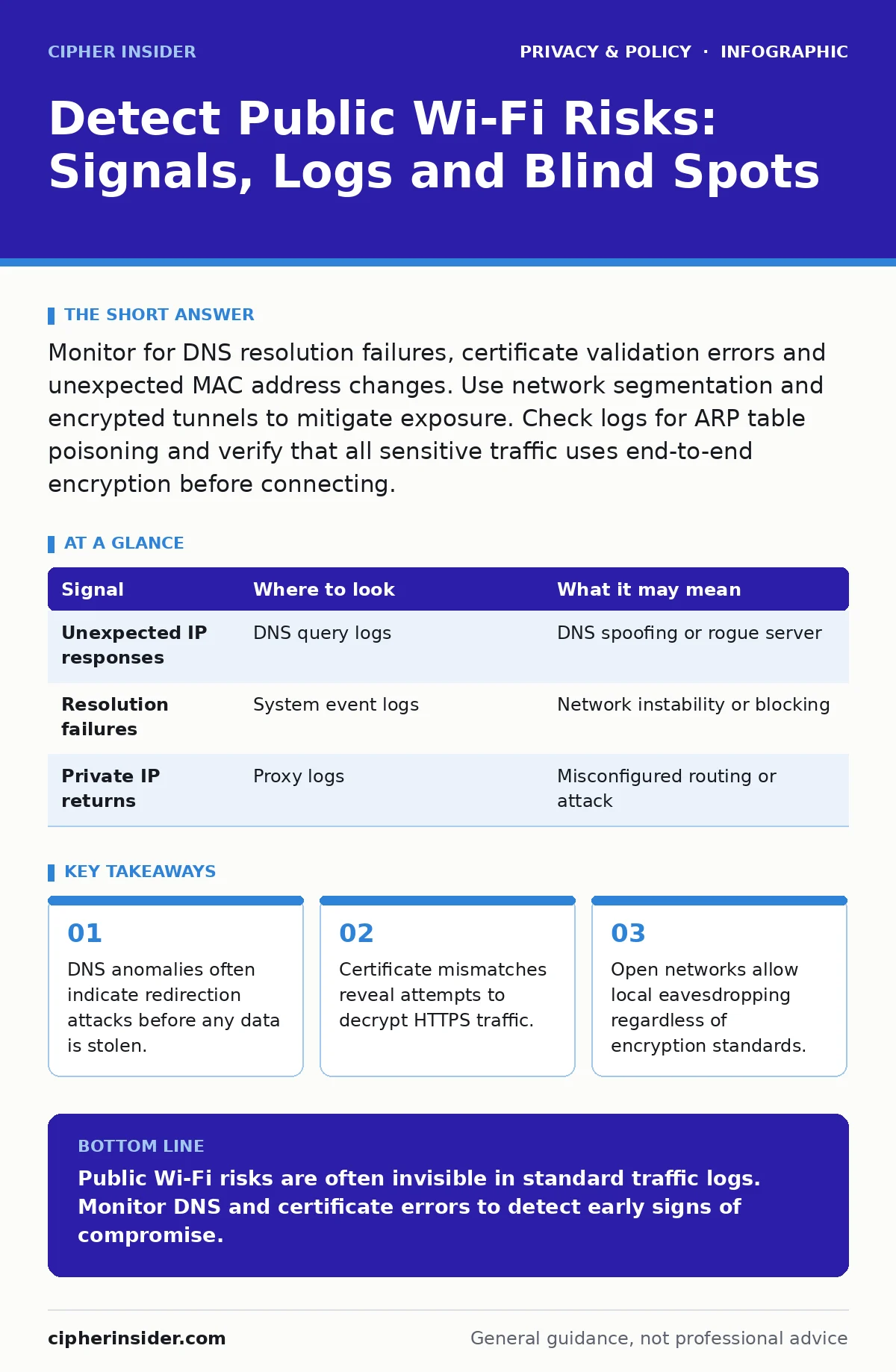
Monitor for DNS resolution failures, certificate validation errors and unexpected MAC address changes. Use network segmentation and encrypted tunnels to mitigate exposure. Check logs for ARP table poisoning and verify that all sensitive traffic uses end-to-end encryption before connecting.
DNS Resolution Anomalies
Domain Name System (DNS) queries are the first step in locating a website. Attackers often manipulate this process to redirect users to malicious sites. Look for queries that return unexpected IP addresses or resolve to private network ranges.
Standard DNS traffic is unencrypted, making it vulnerable to spoofing. If a device queries a legitimate domain but receives an IP address from a different subnet, this suggests a man-in-the-middle attempt. Monitor your logs for repeated DNS timeouts or queries to non-existent domains, which can indicate a rogue DNS server is intercepting requests.
Imagine a user connects to a café network. Their device requests a banking site, but the DNS response points to a local IP address controlled by an attacker. The user sees a login page, but their credentials are sent to the attacker’s server. This happens before any HTTPS connection is established.
| Signal | Where to look | What it may mean |
|---|---|---|
| Unexpected IP responses | DNS query logs | DNS spoofing or rogue server |
| Resolution failures | System event logs | Network instability or blocking |
| Private IP returns | Proxy logs | Misconfigured routing or attack |
Certificate Validation Errors
Transport Layer Security (TLS) certificates prove a server’s identity. Browsers and operating systems validate these certificates against trusted root authorities. Any failure in this chain should trigger immediate investigation.
Check your application logs for SSL handshake failures. These errors occur when a certificate is expired, self-signed or mismatched with the domain name. While some users ignore these warnings, security teams must treat them as high-priority alerts. A mismatched certificate often indicates an active interception attempt.
ARP Table Poisoning
Address Resolution Protocol (ARP) maps IP addresses to hardware MAC addresses. On local networks, devices broadcast ARP requests to find each other. This protocol lacks authentication, allowing attackers to send false ARP replies.
Monitor your network logs for rapid changes in MAC address associations. If a single IP address is associated with multiple MAC addresses in a short period, this suggests ARP poisoning. The attacker inserts themselves between the victim and the gateway, allowing them to inspect or modify traffic.
This attack works even on encrypted networks because it targets the local link layer. The victim believes they are communicating with the router, but the data passes through the attacker’s device first. Look for duplicate IP addresses in your DHCP logs, which often accompany ARP attacks.
Rogue Access Points
Rogue access points are unauthorized wireless networks set up by attackers. They often mimic legitimate network names to trick users into connecting. These devices can capture all traffic from connected clients.
Scan your environment for unknown SSIDs (Service Set Identifiers). Compare detected networks against your approved inventory. Pay attention to networks with strong signals that do not match your infrastructure. Attackers may use deauthentication attacks to force devices to disconnect from legitimate networks and reconnect to the rogue point.
Check your wireless controller logs for association attempts from unknown MAC addresses. A sudden spike in connection requests to a non-standard network name is a strong indicator of a rogue access point. Implement wireless intrusion detection systems to automate this monitoring.
Traffic Pattern Deviations
Normal network traffic follows predictable patterns. Deviations from these baselines can reveal malicious activity. Look for unusual spikes in data volume or connections to unexpected external IPs.
Encrypted traffic hides the content, but metadata remains visible. Monitor for large data transfers to unknown destinations or frequent connections to ports not used by standard applications. If a device suddenly starts sending data to a server in a different geographic region, this warrants further investigation.
See also: Port Scanning Myths: What Attackers Actually Reveal · Difference Between Session Hijacking and Spoofing: Mechanisms and Defences
Blind Spots in Monitoring
Most security tools focus on perimeter defence. This leaves internal network traffic and device-to-device communication under-monitored. Attackers exploit these blind spots to move laterally within the network.
Local eavesdropping is difficult to detect from the outside. If two devices communicate directly on the same subnet, the traffic may never traverse a monitored gateway. Ensure your monitoring includes switch-level logs and endpoint telemetry.
Another blind spot is the use of encrypted tunnels for malicious purposes. Attackers may use legitimate tools like SSH or VPNs to exfiltrate data. This traffic looks normal to firewalls but contains stolen information. Correlate network logs with endpoint behaviour to identify these hidden channels.
Mitigation and Verification
Detection is only half the battle. You must verify the integrity of your network components. Regularly audit your DHCP scopes and DNS configurations. Ensure that all access points are updated and that default credentials are changed.
Use network segmentation to limit the impact of a breach. Place guest networks on a separate VLAN (Virtual Local Area Network) with strict firewall rules. This prevents attackers from accessing internal resources even if they compromise the guest network.
For deeper context on how data moves across networks, see our guide on DNS over HTTPS. Understanding how privacy extensions affect visibility is key to balancing security and user experience. Additionally, consider the risks of location tracking when deploying Wi-Fi analytics tools, as these can inadvertently expose user movements.
Final Verification Steps
Before declaring a network secure, perform a controlled test. Connect a test device to the public network and attempt to access internal resources. Verify that all traffic is blocked as expected. Check that DNS queries are not being redirected to external servers.
Review your incident response plan. Ensure that your team knows how to isolate a compromised device and rotate credentials. Regular drills improve your ability to respond to real-world threats. Remember that no system is perfect, and continuous monitoring is required.
See our guide on mobile app permission abuse for insights into how applications can compromise network security from the inside. Also, review consent management practices to ensure that user data collection complies with relevant regulations, reducing legal risk alongside technical exposure.
Key takeaways
- DNS anomalies often indicate redirection attacks before any data is stolen.
- Certificate mismatches reveal attempts to decrypt HTTPS traffic.
- Open networks allow local eavesdropping regardless of encryption standards.
Public Wi-Fi risks are often invisible in standard traffic logs. Monitor DNS and certificate errors to detect early signs of compromise.
Frequently asked questions
Can encrypted traffic hide ARP poisoning?
Yes, encryption protects data content but not the local layer where ARP operates. ARP poisoning affects the path before encryption begins.
How do I distinguish a rogue AP from a legitimate one?
Compare the MAC address and SSID against your approved inventory. Legitimate devices will match your records exactly.
Is DNS over HTTPS safe from spoofing?
It protects against eavesdropping but does not prevent server-side redirection. The resolver itself must be trusted.
What is the first sign of a man-in-the-middle attack?
Certificate validation errors are the most reliable indicator. These show that the connection is not authentic.
How this guide was produced: written by the Cipher Insider editorial team with AI assistance, checked against the public references listed below, and reviewed when the facts change. See our editorial policy or report an error.