
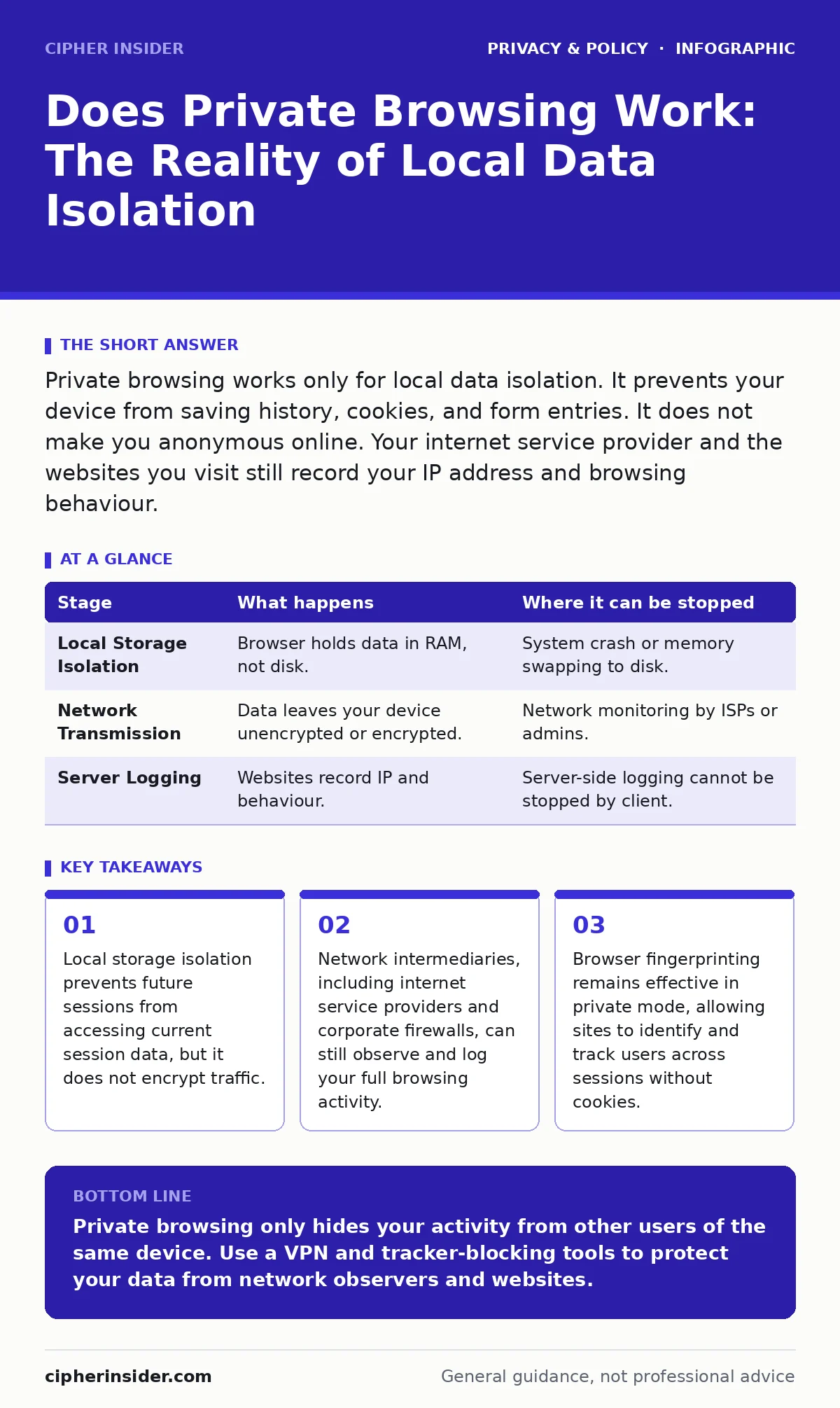
Private browsing works only for local data isolation. It prevents your device from saving history, cookies, and form entries. It does not make you anonymous online. Your internet service provider and the websites you visit still record your IP address and browsing behaviour.
Does Private Browsing Work for Anonymity?
Does private browsing work as a tool for anonymity? No. It works as a tool for local data isolation. The feature, often called Incognito, InPrivate, or Private Window, creates a temporary session that discards most local data upon closure. Many users assume this makes them invisible to the outside world. This assumption is incorrect. The mechanism only affects what is stored on your specific device. It does not alter how data travels across the network.
The primary function is to prevent the browser from writing history, cache, and cookies to the permanent storage of your operating system. This is useful when sharing a computer with others who should not see your search history. It is not a security feature for evading surveillance. If you seek true anonymity, you must look beyond local session management. You might explore anonymization techniques that obscure your identity at the network level, rather than just hiding local files.
The Mechanism of Local Isolation
Private browsing operates by redirecting write operations to temporary memory locations. When you open a private window, the browser creates a sandboxed environment. Any data generated during this session, such as visited URLs or saved passwords, is kept in volatile memory. When you close the window, this memory is cleared. The browser does not send a command to delete data from servers. It simply refuses to save the data locally.
This mechanism has a specific limitation regarding extensions. Many privacy extensions run in the background and may still log activity or share data with third parties unless explicitly configured otherwise. The private mode does not strip these extensions of their permissions. You must verify that your extensions respect the private session boundary. Some extensions disable themselves automatically, while others continue to function normally, potentially undermining the isolation you seek.
Stage 1: Local Storage Isolation
Stage 1: Local Storage Isolation
The first stage involves the browser refusing to write certain data types to the disk. Standard browsing writes history entries, cache files, and cookies to specific directories on your hard drive. Private browsing intercepts these write requests. Instead of saving to the disk, the browser holds the data in RAM. This ensures that a casual inspection of your browser history yields no results.
This stage can fail if the browser crashes or if the system runs out of memory. In such cases, the operating system may swap memory contents to the disk to free up RAM. This swap file can contain fragments of your private session data. Forensic tools can sometimes recover this data from the swap file or hibernation file. Therefore, local isolation is not cryptographically secure against determined forensic analysis.
| Stage | What happens | Where it can be stopped |
|---|---|---|
| Local Storage Isolation | Browser holds data in RAM, not disk. | System crash or memory swapping to disk. |
| Network Transmission | Data leaves your device unencrypted or encrypted. | Network monitoring by ISPs or admins. |
| Server Logging | Websites record IP and behaviour. | Server-side logging cannot be stopped by client. |
Stage 2: Network Transmission and Visibility
Stage 2: Network Transmission and Visibility
Once data leaves your device, local isolation becomes irrelevant. Your browser sends HTTP or HTTPS requests to web servers. These requests travel through multiple networks before reaching their destination. Your internet service provider sees every request you make, regardless of whether you are in private mode. They can see the domain names you visit and the amount of data transferred.
Even with HTTPS encryption, which hides the content of your communication, the metadata remains visible. This includes the destination IP address and the timing of requests. Your network administrator at work or school can also monitor this traffic. Private browsing does not bypass corporate firewalls or network filters. If your organisation blocks certain sites, private mode will not allow you to access them. The traffic still passes through the same inspection points.
Stage 3: Server-Side Logging and Tracking
Stage 3: Server-Side Logging and Tracking
The final stage occurs on the web server. When you visit a site, the server logs your request. This log typically includes your IP address, the time of access, and the user-agent string. Private browsing does not alter this process. The server treats your request exactly like a standard browsing request. It records your activity in its own databases.
Websites use various methods to track users across sessions. Browser fingerprinting collects details about your device, such as screen resolution, installed fonts, and GPU capabilities. This creates a unique identifier that persists even when cookies are cleared. Private mode does not change these hardware and software characteristics. Therefore, sophisticated trackers can identify you across different private sessions. This renders the "private" aspect ineffective against persistent profiling.
See also: Port Scanning Myths: What Attackers Actually Reveal · Difference Between Session Hijacking and Spoofing: Mechanisms and Defences
Where Private Browsing Fails Completely
Private browsing fails when users expect it to provide anonymity. It does not hide your IP address. It does not prevent websites from tracking your behaviour. It does not protect you from malware or phishing attacks. If you download a file in private mode, that file remains on your device after you close the window. Any malware contained within that file will execute and potentially compromise your system.
The feature also fails to protect against online tracking mechanisms that do not rely on local storage. Some tracking scripts use canvas fingerprinting or audio context fingerprinting to identify devices. These techniques operate independently of cookies and local history. They rely on the consistent rendering of graphics or sound by your browser. Private mode does not randomise these outputs, leaving you identifiable to advanced trackers.
Comparing Privacy Tools and Policies
Understanding the limits of private browsing helps you choose better tools. For location privacy, you should adjust your smartphone privacy settings to restrict app access to your GPS data. Private browsing does not stop apps from sharing your location. For corporate data handling, organisations often appoint data protection officers to ensure compliance with regulations. These officers manage how user data is collected and stored, independent of your browser settings.
If you wish to remove personal data from public records, you may invoke the right to be forgotten. This legal mechanism allows you to request deletion of your data from websites. Private browsing does not trigger this right; it only prevents local caching. Similarly, ad tracking relies on cross-site cookies and fingerprinting. Private mode blocks the first but not the second. To mitigate this, consider using browsers that actively block trackers by default, rather than relying solely on private windows.
Practical Steps for Enhanced Privacy
To enhance your privacy, you must combine private browsing with other measures. Use a Virtual Private Network to encrypt your traffic and hide your IP address from your ISP. This addresses the network transmission stage. Disable unnecessary browser extensions, as they can leak data even in private mode. Regularly clear your cache and cookies in standard mode to reduce the surface area for fingerprinting.
Remember that no single tool provides complete privacy. Each measure addresses a specific vector of exposure. Private browsing handles local storage. Encryption handles network interception. Tor networks handle IP anonymity. You must layer these tools to achieve robust privacy. Do not rely on private browsing as your sole defence. It is a convenience feature, not a security protocol.
Key takeaways
- Local storage isolation prevents future sessions from accessing current session data, but it does not encrypt traffic.
- Network intermediaries, including internet service providers and corporate firewalls, can still observe and log your full browsing activity.
- Browser fingerprinting remains effective in private mode, allowing sites to identify and track users across sessions without cookies.
Private browsing only hides your activity from other users of the same device. Use a VPN and tracker-blocking tools to protect your data from network observers and websites.
Frequently asked questions
Does private browsing hide my IP address?
No, your IP address is visible to every website you visit and your internet service provider. Private browsing does not mask network-level identifiers.
Can my employer see what I do in private mode?
Yes, if you are on a company network, your employer can monitor your traffic. Private browsing only prevents local history saving on your device.
Does private browsing protect against viruses?
No, private browsing does not scan downloads for malware. Files downloaded in private mode are saved to your device and can contain harmful software.
Is private browsing the same as using Tor?
No, Tor routes your traffic through multiple relays to hide your location. Private browsing only discards local data and does not alter traffic routing.
How this guide was produced: written by the Cipher Insider editorial team with AI assistance, checked against the public references listed below, and reviewed when the facts change. See our editorial policy or report an error.