
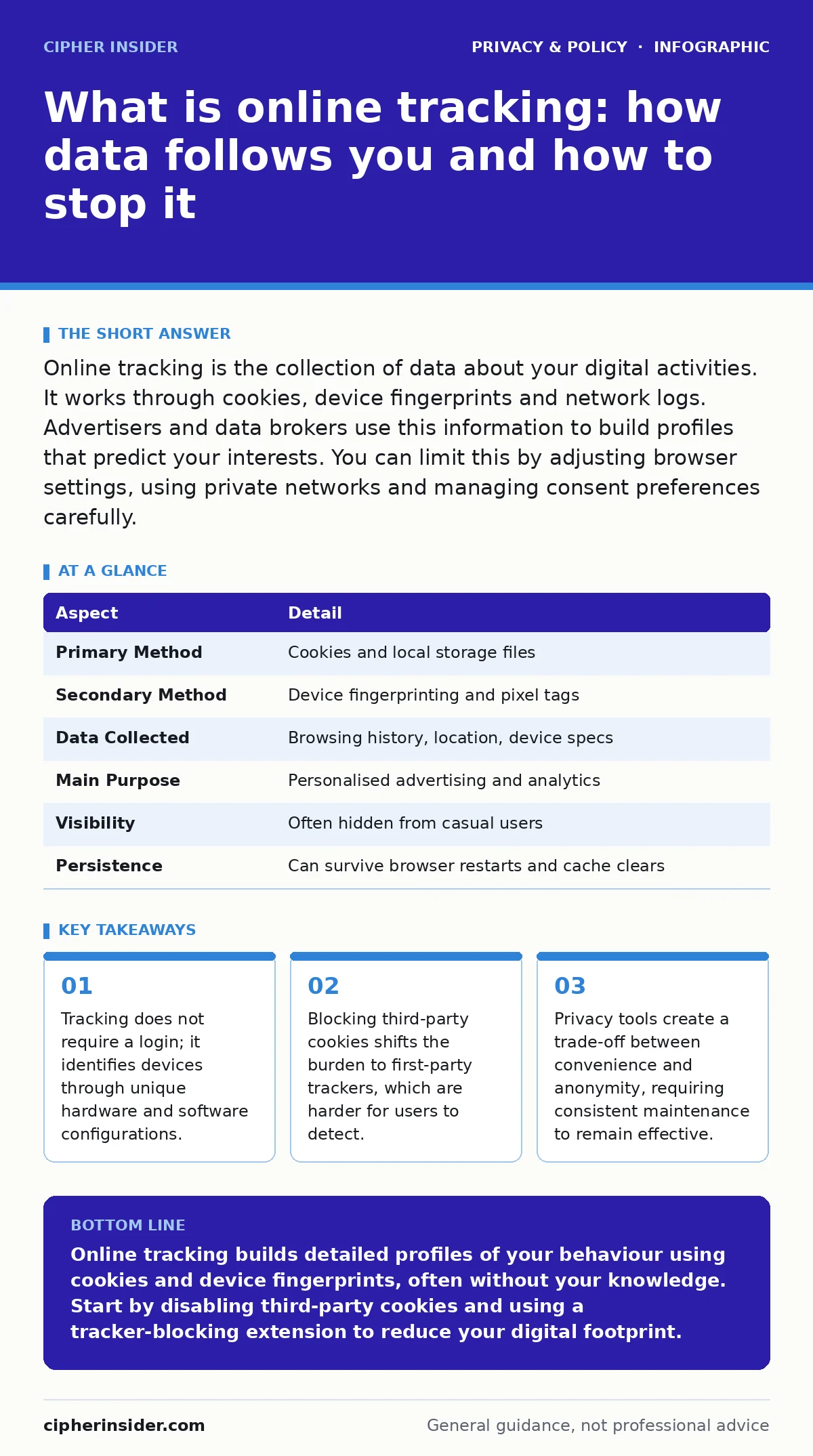
Online tracking is the collection of data about your digital activities. It works through cookies, device fingerprints and network logs. Advertisers and data brokers use this information to build profiles that predict your interests. You can limit this by adjusting browser settings, using private networks and managing consent preferences carefully.
Start with an everyday analogy
Imagine walking through a busy shopping district. Shopkeepers do not need to know your name to notice that you linger outside a bookstore, check your watch near a cafe, and carry a gym bag. Over weeks, they build a mental map of your habits. Online tracking operates on the same principle. It observes your digital movements across different websites and services. The goal is not always to identify you by name, but to identify the device and the patterns associated with it. This distinction matters because anonymity does not guarantee privacy. A profile can be highly specific without containing a single personal identifier.
What is online tracking
Online tracking is the systematic recording of user interactions with digital content. It captures what you click, how long you stay on a page, and which items you view but do not purchase. The primary mechanism involves small text files called cookies. These files store a unique identifier that the website can read on subsequent visits.
Beyond cookies, trackers use pixels, which are invisible images embedded in emails or pages to confirm delivery and engagement. They also employ device fingerprinting. This technique collects details about your browser version, operating system, screen resolution and installed fonts. The combination of these attributes creates a unique signature for your device. This signature allows entities to follow you even if you delete your cookies.
| Aspect | Detail |
|---|---|
| Primary Method | Cookies and local storage files |
| Secondary Method | Device fingerprinting and pixel tags |
| Data Collected | Browsing history, location, device specs |
| Main Purpose | Personalised advertising and analytics |
| Visibility | Often hidden from casual users |
| Persistence | Can survive browser restarts and cache clears |
How tracking works in practice
The process begins the moment you load a webpage. The browser sends a request to the server, including any existing cookies. The server responds with new cookies and scripts. These scripts run in the background, measuring your interaction. Some scripts belong to the website you are visiting. These are first-party trackers. They help the site remember your preferences. Other scripts belong to external companies.
These are third-party trackers. They operate across many different sites. When you visit a news site, a forum and an online store, the same third-party tracker may appear on all three. It links these visits into a single timeline. This timeline reveals your interests, political leanings and health concerns. The data is then aggregated with millions of other profiles. This aggregation allows for sophisticated targeting and prediction.
Who it affects
Everyone who uses the internet is subject to some form of tracking. The intensity varies by device and usage patterns. Mobile devices are particularly vulnerable. Operating systems on phones have deep access to sensors like GPS, accelerometers and microphones. Apps often request permissions that allow them to track your physical location. This location data is highly valuable. It can reveal where you live, work and worship. Desktop users face different challenges.
Browsers on computers are more complex and run many extensions. Some extensions compromise privacy by reading your browsing data. Children and teenagers are often targeted with behavioural advertising. They may not understand the implications of consent forms. Their data can be used to build long-term profiles that affect future opportunities. The impact is not limited to individuals. Organisations face risks when their employees' devices are tracked. This can lead to corporate espionage or data leaks.
What people usually get wrong
Many users believe that incognito mode provides total privacy. It does not. Incognito mode prevents the browser from saving history on your local machine. It does not hide your activity from the websites you visit or your internet service provider. Another common misconception is that deleting cookies stops tracking. As noted, device fingerprinting bypasses cookies. If your browser configuration is unique, you can be tracked without any stored files. Some users think that privacy policies are legal guarantees.
They are often vague and broad. A policy may claim to protect your data while simultaneously sharing it with partners. The language is designed to be legally defensible, not user-friendly. Finally, many assume that being unknown to a company means being safe. Anonymity is not the same as privacy. You can be anonymous and still be tracked. You can be identified and still have no data collected. Understanding this difference is vital for effective protection.
See also: Differential Privacy Meaning: How Noise Protects Your Data · Data Subject Rights Request: How to Process and Respond Correctly
What to do about it
Mitigating online tracking requires a layered approach. Start with your browser settings. Disable third-party cookies. Enable do not track signals, though many sites ignore them. Use a privacy-focused browser extension that blocks known trackers. These extensions maintain lists of malicious and invasive scripts. They block these scripts before they load. Consider using a virtual private network. This masks your IP address and encrypts your traffic. It prevents your internet service provider from seeing your activity.
However, it does not hide your activity from the websites you visit. For stronger protection, use the Tor network. This routes your traffic through multiple relays, making it difficult to trace. Be aware that this slows down your connection. You must also manage app permissions. Review which apps have access to your location and microphone. Revoke access for apps that do not need it. Regularly clear your cache and site data. This limits the amount of information available to first-party trackers.
The cost of privacy
Implementing these measures has trade-offs. Privacy tools can break website functionality. Some sites rely on scripts to load content or verify users. Blocking these scripts may prevent you from reading articles or making purchases. You may need to create multiple accounts or use different browsers for different purposes. This fragmentation is inconvenient. It requires discipline and time. You must regularly update your tools and settings. New tracking methods emerge constantly.
What works today may fail tomorrow. There is also a social cost. Some services restrict features for users who do not accept tracking. You may lose personalised recommendations or seamless logins. Weigh these costs against your privacy needs. Determine which data you are willing to share. Define your threat model. Are you protecting against advertisers, hackers or state surveillance? Your strategy should match your risk level. Do not apply maximum security to low-risk activities. Balance is key.
Related considerations
Understanding online tracking connects to broader privacy issues. You may want to explore consent management to handle cookie banners effectively. This helps you control which data you share. If you are concerned about children, look into parental controls to limit their exposure. Location tracking is a specific subset of data collection that requires separate attention. For those dealing with large organisations, data protection officers play a role in compliance.
You can also learn about anonymization techniques to strip personal data from your digital footprint. DNS over HTTPS encrypts your domain lookups, hiding them from your provider. Finally, consider opting out of data brokers to remove your information from sale. The right to be forgotten allows you to request deletion of your data in some jurisdictions. These topics provide a complete picture of your digital rights.
Key takeaways
- Tracking does not require a login; it identifies devices through unique hardware and software configurations.
- Blocking third-party cookies shifts the burden to first-party trackers, which are harder for users to detect.
- Privacy tools create a trade-off between convenience and anonymity, requiring consistent maintenance to remain effective.
Online tracking builds detailed profiles of your behaviour using cookies and device fingerprints, often without your knowledge. Start by disabling third-party cookies and using a tracker-blocking extension to reduce your digital footprint.
Frequently asked questions
Can websites see my history if I use incognito mode?
No, incognito mode does not hide your activity from the websites you visit or your internet service provider. It only prevents local storage of history on your device.
Is it illegal for companies to track me online?
Laws vary by region. Some jurisdictions require explicit consent for certain types of tracking. Others allow tracking with broad consent or notice. Check your local regulations.
Do privacy browsers stop all tracking?
No browser stops all tracking. They reduce the amount of data collected by blocking known trackers and preventing fingerprinting. Some sophisticated tracking methods may still succeed.
How do I know if an app is tracking my location?
Check your device settings for app permissions. Look for apps that have location access enabled. Review which apps request "always on" location access and revoke it if unnecessary.
How this guide was produced: written by the Cipher Insider editorial team with AI assistance, checked against the public references listed below, and reviewed when the facts change. See our editorial policy or report an error.