Use this checklist to verify that automatic updates install, verify, and report status correctly. It covers dependency handling, rollback strategies, and audit logging. Ensure your systems do not just attempt updates, but confirm successful application and integrity.
Defining the Scope of Automation
Automatic software updates reduce the window of exposure to known vulnerabilities. However, automation introduces complexity in dependency management and service continuity. You must define which components receive automatic updates and which require manual intervention. Critical production systems often demand staged rollouts rather than immediate application.
- Classify assets by update urgency: separate critical infrastructure from low-risk workstations.
- Document the update frequency for each asset class to avoid resource contention.
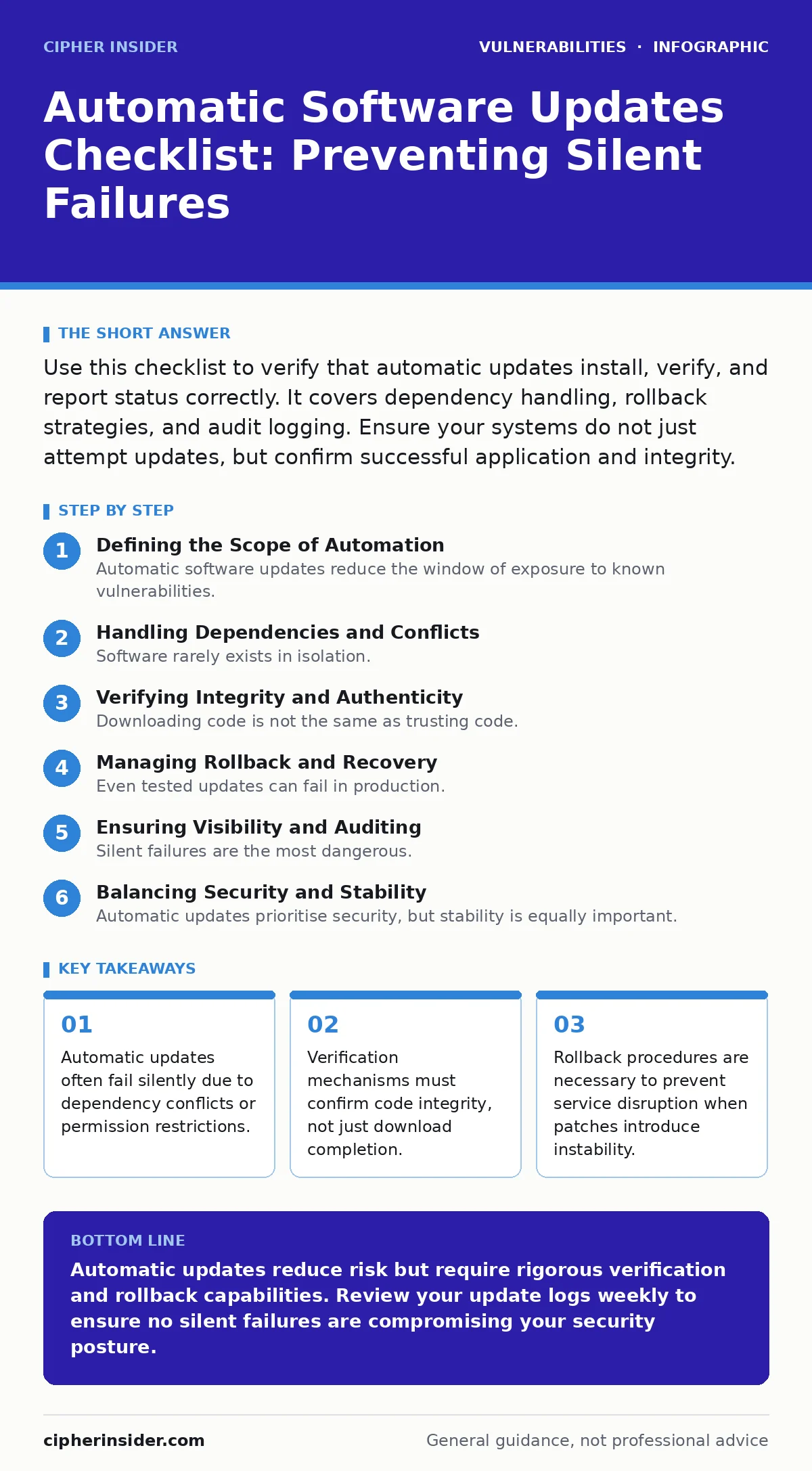
Handling Dependencies and Conflicts
Software rarely exists in isolation. A library update may break an application that relies on a specific version of that library. Automatic systems often ignore these relationships, leading to broken functionality. You must ensure your update mechanism checks for compatibility before applying changes.
- Verify dependency resolution logic: ensure the system checks for breaking changes.
- Test updates in a staging environment that mirrors production dependencies.
Verifying Integrity and Authenticity
Downloading code is not the same as trusting code. You must verify that the update has not been tampered with during transit or storage. Digital signatures provide this assurance, but only if the verification step is mandatory and logged.
- Enforce signature verification: reject updates that lack valid cryptographic signatures.
- Log verification results: record success or failure for every update attempt.
This approach aligns with principles found in the IT asset inventory guide, where tracking what you have is the first step to securing it. Without verified integrity, an update could introduce a backdoor rather than fix a vulnerability.
Managing Rollback and Recovery
Even tested updates can fail in production. Network conditions, hardware differences, or unforeseen interactions can cause a patch to destabilise a system. You need a way to revert to the previous state quickly. Manual intervention during a crisis slows response times.
- Maintain automated rollback capabilities: ensure the system can revert to the last known good state.
- Test rollback procedures regularly: verify that backups are restorable and recent.
A failure to rollback can turn a minor inconvenience into a major outage. This mirrors the risks discussed in security misconfigurations, where an incorrect setting can expose systems to side-channel attacks or other subtle exploits.
Ensuring Visibility and Auditing
Silent failures are the most dangerous. If an update fails, you must know. Logging provides the evidence needed to troubleshoot and prove compliance. Without logs, you cannot distinguish between a skipped update and a successful one.
- Centralise update logs: aggregate data from all endpoints into a single dashboard.
- Set alerts for failed updates: notify administrators immediately when an update does not apply.
This visibility helps identify patterns, such as specific versions failing consistently. It also supports forensic analysis if a breach occurs, helping you determine if an unpatched system was the entry point.
See also: Remediation Tracking Mistakes That Leave Systems Exposed · Out-of-band security patches explained with clear examples
Balancing Security and Stability
Automatic updates prioritise security, but stability is equally important. Applying updates at peak usage times can degrade performance. You must schedule updates to minimise impact on users and services.
- Schedule updates during maintenance windows: avoid peak usage hours.
- Limit concurrent updates: prevent resource exhaustion by staggering installations.
This balance prevents the denial of service that can occur when too many systems update simultaneously. It also reduces the risk of command injection vulnerabilities being exploited during chaotic update processes.
Integrating with Vulnerability Management
Updates are one part of vulnerability management. You must correlate update status with known vulnerabilities. This ensures that you are addressing the most critical risks first.
- Map updates to CWE weakness categories: prioritise patches that fix high-severity weaknesses.
- Use dynamic application security testing (DAST) to verify that updates do not introduce new vulnerabilities.
This integration ensures that your update strategy is aligned with your overall security posture. It also helps you avoid the pitfalls of NoSQL injection or insecure direct object references (IDOR) by ensuring that all components, including databases and APIs, are patched.
Finalising the Checklist
Review this checklist regularly. Update it as your infrastructure evolves. Ensure that all stakeholders understand their roles in the update process. Automation reduces manual effort, but it does not eliminate the need for oversight.
- Review the checklist quarterly: update items based on new threats and technologies.
- Train staff on update procedures: ensure they know how to handle exceptions and failures.
Key takeaways
- Automatic updates often fail silently due to dependency conflicts or permission restrictions.
- Verification mechanisms must confirm code integrity, not just download completion.
- Rollback procedures are necessary to prevent service disruption when patches introduce instability.
Automatic updates reduce risk but require rigorous verification and rollback capabilities. Review your update logs weekly to ensure no silent failures are compromising your security posture.
Frequently asked questions
How often should I check if automatic updates are working?
Review logs daily for failures, but perform a full audit of update status weekly to ensure compliance.
What should I do if an update breaks a critical service?
Immediately trigger the automated rollback procedure, then investigate the cause in a staging environment.
Can automatic updates introduce new vulnerabilities?
Yes, if verification fails or if the update itself contains a bug. Always verify signatures and test in staging.
How do I handle updates for software that no longer receives patches?
Isolate the system, restrict access, and consider replacing it with a supported alternative.
How this guide was produced: written by the Cipher Insider editorial team with AI assistance, checked against the public references listed below, and reviewed when the facts change. See our editorial policy or report an error.