Dynamic application security testing probes a live system to find vulnerabilities. It acts like an external attacker, sending malicious inputs to see how the application responds. You use it to catch runtime errors and configuration issues that source code reviews cannot detect.
The House Inspection Analogy
Imagine you are buying a house. A static code review is like examining the architectural blueprints. You can see where the walls are planned and check if the wiring diagrams follow code. However, blueprints do not show water damage behind the plaster or a loose floorboard that squeaks when you walk on it.
Dynamic application security testing (DAST) is the physical inspection. You walk through the rooms, turn on the taps, and press the switches. You discover that the bathroom light flickers when the washing machine starts. You find these issues because you are interacting with the house as it exists in reality, not as it was designed on paper.
What DAST Actually Does
DAST tools automate this physical inspection. They launch against a running web application or API. The tool sends thousands of requests, varying the data in each one. It looks for abnormal responses, such as error messages that reveal database structure or pages that grant access they should not.
This is known as black-box testing. The tool does not need access to your source code. It only needs the URL and, often, login credentials. Because it tests the compiled and deployed version, it finds flaws introduced during the build or deployment process.
The Glossary of Dynamic Testing
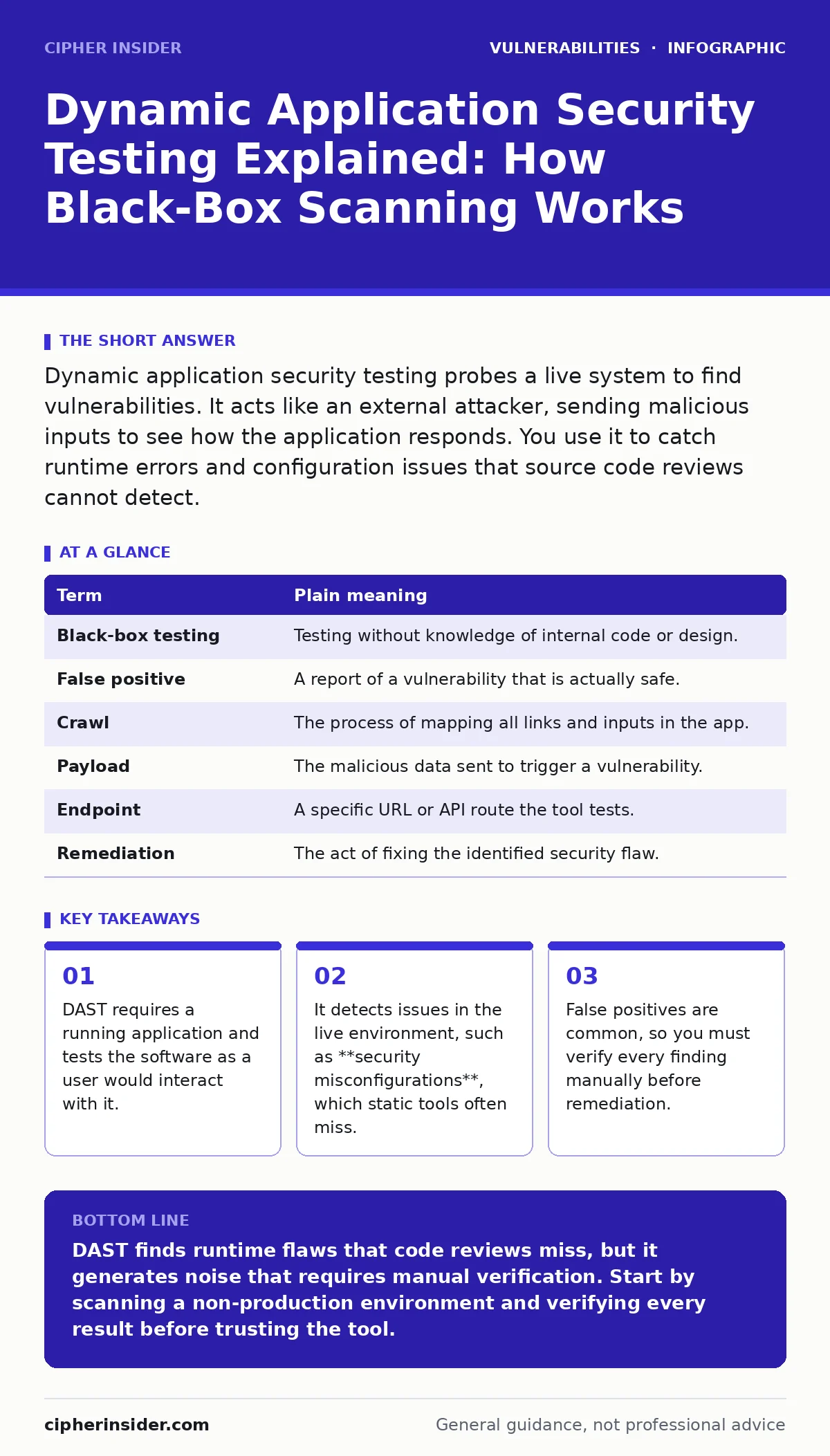
| Term | Plain meaning |
|---|---|
| Black-box testing | Testing without knowledge of internal code or design. |
| False positive | A report of a vulnerability that is actually safe. |
| Crawl | The process of mapping all links and inputs in the app. |
| Payload | The malicious data sent to trigger a vulnerability. |
| Endpoint | A specific URL or API route the tool tests. |
| Remediation | The act of fixing the identified security flaw. |
Where Static Analysis Fails
Static application security testing (SAST) reads the code. It is excellent for finding syntax errors or known insecure patterns. However, it cannot see the runtime environment. It does not know if the server is misconfigured or if a library behaves differently under load.
Suppose your code correctly validates input, but the server logs that input in a readable format. SAST might pass this as secure. DAST will notice that the error log reveals sensitive data. This is why you must use both. Relying only on SAST leaves you blind to security misconfigurations and runtime errors.
The Hidden Cost of Speed
DAST is slower than SAST. The tool must crawl the application, log in, and navigate every page. If your application has many dynamic elements, the crawl phase can take hours. You must balance the depth of the scan with the time available.
Running DAST in a production environment is risky. Aggressive scanning can slow down the application or crash services. Always run DAST in a staging or testing environment that mirrors production. This ensures you find flaws without disrupting real users.
See also: How IDOR Vulnerabilities Work: Step-by-Step Exploitation · Data Scraping Myths: What Automated Collection Really Reveals
Verification Is Mandatory
DAST tools are noisy. They often report vulnerabilities that are not real. This happens because the tool cannot understand the business logic. It sees a parameter and assumes it is vulnerable to command injection or NoSQL injection, even if the backend safely sanitises the input.
You must verify every finding. Do not trust the tool’s severity rating blindly. A high-severity report might be a false positive. A low-severity report might be a critical insecure direct object references (IDOR) flaw. Your manual review turns noise into actionable intelligence.
Try This Now
- Set up a safe target: Deploy a vulnerable application in an isolated environment. Do not test production systems until you understand the impact.
- Run a basic scan: Configure your DAST tool to crawl the homepage. Limit the scope to a single application to reduce noise.
- Verify one finding: Pick one reported vulnerability. Reproduce it manually. Determine if it is a true flaw or a false positive.
Integrating into the Workflow
You should run DAST regularly, not just before release. Integrate it into your continuous integration pipeline. This catches new vulnerabilities as soon as they are introduced. However, keep the scope narrow for automated runs. Full scans should happen periodically.
Remember that DAST finds what is broken, not what is missing. It will not tell you if you are missing two-factor authentication. For that, you need a threat model. DAST is a detector, not a designer. Use it to validate your security controls, not to define them.
Key takeaways
- DAST requires a running application and tests the software as a user would interact with it.
- It detects issues in the live environment, such as **security misconfigurations**, which static tools often miss.
- False positives are common, so you must verify every finding manually before remediation.
DAST finds runtime flaws that code reviews miss, but it generates noise that requires manual verification. Start by scanning a non-production environment and verifying every result before trusting the tool.
Frequently asked questions
Can DAST test mobile applications?
Yes, but it requires a proxy between the app and the server. You must intercept the network traffic to inject payloads and observe responses.
How do I reduce false positives?
Configure the tool to understand your application’s logic. Exclude known safe parameters and whitelist expected error messages to filter out noise.
Is DAST safe for production?
Generally no. The aggressive nature of testing can cause performance issues or outages. Always test in a staging environment that mirrors production settings.
Does DAST find logic flaws?
It struggles with complex business logic. It can find simple flaws like IDOR, but it cannot understand nuanced workflows. Manual penetration testing is better for logic flaws.
How this guide was produced: written by the Cipher Insider editorial team with AI assistance, checked against the public references listed below, and reviewed when the facts change. See our editorial policy or report an error.