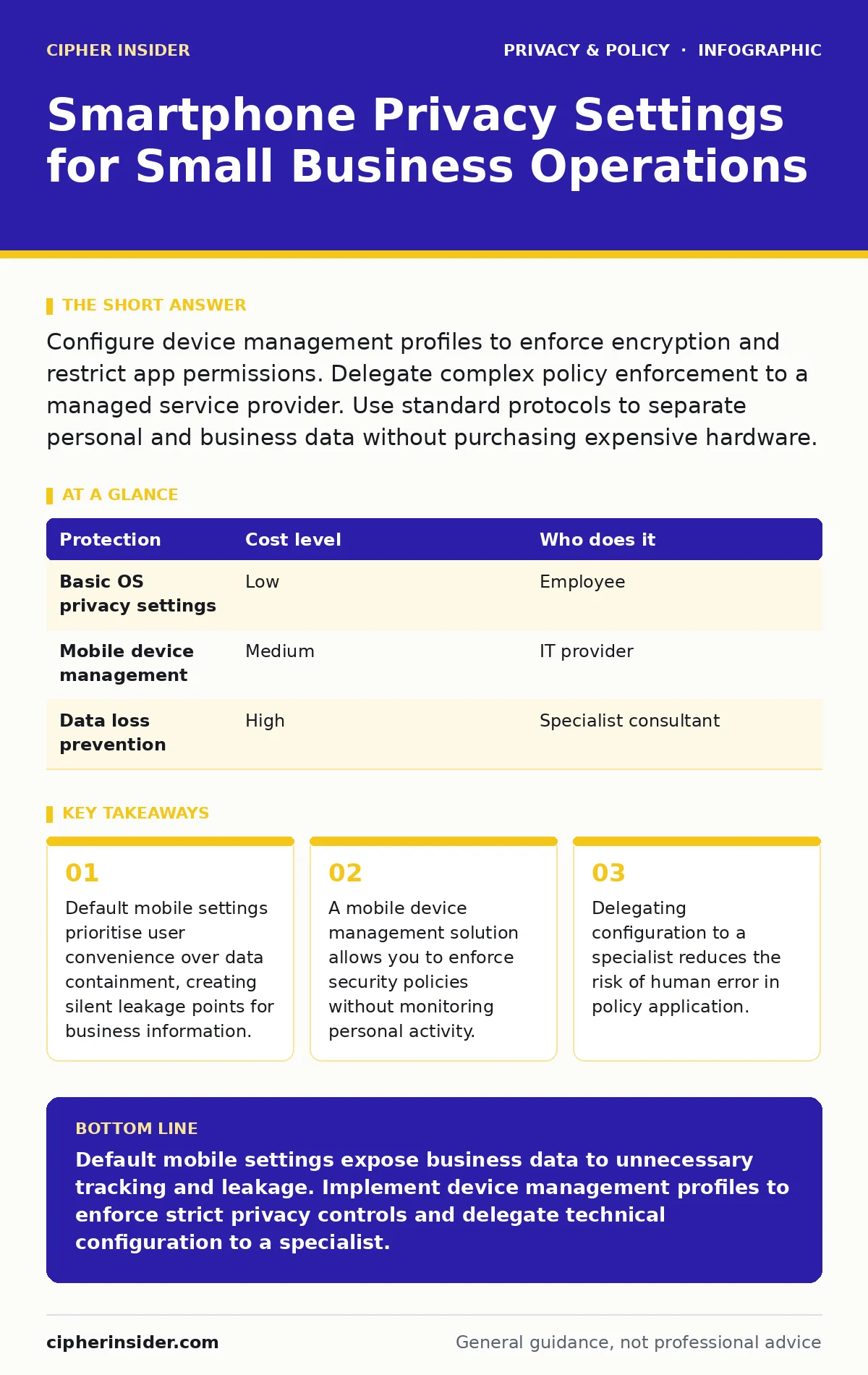
Configure device management profiles to enforce encryption and restrict app permissions. Delegate complex policy enforcement to a managed service provider. Use standard protocols to separate personal and business data without purchasing expensive hardware.
The Hidden Cost of Default Settings
Most smartphones ship with settings designed for individual consumers, not organisational security. These defaults prioritise seamless connectivity and personalised advertising. For a small business, this convenience becomes a liability. When an employee uses a personal device for work, the boundary between private life and corporate data blurs. The operating system treats all data equally, sending metadata to third-party services unless you explicitly block it. This metadata includes location, application usage, and network connections.
You might assume that keeping your phone locked with a passcode is sufficient. It is not. A passcode protects data at rest, but it does not stop the device from broadcasting information while active. Background processes can sync contacts, emails, and calendar entries to cloud services associated with your personal account. If that account is compromised, or if the service provider suffers a breach, your business data is exposed. The risk is not just theft; it is accidental disclosure through shared storage or insufficient isolation.
Isolation Through Configuration
The primary mechanism for protecting business data on personal devices is isolation. You must separate work applications and data from personal ones. This is often achieved through a container or a work profile. A work profile is a separate space on the device that operates with its own settings and applications. It allows you to wipe work data remotely without affecting personal photos or messages. This separation is critical because it limits the attack surface. If a personal app is malicious, it cannot easily access the secured work profile.
To implement this, you need a mobile device management solution. This software allows you to push configuration profiles to devices. These profiles enforce rules such as requiring strong authentication, disabling USB debugging, and restricting which apps can access the camera or microphone. You do not need to buy new hardware. Existing devices can often be enrolled in these management systems. The key is ensuring the management solution supports open standards, which ensures compatibility and prevents vendor lock-in. For more on managing permissions, see our guide on mobile app permission abuse.
| Protection | Cost level | Who does it |
|---|---|---|
| Basic OS privacy settings | Low | Employee |
| Mobile device management | Medium | IT provider |
| Data loss prevention | High | Specialist consultant |
What to Delegate to Experts
Small businesses often lack the internal expertise to configure these settings correctly. Mistakes in configuration can lock users out or fail to provide the intended protection. This is where delegation becomes valuable. You should delegate the technical implementation of device management to a trusted IT provider. They can create and test configuration profiles before rolling them out. They also monitor for vulnerabilities in the operating system and update policies accordingly.
Do not delegate the decision of what data is sensitive. You must define which applications contain business data and which do not. The IT provider executes the technical controls, but you set the policy. For instance, you decide whether email applications can access the camera. The provider ensures that the setting is enforced across all devices. This division of labour ensures that security measures align with business needs while relying on expert implementation.
Affordable Implementation Strategies
You do not need enterprise-grade budgets to achieve basic privacy. Start with the free features available in the operating system. Both major mobile platforms allow you to restrict app permissions. You can disable location access for apps that do not need it. You can prevent apps from tracking your activity across other applications. These steps reduce the amount of data collected about your business operations. They are effective against casual profiling but do not stop determined attackers.
For stronger protection, consider a managed service provider that offers device management as part of a broader package. This spreads the cost across multiple services. Look for providers that use standard protocols rather than proprietary software. This ensures that you can switch providers if necessary. Avoid solutions that require rooting or jailbreaking the device, as this voids warranties and introduces significant security risks. For guidance on managing consent, refer to our guide on consent management.
Questions for Your IT Provider
When selecting an IT provider to handle smartphone privacy, ask specific questions. Do not accept vague assurances. You need to know exactly how they protect your data.
- How do you isolate work data from personal data on employee devices?
- What happens to business data if an employee leaves the company?
- Can you provide a sample configuration profile for review?
- How do you handle operating system updates and security patches?
- What is your process for incident response if a device is lost?
These questions reveal the provider’s depth of knowledge and their approach to privacy. A good provider will explain the mechanisms clearly and offer documentation. They should also be willing to demonstrate how the controls work in practice. This transparency builds trust and ensures you understand what you are paying for. For more on reducing exposure, see our guide on reducing your digital footprint.
See also: Removing your data from people search sites: common removal traps · Difference Between Data Anonymization and Data Masking
The Limits of Technical Controls
Technology alone cannot solve privacy issues. Human behaviour plays a significant role. Employees may bypass restrictions to access convenience features. They may connect to unsecured networks, exposing data to interception. You must educate your team on the risks and the reasons behind the policies. Explain why certain restrictions exist. When people understand the "why", they are more likely to comply with the "what".
Combine technical controls with clear policies. Define acceptable use of devices. Specify what data can be stored on personal devices. Enforce these policies consistently. This creates a culture of security that supports the technical measures. Without this cultural shift, even the best configuration will fail. For insights on identity protection, see our guide on online anonymity.
Maintaining Long-Term Security
Privacy settings are not a one-time task. They require ongoing maintenance. Operating systems update frequently, changing how permissions and data sharing work. You must ensure your configuration profiles remain compatible. Your IT provider should handle these updates. They should test new operating system versions before deploying them to your devices. This prevents disruptions and ensures continued protection.
Review your privacy policy annually. Assess whether new threats or business changes require adjustments. For example, if you start using a new cloud service, you need to configure access controls for it. Keep your team informed about changes. Regular communication reinforces the importance of privacy. This proactive approach keeps your business secure against evolving threats. For information on data origins, see our guide on data brokers.
Key takeaways
- Default mobile settings prioritise user convenience over data containment, creating silent leakage points for business information.
- A mobile device management solution allows you to enforce security policies without monitoring personal activity.
- Delegating configuration to a specialist reduces the risk of human error in policy application.
Default mobile settings expose business data to unnecessary tracking and leakage. Implement device management profiles to enforce strict privacy controls and delegate technical configuration to a specialist.
Frequently asked questions
Can I use personal devices for work without a management solution?
You can, but you lose the ability to enforce security policies and remotely wipe business data. This increases the risk of data loss and non-compliance.
How much does mobile device management cost for small teams?
Costs vary by provider and features, but many offer affordable per-device pricing. Look for providers that bundle services to reduce overall expenditure.
Does a work profile protect against spyware?
It limits access to work data, making it harder for spyware to exfiltrate sensitive information. However, it does not prevent the installation of malicious software.
What if an employee refuses to install management software?
You must have a clear policy on acceptable use. If they refuse, they may not be permitted to use their device for business purposes.
How this guide was produced: written by the Cipher Insider editorial team with AI assistance, checked against the public references listed below, and reviewed when the facts change. See our editorial policy or report an error.