
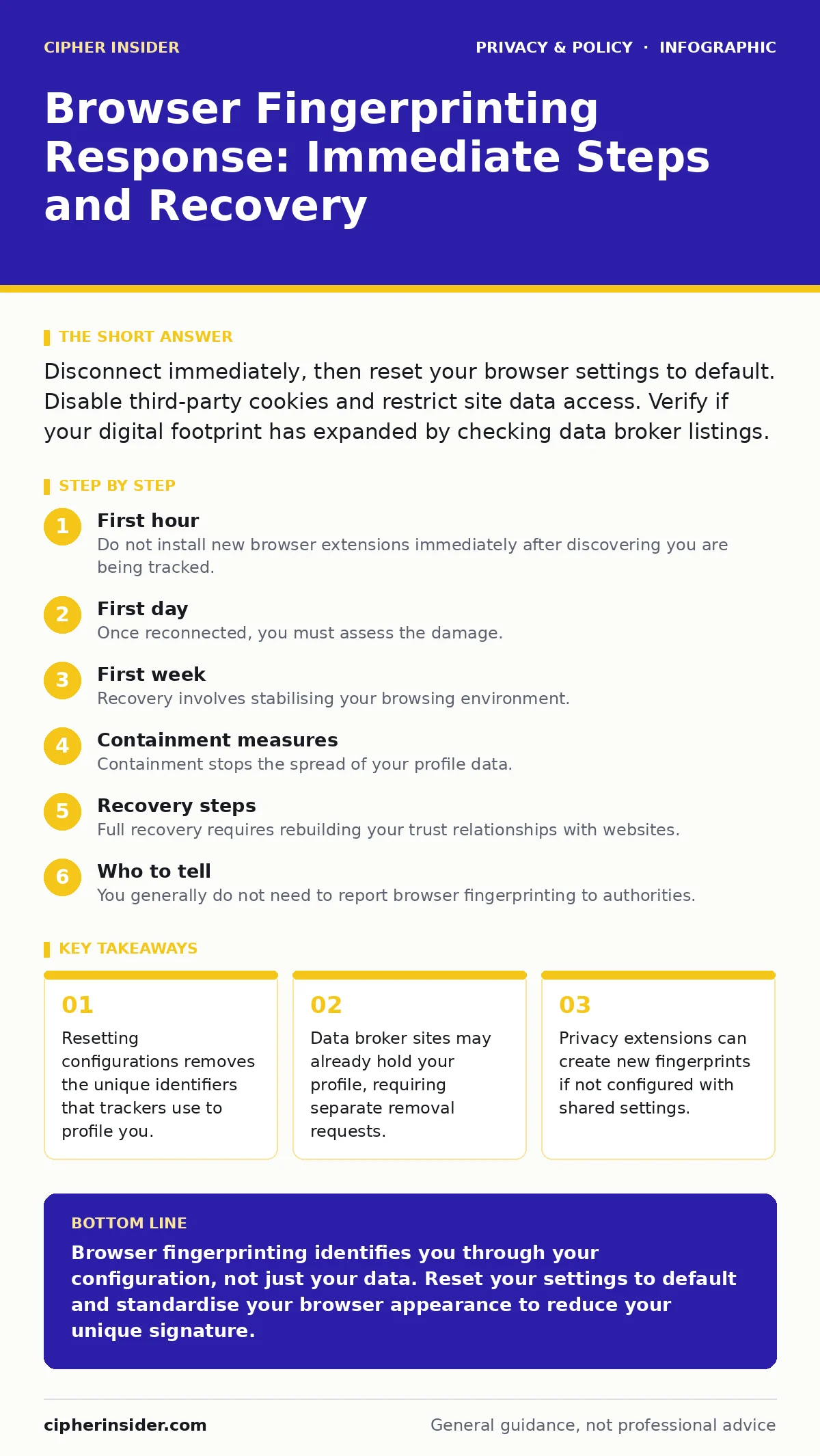
Disconnect immediately, then reset your browser settings to default. Disable third-party cookies and restrict site data access. Verify if your digital footprint has expanded by checking data broker listings.
First hour
Your browser fingerprint is a collection of data points, including your screen resolution, installed fonts, and hardware capabilities, that websites use to identify you. This identification works even if you delete your cookies or use private browsing modes. The first hour is about stopping the active collection of this data and preventing further exposure.
- Disconnect from the internet to stop real-time data transmission.
- Note which websites displayed unusual tracking warnings or requests.
- Reset your browser settings to their factory defaults.
- Clear all site data, including cookies, cache, and stored passwords.
- Disable any non-essential browser extensions temporarily.
Resetting to default removes custom settings that make your browser unique. This step is critical because many privacy tools add uniqueness by default. You must prioritise standardisation over personalisation during this phase.
First day
Once reconnected, you must assess the damage. Browser fingerprinting does not just identify your current session; it links your online behaviour to a persistent profile. This profile can be sold to data brokers or used for targeted advertising.
You need to understand how your digital footprint has grown. Your browser sends headers with every request, revealing your operating system and language preferences. These signals remain consistent unless you change them.
- Check your browser’s site settings to see which permissions you have granted.
- Revoke camera, microphone, and location access for all websites except those you trust implicitly.
- Enable DNS over HTTPS to encrypt your domain lookups, preventing local network observers from seeing which sites you visit.
- Review the guide on reducing your digital footprint to understand how long-term tracking works.
Do not simply block all cookies. Modern websites rely on them for basic functionality. Instead, use strict cookie policies that block third-party trackers by default. This approach balances usability with privacy.
First week
Recovery involves stabilising your browsing environment. You must configure your browser to resist fingerprinting techniques without breaking the web. This requires careful adjustment of settings that control how your browser reports its capabilities.
Imagine you are trying to blend into a crowd. If you dress uniquely, you stand out. Your browser is similar. You must make it look like everyone else’s browser. This means avoiding rare configurations.
- Use privacy-focused browsers that share common configurations among users.
- Disable WebGL, which reveals detailed information about your graphics processor.
- Turn off hardware acceleration to reduce the specificity of your device profile.
- Read the guide on online anonymity to understand the limits of browser-based privacy.
You should also check for data broker listings. These companies aggregate public records and online data to create detailed profiles. Removing your data from these sources is a separate process from fixing your browser.
Containment measures
Containment stops the spread of your profile data. This involves limiting the information your browser sends to servers. You must act as a gatekeeper for your own data.
- Restrict JavaScript execution on untrusted sites.
- Use a strict content blocker to prevent tracking scripts from loading.
- Avoid logging into accounts on shared or public computers.
- Refer to the guide on public Wi-Fi risks to understand network-level threats.
JavaScript is a primary vector for fingerprinting. It allows websites to query your system for detailed information. Disabling it on untrusted sites reduces the surface area for tracking.
Recovery steps
Full recovery requires rebuilding your trust relationships with websites. You must log in again and re-establish secure connections. This process is tedious but necessary for security.
- Clear your saved passwords and re-enter them manually.
- Enable multi-factor authentication on all accounts.
- Review your account security settings for any unfamiliar linked devices.
- Consult the guide on password managers for families if you share devices with others.
Multi-factor authentication adds a layer of security that fingerprinting cannot bypass. It ensures that even if your profile is stolen, attackers cannot access your accounts without the second factor.
See also: Browser Hijacker Warning Signs and Removal Steps · Reducing Your Digital Footprint: 7 Common Mistakes to Avoid
Who to tell
You generally do not need to report browser fingerprinting to authorities. It is a common tracking technique, not a criminal act in itself. However, you should inform affected parties if their data was compromised.
- Notify your employer if you used work devices for personal browsing.
- Alert family members if shared accounts were accessed.
- Contact the website’s privacy officer if you believe they violated their privacy policy.
Transparency helps build trust and ensures that others are aware of potential risks. It also creates a record of your proactive measures.
How to stop a repeat
Prevention requires ongoing vigilance and regular maintenance of your privacy settings. You must stay updated on new tracking techniques and adjust your settings accordingly.
- Regularly review your browser’s permission settings.
- Keep your browser and operating system updated to the latest versions.
- Use the guide on data brokers to periodically check and remove your personal information.
- Explore the guide on smartphone privacy settings if you browse on mobile devices.
Consistency is key. Your privacy posture must match your risk profile. Adjust your settings as your online behaviour changes.
Long-term habits
Sustainable privacy involves making small, consistent choices. You must balance convenience with security. This means accepting that some features may not work perfectly on all sites.
- Avoid using unique extensions.
- Use standard themes and layouts.
- Regularly clear your history and cache.
- Read the guide on parental controls if managing family devices.
These habits reduce the uniqueness of your browser profile. They make it harder for trackers to distinguish you from other users.
Key takeaways
- Resetting configurations removes the unique identifiers that trackers use to profile you.
- Data broker sites may already hold your profile, requiring separate removal requests.
- Privacy extensions can create new fingerprints if not configured with shared settings.
Browser fingerprinting identifies you through your configuration, not just your data. Reset your settings to default and standardise your browser appearance to reduce your unique signature.
Frequently asked questions
Does using incognito mode stop browser fingerprinting?
No, incognito mode only prevents local history storage. Your browser still sends the same configuration data to websites.
Can I use a VPN to hide my fingerprint?
A VPN hides your IP address but does not change your browser’s configuration. Fingerprinting still works over a VPN connection.
Are privacy extensions effective against fingerprinting?
Only if configured correctly. Many extensions add unique identifiers. Use shared settings or privacy-focused browsers instead.
How often should I reset my browser settings?
Regularly, or whenever you install new extensions. This ensures your configuration remains standard and less unique.
How this guide was produced: written by the Cipher Insider editorial team with AI assistance, checked against the public references listed below, and reviewed when the facts change. See our editorial policy or report an error.