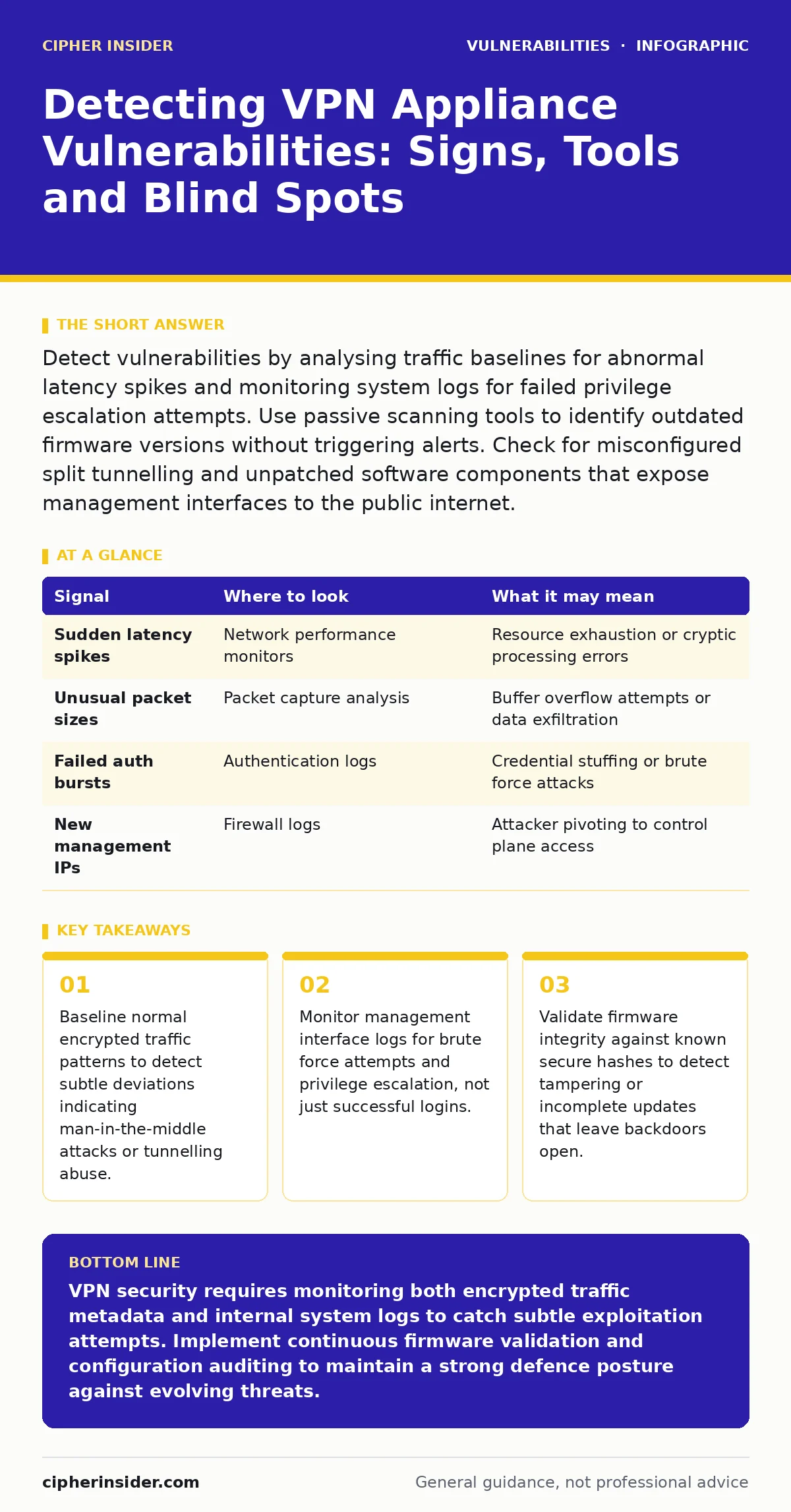
Detect vulnerabilities by analysing traffic baselines for abnormal latency spikes and monitoring system logs for failed privilege escalation attempts. Use passive scanning tools to identify outdated firmware versions without triggering alerts. Check for misconfigured split tunnelling and unpatched software components that expose management interfaces to the public internet.
Understanding the Attack Surface of Virtual Private Networks
Virtual private network appliances sit at the boundary between untrusted external networks and internal corporate resources. You must treat these devices as high-value targets because they handle encryption keys, authentication tokens and routing tables. A compromise here allows an attacker to bypass perimeter defences entirely.
The attack surface includes the management interface, the control plane that handles session setup and the data plane that forwards encrypted packets. Each layer has distinct failure modes that require different detection strategies. You cannot rely on standard intrusion detection systems alone, as they often cannot inspect encrypted payloads without breaking the trust model.
Identifying Anomalies in Traffic Behaviour
Encrypted traffic hides payload content, but it does not hide metadata. You can detect vulnerabilities by analysing the shape, size and timing of packets. Suppose an attacker exploits a buffer overflow in the VPN daemon. The resulting traffic might show sudden bursts of small packets followed by silence. This pattern differs from normal user behaviour.
You should establish a baseline for average session duration, packet size distribution and connection frequency. Deviations from this baseline often indicate exploitation attempts or successful compromise. Look for connections that maintain tunnels without transferring significant data, which may suggest command-and-control channels using the VPN for cover.
| Signal | Where to look | What it may mean |
|---|---|---|
| Sudden latency spikes | Network performance monitors | Resource exhaustion or cryptic processing errors |
| Unusual packet sizes | Packet capture analysis | Buffer overflow attempts or data exfiltration |
| Failed auth bursts | Authentication logs | Credential stuffing or brute force attacks |
| New management IPs | Firewall logs | Attacker pivoting to control plane access |
Analysing System Logs for Privilege Escalation
System logs record events that network monitors miss. You must focus on authentication failures and privilege changes. A single failed login is noise; a cluster of failures from diverse sources is a signal. Check for successful logins from unusual locations or times. More importantly, look for service account usage that deviates from the norm.
Suppose a database service account suddenly initiates a shell session. This indicates privilege escalation. You should correlate these events with process creation logs. If a VPN process spawns a child process with higher privileges, an attacker may have exploited a local vulnerability. This technique often bypasses standard alerting rules that focus only on external access.
Detecting Firmware and Configuration Drift
Firmware integrity is the foundation of appliance security. You must verify that the running code matches the vendor’s signed release. Configuration drift occurs when settings change outside of change management processes. This can happen due to misconfiguration or malicious tampering. You should regularly compare the current configuration against a known-good baseline.
Look for new routes, disabled security features or added administrative users. Unpatched software is a common entry point, so you must track vulnerability disclosures for your specific firmware version. Refer to guides on unpatched software to understand the lifecycle risks of legacy components. Even minor version differences can introduce critical flaws that attackers exploit to gain initial access.
Monitoring Management Interface Exposure
The management interface is often the weakest link. Attackers target this interface because it requires fewer steps to exploit than the data plane. You must ensure this interface is not accessible from the public internet. If it is, you must monitor it for scanning activity and brute force attempts. Look for HTTP methods like PUT or DELETE that should not be present.
These may indicate an attacker trying to upload malicious files or modify configurations. Check for insecure direct object references (IDOR) in the management portal, where an attacker can access other users’ sessions by manipulating URL parameters. This vulnerability allows horizontal privilege escalation without needing additional credentials.
See also: Host Header Injection: Risks and Protection for Small Businesses · Remediation Tracking Mistakes That Leave Systems Exposed
Using Passive Scanning Tools Effectively
Active scanning can disrupt services or trigger defensive responses. Passive scanning tools observe traffic without interacting with the target. You can use these tools to identify open ports, service banners and protocol versions. This information helps you determine if the appliance is running outdated software. Combine passive scanning with threat intelligence feeds to correlate observed versions with known vulnerabilities. Do not rely solely on vendor-provided tools, as they may not detect zero-day flaws. Independent security research often reveals weaknesses that vendors miss. You should integrate these findings into your detection rules to catch exploits before they become widespread.
Addressing Common Blind Spots in Detection
Many teams focus exclusively on the VPN tunnel itself, ignoring the underlying operating system. The OS may have vulnerabilities that allow an attacker to bypass the VPN’s security controls. You must monitor the entire stack, from the kernel to the application layer. Another blind spot is the certificate management process.
Compromised certificates can allow an attacker to impersonate legitimate users or servers. You should monitor certificate issuance and revocation lists for anomalies. Additionally, split tunnelling configurations can expose internal networks to threats if not properly segmented. Ensure that traffic destined for sensitive resources is always routed through the secure tunnel.
Implementing Continuous Validation Strategies
Detection is not a one-time activity. You must implement continuous validation to ensure controls remain effective. This involves regular penetration testing, code reviews and configuration audits. You should automate the detection of configuration changes and firmware updates. Integrate these checks into your deployment pipeline to catch issues before they reach production. Refer to the CWE weakness categories to understand common coding errors that lead to vulnerabilities. By understanding the root causes, you can design more effective detection rules. Continuous validation reduces the window of exposure and increases your ability to respond to emerging threats.
Key takeaways
- Baseline normal encrypted traffic patterns to detect subtle deviations indicating man-in-the-middle attacks or tunnelling abuse.
- Monitor management interface logs for brute force attempts and privilege escalation, not just successful logins.
- Validate firmware integrity against known secure hashes to detect tampering or incomplete updates that leave backdoors open.
VPN security requires monitoring both encrypted traffic metadata and internal system logs to catch subtle exploitation attempts. Implement continuous firmware validation and configuration auditing to maintain a strong defence posture against evolving threats.
Frequently asked questions
How do I detect a compromised VPN certificate?
Monitor certificate transparency logs for unexpected issuances and check revocation lists regularly for signs of compromise or misuse.
Can passive scanning detect zero-day vulnerabilities?
Passive scanning can identify outdated software versions associated with known zero-days but cannot detect novel exploits without prior intelligence.
What is the risk of split tunnelling?
Split tunnelling allows unencrypted traffic to bypass the VPN, exposing internal resources to local network attacks and data interception.
How often should I update VPN firmware?
Update firmware immediately when critical security patches are released, balancing stability with the need to mitigate known vulnerabilities.
How this guide was produced: written by the Cipher Insider editorial team with AI assistance, checked against the public references listed below, and reviewed when the facts change. See our editorial policy or report an error.