
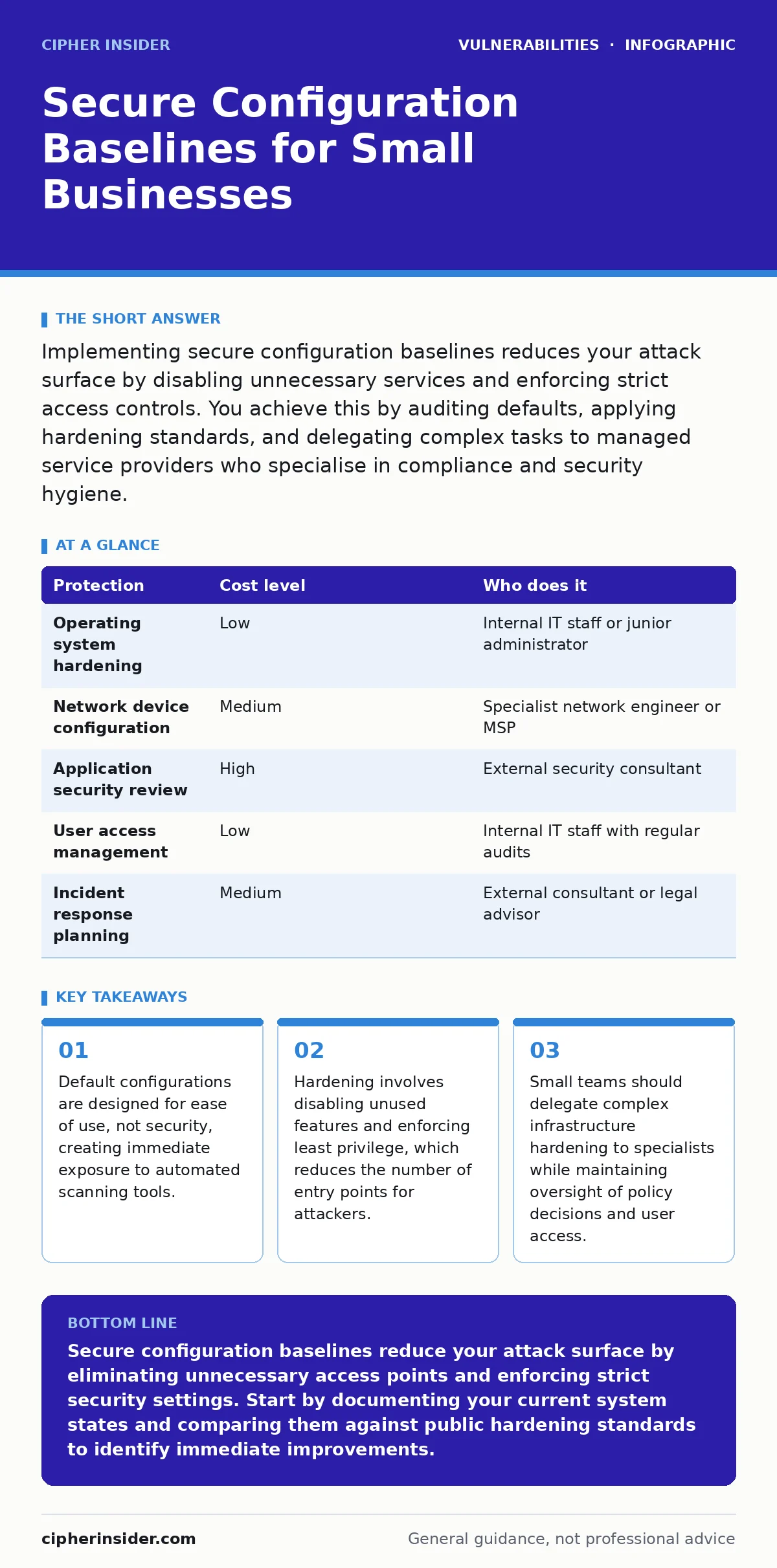
Implementing secure configuration baselines reduces your attack surface by disabling unnecessary services and enforcing strict access controls. You achieve this by auditing defaults, applying hardening standards, and delegating complex tasks to managed service providers who specialise in compliance and security hygiene.
Why Default Configurations Fail Small Teams
Default software configurations prioritise functionality and ease of setup over security. Vendors ship products with common ports open, default accounts enabled, and verbose error messages displayed. This design choice ensures that users can deploy systems quickly without deep technical knowledge. For small businesses, this convenience creates a significant security liability.
Attackers use automated tools to scan the internet for systems running default configurations. These tools target known weaknesses in popular software versions. A small organisation with fewer resources often lacks the monitoring capacity to detect these initial probing attempts. The result is a system that is vulnerable from the moment it goes online.
Understanding the concept of an attack surface is fundamental. The attack surface represents all the points where an unauthorised user can try to enter or extract data from your environment. Every open port, every enabled service, and every default account expands this surface. Reducing the attack surface through secure configuration baselines is one of the most effective ways to improve security posture. This approach does not require expensive hardware or complex software. It requires a disciplined process of reviewing and modifying settings to align with security best practices. Small teams must recognise that convenience in setup often translates to risk in operation.
Affordable Methods for Configuration Hardening
Hardening systems does not require a large budget. The most effective method is manual review against established security standards. Public frameworks such as the Center for Internet Security (CIS) Benchmarks provide free, detailed guidance for securing operating systems, databases, and applications. These benchmarks list specific settings to change, accounts to disable, and services to stop. Applying these settings manually ensures that you understand the impact of each change. It also avoids the licensing costs associated with automated configuration management tools.
Documentation is a critical part of this process. Record every change you make to a system configuration. Create a baseline document that describes the secure state of each server, workstation, and network device. This document serves as a reference for future audits and incident response. When a system behaves unexpectedly, you can compare its current state against the baseline to identify deviations. Deviations often indicate misconfiguration or compromise. Maintaining this documentation is low-cost but high-value. It provides a clear audit trail and helps new staff understand the security requirements of your environment.
Regular audits ensure that configurations remain secure over time. Systems drift from their secure baseline as users make changes or updates are applied. Schedule quarterly reviews to check critical systems against your baseline document. Look for new services that have been enabled or accounts that have been created without proper approval. This routine maintenance prevents configuration drift, which can reintroduce vulnerabilities that were previously mitigated. Consistency is key to maintaining a secure environment.
| Protection | Cost level | Who does it |
|---|---|---|
| Operating system hardening | Low | Internal IT staff or junior administrator |
| Network device configuration | Medium | Specialist network engineer or MSP |
| Application security review | High | External security consultant |
| User access management | Low | Internal IT staff with regular audits |
| Incident response planning | Medium | External consultant or legal advisor |
Delegating Complex Security Tasks
Small teams cannot realistically manage every aspect of security. Identifying which tasks to delegate is a strategic decision. Complex infrastructure hardening, such as configuring firewalls and intrusion detection systems, requires specialised expertise. Delegating these tasks to a Managed Service Provider (MSP) with security specialisation ensures that configurations are correct and maintained. The provider should offer detailed reports on changes made and vulnerabilities addressed. This allows you to maintain oversight without needing deep technical knowledge yourself.
Another area for delegation is vulnerability management. Scanning for and patching unpatched software requires continuous monitoring and testing. An MSP can handle the technical execution of patches while you approve the schedule and scope. This ensures that updates do not disrupt business operations. You retain control over the decision-making process but offload the labour-intensive execution. This model is cost-effective for small teams that lack the bandwidth to manage security updates across dozens of devices.
Do not delegate policy decisions or user access management. These tasks require intimate knowledge of your business processes and personnel. An external provider cannot determine who should have access to sensitive financial data. You must define the roles and permissions yourself. The provider can implement the technical controls, but the policy must come from within your organisation. This separation of duties ensures that security aligns with business needs and regulatory requirements.
Questions to Ask Your IT Provider
Choosing the right partner is critical for successful security implementation. You need to assess their technical competence and their approach to communication. Ask specific questions that reveal their methodology and experience. Do not accept vague answers about "best practices". Demand concrete examples of how they handle configuration changes and incident response.
- What specific standards do you use for hardening servers and network devices?
- How do you test configuration changes before applying them to production systems?
- What is your process for documenting and reporting security incidents?
- How do you handle emergency patches that require immediate application?
- Can you provide references from other small businesses in our industry?
These questions help you evaluate whether the provider has a structured approach to security. A competent provider will be able to explain their processes clearly and provide evidence of their work. They should also be willing to educate you on their methods. This transparency builds trust and ensures that you are aligned on security goals.
Understanding Configuration Drift
Configuration drift occurs when systems gradually deviate from their secure baseline. This happens when administrators make ad-hoc changes to resolve immediate issues. A developer might open a port to debug an application and forget to close it. An administrator might disable a security feature to allow a legacy application to run. Over time, these small changes accumulate, creating significant vulnerabilities. The system no longer matches the documented baseline, making it difficult to assess its security posture.
Detecting drift requires regular comparison of the current state against the baseline. Automated tools can help with this, but manual reviews are still necessary for complex systems. Look for unexpected open ports, new user accounts, or disabled security services. Investigate any deviation immediately. Determine whether the change was authorised and necessary. If not, revert the setting and investigate why the change was made. This process prevents minor misconfigurations from becoming major security incidents.
See also: Small Business Log Management: Practical Setup and Cost Control · Host Header Injection: Risks and Protection for Small Businesses
Common Pitfalls in Small Business Security
One common mistake is assuming that small size equals low risk. Attackers often target small businesses because they have weaker defences and easier access to sensitive data. The belief that you are too small to be noticed is dangerous. Automated attacks do not discriminate based on company size. They target any system that shows signs of weakness. Another mistake is relying solely on perimeter security. Firewalls and antivirus software are not enough. You must secure each individual device and application.
Another pitfall is neglecting third-party risks. Software and services from external vendors often have their own vulnerabilities. For example, IoT device vulnerabilities can provide an entry point into your network if these devices are not properly segmented. Similarly, vulnerabilities in VPN appliances can compromise remote access security if the appliance is not configured correctly. You must extend your security baseline to include all connected devices and services. This holistic approach ensures that there are no weak links in your defence chain.
Maintaining Long-Term Security Posture
Security is not a one-time project. It is an ongoing process of monitoring, adjusting, and improving. Regularly review your security policies and procedures. Update your baseline documents as your technology stack evolves. Train your staff on security awareness and the importance of following established procedures. Human error is a significant contributor to security incidents. Education helps reduce this risk.
Stay informed about new threats and vulnerabilities. Follow reputable security news sources and participate in industry forums. This helps you anticipate potential risks and adjust your defences accordingly. Engage with your IT provider regularly to discuss security updates and emerging threats. A proactive approach to security is more effective and less costly than reacting to incidents. By maintaining a disciplined approach to configuration management, you build a resilient security posture that protects your business for years to come.
Key takeaways
- Default configurations are designed for ease of use, not security, creating immediate exposure to automated scanning tools.
- Hardening involves disabling unused features and enforcing least privilege, which reduces the number of entry points for attackers.
- Small teams should delegate complex infrastructure hardening to specialists while maintaining oversight of policy decisions and user access.
Secure configuration baselines reduce your attack surface by eliminating unnecessary access points and enforcing strict security settings. Start by documenting your current system states and comparing them against public hardening standards to identify immediate improvements.
Frequently asked questions
How often should I review my security baselines?
Review your security baselines at least quarterly or whenever you make significant changes to your infrastructure or software stack.
Can I automate configuration management for small teams?
Yes, but ensure you understand the automation scripts and have a backup plan in case the automation introduces errors or breaks system functionality.
What is the first step in creating a secure baseline?
The first step is to document the current configuration of each critical system, including all open ports, enabled services, and user accounts.
How do I handle legacy systems that cannot be updated?
Isolate legacy systems on a separate network segment, restrict access strictly, and implement compensating controls such as additional monitoring and logging.
How this guide was produced: written by the Cipher Insider editorial team with AI assistance, checked against the public references listed below, and reviewed when the facts change. See our editorial policy or report an error.