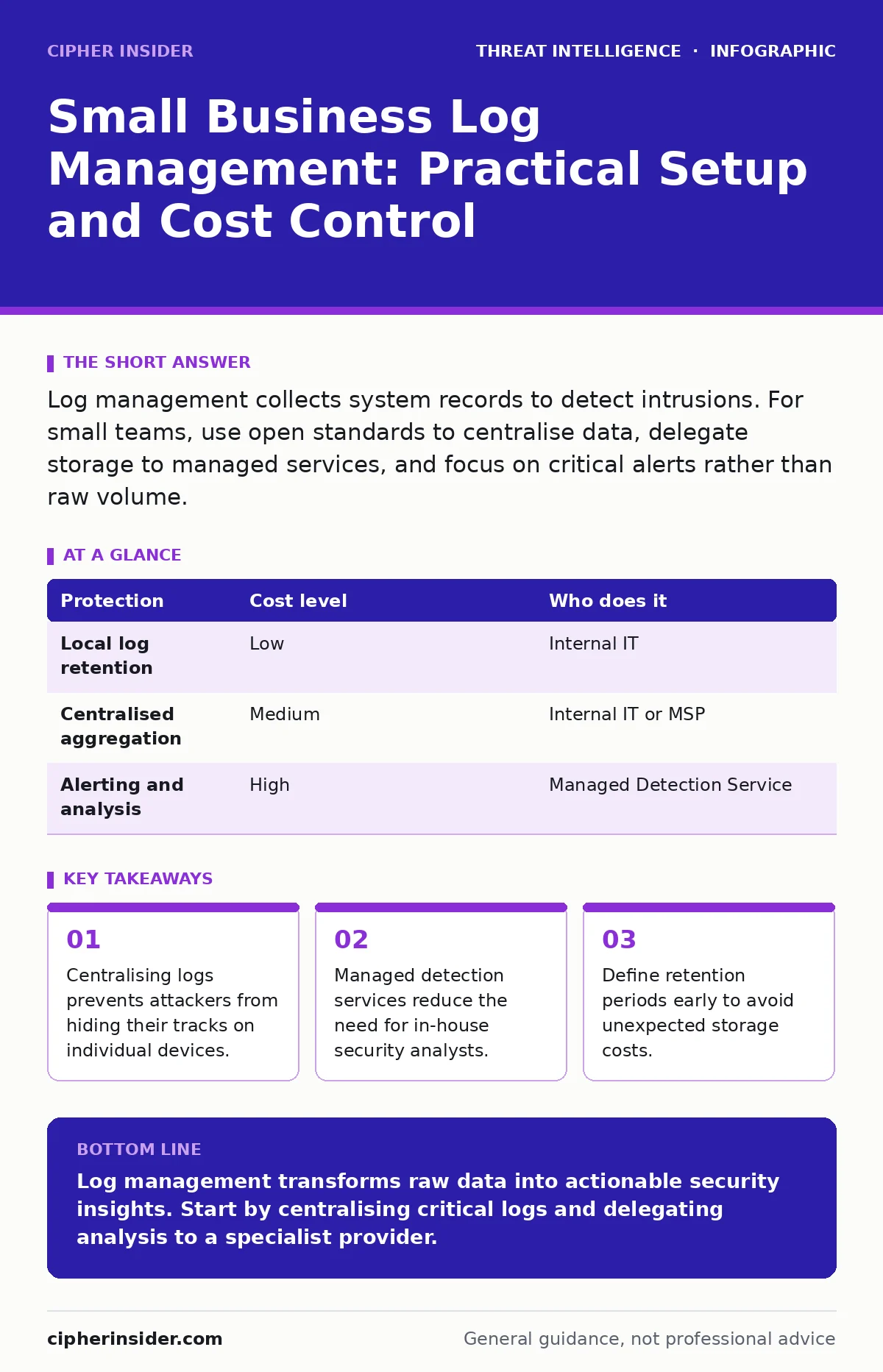
Log management collects system records to detect intrusions. For small teams, use open standards to centralise data, delegate storage to managed services, and focus on critical alerts rather than raw volume.
The Visibility Gap in Small Teams
Small organisations often assume that their size makes them invisible to attackers. This is incorrect. Automated tools scan the entire internet for vulnerable systems regardless of company size. When an intrusion occurs, the first question is always how long the attacker remained undetected.
Logs are the primary source of truth for answering this question. They record who accessed what, when, and from where. Without a strategy to collect and analyse these records, you are operating in the dark. You cannot defend what you cannot see.
The challenge is not just collection, but correlation. A failed login on a server might look like a typo. Three failed logins from different countries within minutes indicate an attack. Small teams rarely have the staff to watch these streams manually.
Why Decentralised Logging Fails
Keeping logs on individual devices creates a fragmented view of security. If an attacker moves laterally through your network, you must check the firewall, the server, and the endpoint separately. This process is slow and error-prone.
Attackers know this. They often delete local logs to cover their tracks. If those logs were only stored on the compromised device, the evidence is gone. Centralised logging sends copies of records to a separate, secure location immediately.
This separation ensures that even if a device is wiped, the history of its activity remains. It also allows you to search across all systems at once. You can find patterns that would be invisible if you looked at each machine in isolation.
Affordable Collection Methods
You do not need expensive commercial platforms to start. Open-source solutions provide the same core functionality as enterprise products. The key is to standardise the format of your logs.
Use the Open Logging Standard to ensure that data from different sources can be read by the same tools. This standardisation reduces the complexity of parsing and searching. It allows you to compare data from a Linux server with data from a Windows workstation without custom scripts.
Start with the most critical systems. Your firewall, your domain controller, and your email gateway generate the most valuable data. Collecting logs from every printer and smart device adds noise without adding security.
| Protection | Cost level | Who does it |
|---|---|---|
| Local log retention | Low | Internal IT |
| Centralised aggregation | Medium | Internal IT or MSP |
| Alerting and analysis | High | Managed Detection Service |
The Hidden Cost of Storage
Storing logs is cheaper than you think, but keeping them forever is not. Storage costs scale linearly with data volume. If you collect every click and every error message, your bills will rise quickly.
You must define a retention policy. This is a rule that dictates how long you keep data. For most small businesses, keeping raw logs for thirty to ninety days is sufficient for incident response. Older data can be archived to cheaper, slower storage.
Archiving is different from deletion. You delete data you no longer need. You archive data you might need for legal or compliance reasons but do not need to search quickly. This distinction saves money while maintaining accountability.
What to Delegate to Providers
Most small teams lack the expertise to build detection rules. Detection engineering is the process of creating logic that identifies malicious behaviour. It requires deep knowledge of how attackers operate.
You can delegate this function to a Managed Detection and Response provider. These specialists monitor your centralised logs for signs of compromise. They use their experience across many clients to recognise patterns that you would miss.
This delegation does not mean you abandon responsibility. You must still provide access to your systems and ensure logs are flowing correctly. The provider tells you what is wrong; you must decide how to fix it.
Consider the complexity of LSASS credential theft. This attack steals passwords from memory. Detecting it requires specific knowledge of Windows internals. A provider will have the rules to spot this; you likely will not.
See also: EDR Misconceptions: Why Endpoint Detection Fails Without Context · Computer Worms Types: How Self-Replicating Threats Spread and Infect
Questions for Your IT Provider
When selecting a partner, ask specific questions about their log handling. Do not accept vague promises of "security monitoring". You need to know the mechanics of their service.
- How do you handle log volume spikes?
- What is your response time for critical alerts?
- Do you provide raw log access for our auditors?
- How do you integrate with our existing tools?
These questions reveal whether the provider understands the operational reality of log management. They also help you assess their transparency. You should always have access to your own data.
Common Pitfalls to Avoid
One common mistake is collecting too much data too soon. This overwhelms your storage and your attention. Start with high-value sources and expand gradually.
Another pitfall is ignoring log integrity. Ensure that your logging system is protected from tampering. Attackers will try to disable logging on compromised devices. If your central collector is also compromised, you have no record of the breach.
Finally, do not neglect attacker persistence techniques. These are methods attackers use to maintain access after an initial breach. Logs are the only way to detect these subtle changes. Regularly review your logs for unusual processes or new user accounts.
Maintaining Long-Term Value
Log management is not a one-time project. It requires ongoing maintenance. Systems change, new applications are installed, and old ones are removed. Your logging configuration must evolve with your infrastructure.
Review your alert rules quarterly. Remove rules that generate false positives. Add rules for new threats you have encountered. This keeps your system relevant and reduces alert fatigue.
Consider using honeypots to validate your logging. These are decoy systems designed to attract attackers. If your logs show activity on a honeypot, you know your collection is working. It also provides clear evidence of malicious intent.
Key takeaways
- Centralising logs prevents attackers from hiding their tracks on individual devices.
- Managed detection services reduce the need for in-house security analysts.
- Define retention periods early to avoid unexpected storage costs.
Log management transforms raw data into actionable security insights. Start by centralising critical logs and delegating analysis to a specialist provider.
Frequently asked questions
How long should I keep my logs?
Keep raw logs for thirty to ninety days for active monitoring. Archive older logs for legal compliance, but ensure they are not easily searchable.
Can I manage logs myself?
You can collect and store logs yourself. However, analysing them for threats requires specialised skills that most small teams do not possess.
What is the cheapest way to start?
Use open-source tools to aggregate logs from your most critical systems. Focus on centralisation before adding complex analysis features.
Do cloud services need log management?
Yes. Cloud providers generate extensive logs. You must collect these to monitor user access and configuration changes within your cloud environment.
How this guide was produced: written by the Cipher Insider editorial team with AI assistance, checked against the public references listed below, and reviewed when the facts change. See our editorial policy or report an error.