
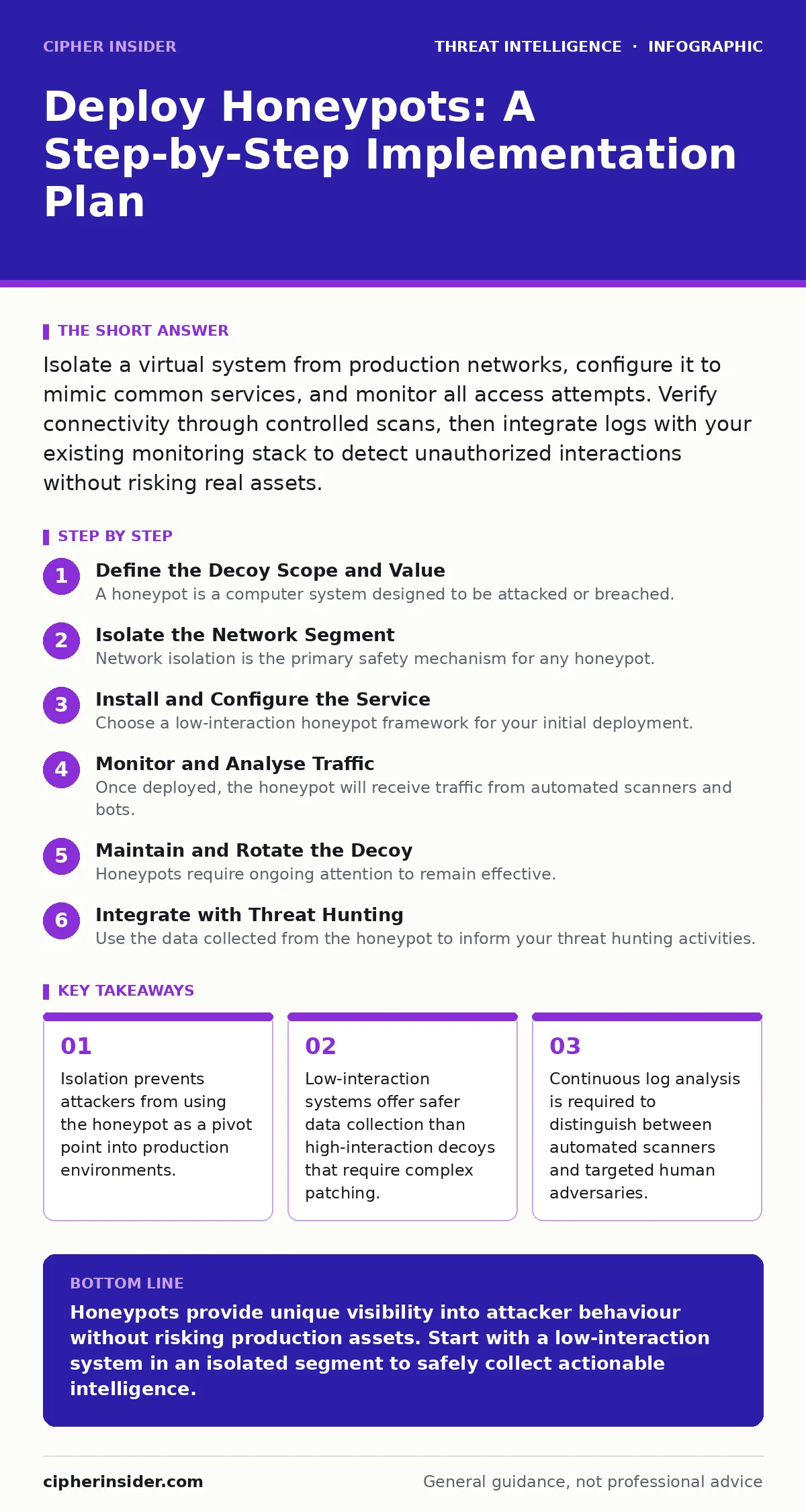
Isolate a virtual system from production networks, configure it to mimic common services, and monitor all access attempts. Verify connectivity through controlled scans, then integrate logs with your existing monitoring stack to detect unauthorized interactions without risking real assets.
Define the Decoy Scope and Value
A honeypot is a computer system designed to be attacked or breached. It contains no legitimate data and serves only to attract malicious actors. Before deploying any software, you must decide what service the honeypot will mimic. Common choices include web servers, email gateways, or database instances. The value of the decoy depends on how closely it resembles your actual infrastructure.
If your production environment runs a specific version of a web server, the honeypot should reflect that. This alignment ensures that attackers targeting known vulnerabilities in your stack will engage with the decoy. However, mirroring your environment too closely creates a risk. If the honeypot is compromised, an attacker might assume they have accessed the real system. You must balance realism with safety.
Isolate the Network Segment
Network isolation is the primary safety mechanism for any honeypot. The decoy must exist on a separate virtual local area network or physical segment that cannot reach production servers. This separation prevents an attacker who breaches the honeypot from moving laterally to critical assets. Without this barrier, the honeypot becomes a liability rather than an asset.
Configure firewall rules to block all outbound traffic from the honeypot segment except for necessary log transmissions. Inbound traffic should be allowed only from the internet or specific monitoring tools. This setup ensures that if the system is fully compromised, the attacker’s tools cannot scan your internal network. Think of the honeypot as a trap that closes behind the intruder, not a door into your house.
Install and Configure the Service
Choose a low-interaction honeypot framework for your initial deployment. These systems simulate services without running the actual vulnerable software. This approach reduces the risk of the decoy itself being used to launch attacks. Configure the service to listen on standard ports for the protocol you are emulating, such as port 80 for HTTP or port 22 for SSH.
Ensure the service responds to common probing commands. For example, an SSH honeypot should accept login attempts and return standard authentication prompts. It should not provide shell access. The goal is to capture the attacker’s input, not to let them execute commands. This limitation simplifies the upkeep, as you do not need to patch the simulated service regularly.
Step 1: Provision the Virtual Machine
Create a virtual machine with minimal resources. It does not need high processing power, as it will primarily handle logging and simple protocol responses. Install the operating system that matches your production environment’s appearance. This visual similarity helps attract attackers who perform attacker reconnaissance before striking.
Verify the installation by checking that the service starts automatically on boot. Use a standard tool to confirm the port is open and responding to basic handshakes. If the service fails to start, check the system logs for dependency errors. A stable base is required before you can trust the data it collects.
Step 2: Enable Comprehensive Logging
Logging is the core function of a honeypot. Configure the system to record every interaction, including source IP addresses, timestamps, and command inputs. Ensure these logs are forwarded to a secure, centralised server immediately. Do not store logs locally on the honeypot, as an attacker could delete them to cover their tracks.
Integrate this data into your broader log management strategy. This allows you to correlate honeypot events with other network activity. For instance, if an IP address hits the honeypot and then attempts to access a production server, you can flag it for immediate investigation. This correlation turns isolated alerts into a coherent narrative of the attack.
Step 3: Verify Connectivity and Detection
Perform a controlled test from an external source to ensure the honeypot is visible and logging correctly. Send a simple connection request to the service port and verify that the log entry appears on your central server. This step confirms that the network path is open and the logging pipeline is intact.
- Service port is open and accepting connections.
- Log entries are generated for each connection attempt.
- Logs are successfully transmitted to the central server.
Monitor and Analyse Traffic
Once deployed, the honeypot will receive traffic from automated scanners and bots. This noise is inevitable. Your task is to filter this background static to find meaningful signals. Look for patterns in the commands entered by attackers. Repeated attempts at specific privilege escalation attacks may indicate a targeted campaign rather than random scanning.
Review the data regularly to identify new tactics. Attackers often change their methods to bypass detection. By observing these changes in a safe environment, you can update your real-world defences. This practice aligns with detection engineering, where you refine your alerts based on observed behaviour. The honeypot provides ground truth for what attackers are actually trying to do.
Maintain and Rotate the Decoy
Honeypots require ongoing attention to remain effective. Over time, attackers may identify the decoy and stop engaging with it. To prevent this, periodically change the service version or the operating system fingerprint. This rotation resets the attacker’s knowledge and attracts new scanners. It also ensures you are collecting fresh data on current trends.
Check the integrity of the honeypot regularly. Ensure that no new files have been uploaded and that the configuration has not been altered. If the system is compromised, isolate it immediately and investigate the method of entry. Understanding how an attacker bypassed your controls provides valuable insights for strengthening your production security.
See also: Port Scanning Myths: What Attackers Actually Reveal · Difference Between Session Hijacking and Spoofing: Mechanisms and Defences
Integrate with Threat Hunting
Use the data collected from the honeypot to inform your threat hunting activities. If you see a specific tool or technique in the honeypot logs, search for similar indicators in your production logs. This proactive approach helps you find hidden threats before they cause damage. The honeypot acts as an early warning system for emerging threats.
Consider the role of attacker persistence techniques in your analysis. Attackers often try to maintain access to compromised systems. By observing how they attempt to persist in the honeypot, you can develop better detection rules for your real environment. This intelligence helps you stay ahead of adversaries who are constantly evolving their methods.
Key takeaways
- Isolation prevents attackers from using the honeypot as a pivot point into production environments.
- Low-interaction systems offer safer data collection than high-interaction decoys that require complex patching.
- Continuous log analysis is required to distinguish between automated scanners and targeted human adversaries.
Honeypots provide unique visibility into attacker behaviour without risking production assets. Start with a low-interaction system in an isolated segment to safely collect actionable intelligence.
Frequently asked questions
Can a honeypot be used to legally trap hackers?
Honeypots are legal tools for detection and analysis, but you cannot set traps to arrest individuals. Their primary purpose is to gather intelligence and improve security defences.
How do I distinguish between noise and a real attack?
Look for complexity in the attacker’s actions. Automated scanners follow predictable patterns, while human attackers often try specific exploitation techniques or attempt to enumerate users.
Should I deploy honeypots inside my network?
Internal honeypots can detect lateral movement and insider threats, but they require strict isolation to prevent accidental disruption of normal operations. Start with external deployment first.
Do honeypots replace traditional firewalls?
No, honeypots complement firewalls by providing detailed context on attacks that bypass perimeter defences. They do not block traffic but help you understand what is getting through.
How this guide was produced: written by the Cipher Insider editorial team with AI assistance, checked against the public references listed below, and reviewed when the facts change. See our editorial policy or report an error.