
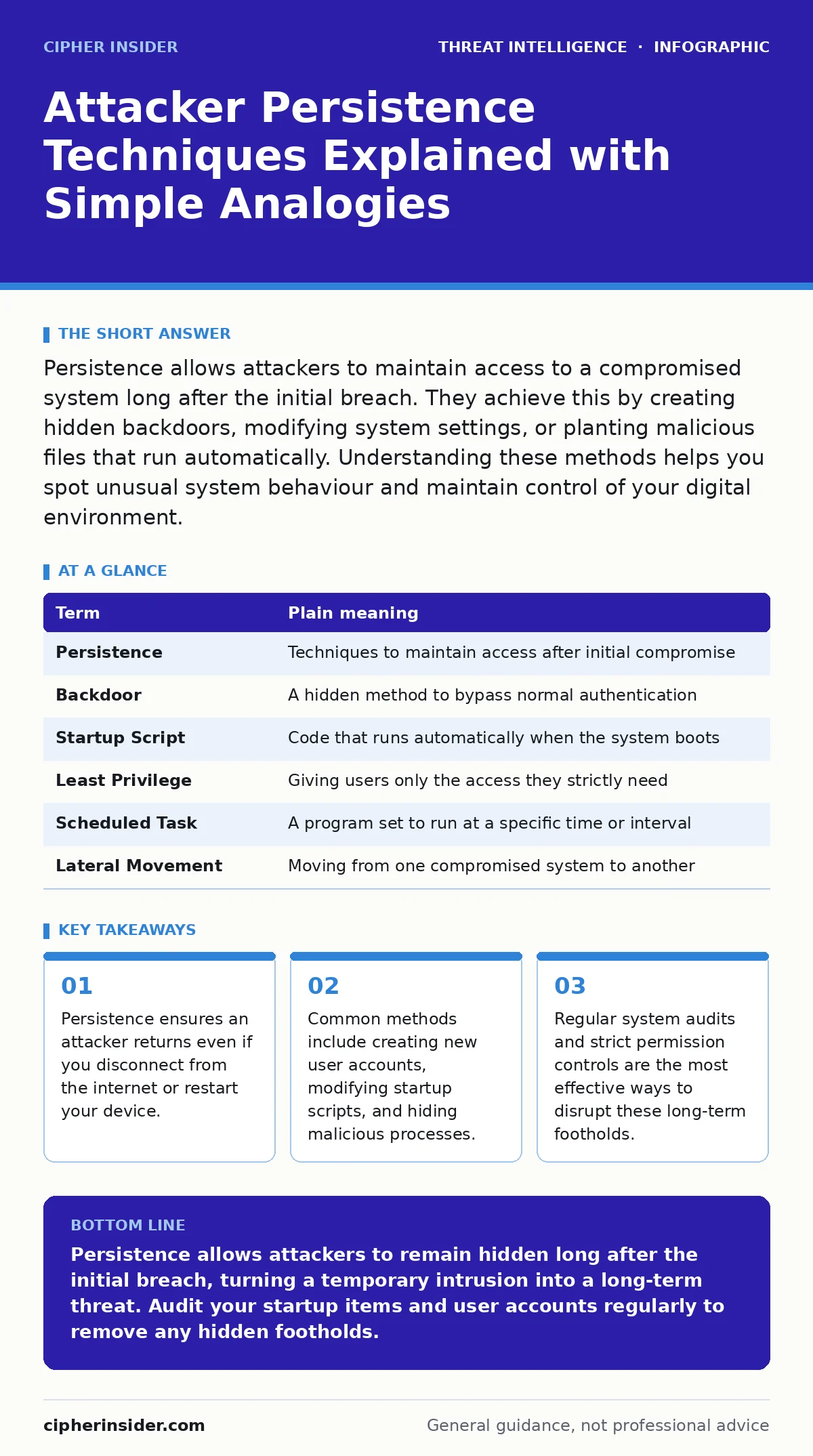
Persistence allows attackers to maintain access to a compromised system long after the initial breach. They achieve this by creating hidden backdoors, modifying system settings, or planting malicious files that run automatically. Understanding these methods helps you spot unusual system behaviour and maintain control of your digital environment.
The Squatting Metaphor
Imagine your computer is a house you own. An attacker breaking in through an unlocked window is the initial breach. Most people focus on locking that window, which is good advice. However, if the attacker stays inside after you lock it, they have achieved persistence. They are now a squatter in your home. You might change the locks, but the squatter still has a key. They might hide in the attic or pose as a family member. Until you find and remove them, you do not truly own your space.
How Persistence Works
In cybersecurity, persistence refers to techniques that allow an attacker to maintain access to a system across interruptions like user logoffs, system restarts, or even password changes. The goal is not just to enter, but to stay. Once inside, the attacker looks for ways to embed themselves into the normal operations of the system. This makes them difficult to distinguish from legitimate software. They want to be invisible while they watch, wait, and act.
Common Entry Points for Squatters
Attackers often use built-in system features to hide. One common method is creating a new user account with administrator rights. This is like the squatter forging a key and registering as a new tenant. Another method involves modifying startup scripts. These are instructions that tell your computer what to run when it turns on. By adding their own malicious code to this list, the attacker ensures their tools start automatically every time.
Registry and Service Manipulation
On Windows systems, the registry stores configuration settings. Attackers can modify specific keys to launch their malware at boot. On Linux and macOS, they might use cron jobs or launch daemons. These are scheduled tasks that run at specific times or intervals. If an attacker controls a scheduled task, they can execute commands without your knowledge. This is why understanding scheduled tasks is vital for security.
The Cost of Hidden Access
The danger of persistence is not just the immediate theft of data. It is the prolonged exposure. An attacker with persistence can watch your network traffic, steal credentials over time, and move laterally to other devices. This relates closely to attacker reconnaissance, where the adversary gathers information to plan further attacks. They might use your compromised machine to launch attacks against other targets, making you an accomplice in their eyes.
What This Means for You
For an ordinary user, persistence means that simply restarting your computer or changing your password is not enough to remove an attacker. If they have planted a backdoor, they will simply log back in. You need to look for signs of unusual activity. This might include unknown user accounts, new scheduled tasks, or programs running in the background that you do not recognise.
Detecting the Unseen
Detection engineering focuses on creating alerts that catch these subtle changes. While you may not be building detection rules yourself, understanding what to look for helps you report issues. For example, if a program suddenly starts consuming high CPU usage at odd hours, it might be a sign of a hidden process. IOC enrichment helps security teams understand if a file or network address is malicious by checking it against global databases.
See also: Detect DNS Tunneling: Log Analysis and Network Signatures · Indicators of Compromise: What Small Businesses Need to Know
Simple Safety Habits
You can reduce the risk of persistence by following a few disciplined habits. First, keep your operating system and software updated. Patches often close the holes attackers use to install persistent mechanisms. Second, use the principle of least privilege. Only give yourself administrator rights when necessary. If an attacker compromises a standard user account, they cannot easily modify system-wide startup settings.
Try This Now
- Check your startup applications. On Windows, use Task Manager to see what runs at boot. On macOS, check User & Groups settings.
- Audit your user accounts. Ensure only known users have access to your device. Delete any accounts you do not recognise.
- Enable full-disk encryption. This prevents attackers from accessing your data if they steal your physical device or bypass your login.
Glossary of Key Terms
| Term | Plain meaning |
|---|---|
| Persistence | Techniques to maintain access after initial compromise |
| Backdoor | A hidden method to bypass normal authentication |
| Startup Script | Code that runs automatically when the system boots |
| Least Privilege | Giving users only the access they strictly need |
| Scheduled Task | A program set to run at a specific time or interval |
| Lateral Movement | Moving from one compromised system to another |
Key takeaways
- Persistence ensures an attacker returns even if you disconnect from the internet or restart your device.
- Common methods include creating new user accounts, modifying startup scripts, and hiding malicious processes.
- Regular system audits and strict permission controls are the most effective ways to disrupt these long-term footholds.
Persistence allows attackers to remain hidden long after the initial breach, turning a temporary intrusion into a long-term threat. Audit your startup items and user accounts regularly to remove any hidden footholds.
Frequently asked questions
Can antivirus software detect all persistence techniques?
No. Many persistence methods use legitimate system tools, which antivirus software may not flag as malicious unless it uses behavioural analysis.
How do I know if I have been compromised?
Look for unexplained changes in system settings, unknown user accounts, or programs running in the background that you did not install.
Is restarting my computer enough to remove an attacker?
No. If the attacker has installed persistence mechanisms, they will automatically reconnect or reactivate when the system restarts.
What is the difference between persistence and initial access?
Initial access is how the attacker gets in. Persistence is how they stay in after you try to lock the door.
How this guide was produced: written by the Cipher Insider editorial team with AI assistance, checked against the public references listed below, and reviewed when the facts change. See our editorial policy or report an error.