Look for unexpected process creation of memory dump utilities, abnormal handle access to the LSASS process, and unusual network connections from system accounts. Correlate these signals with baseline activity to distinguish between legitimate administration and malicious credential harvesting.
The Mechanism of Direct Memory Access
The Local Security Authority Subsystem Service, known as LSASS, is a Windows component that enforces security policies and manages authentication. It holds plaintext credentials and cryptographic secrets in its memory space while a user is logged in. Attackers target this process because extracting data from memory bypasses the need to crack encrypted password hashes stored on disk.
This method, often called Pass-the-Hash or Pass-the-Ticket, allows an adversary to move laterally across a network using stolen identities. Unlike older techniques that copied files, modern tools inject code directly into the LSASS process to read its memory. This leaves minimal traces on the hard drive, making traditional file integrity monitoring less effective.
Immediate Operational Anomalies
The first signs of a compromise often appear as unexpected process activity. You may notice command-line tools such as procdump or tasklist running from unusual directories, such as a temporary folder or the system root. These utilities are legitimate administrative tools, but their presence in a non-administrative context is a strong indicator of misuse.
Another early warning is the creation of .dmp files in temporary directories. Attackers use these files to store the extracted memory contents before exfiltrating them. If you see a memory dump file created by a service account or a standard user, it is likely malicious. The file size is typically large, often exceeding tens of megabytes, which stands out against normal system logs.
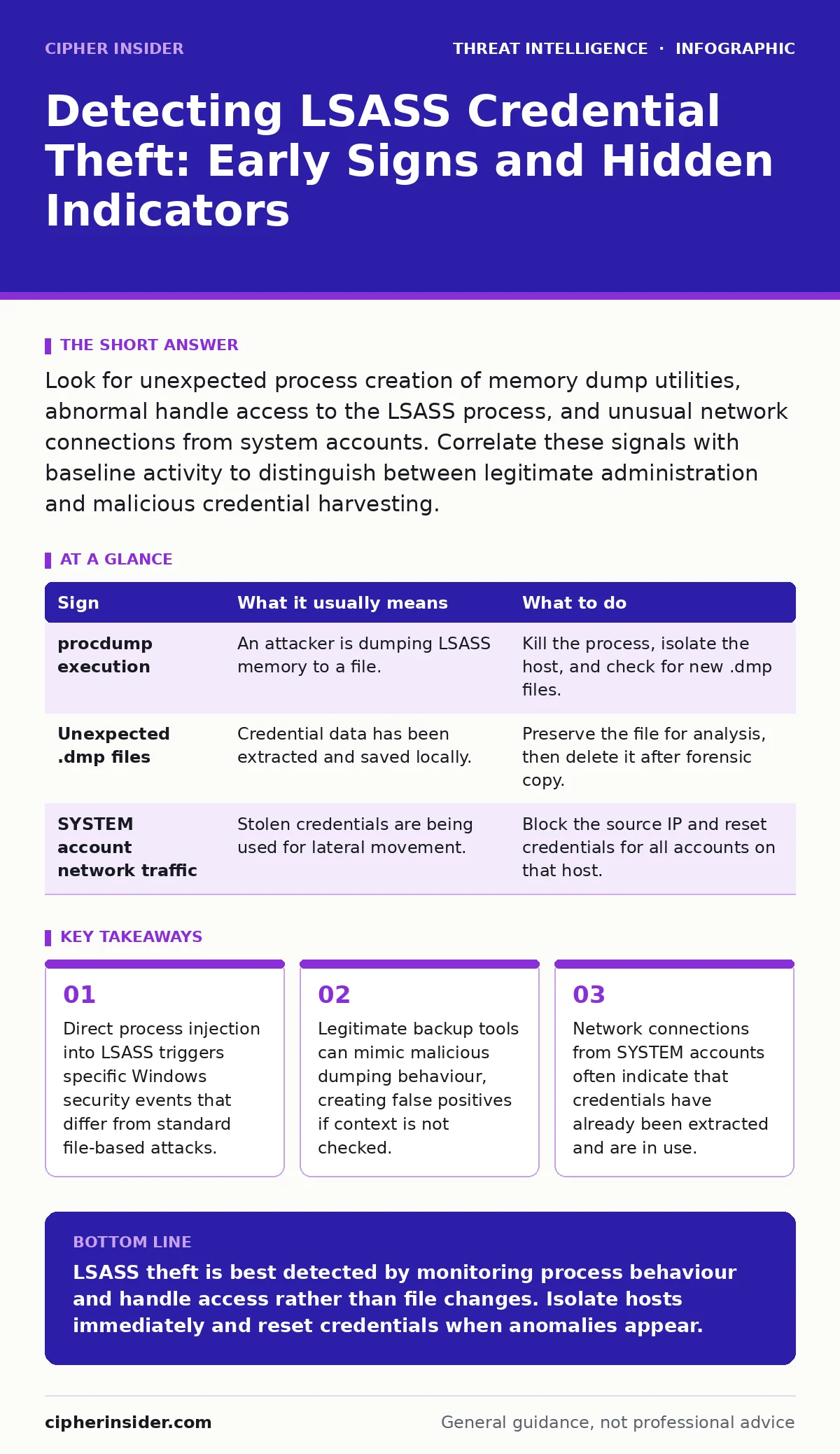
| Sign | What it usually means | What to do |
|---|---|---|
procdump execution | An attacker is dumping LSASS memory to a file. | Kill the process, isolate the host, and check for new .dmp files. |
| Unexpected .dmp files | Credential data has been extracted and saved locally. | Preserve the file for analysis, then delete it after forensic copy. |
| SYSTEM account network traffic | Stolen credentials are being used for lateral movement. | Block the source IP and reset credentials for all accounts on that host. |
Subtle Process Injection Techniques
More sophisticated attackers avoid using external dumping tools to evade detection. Instead, they use process injection to place their own code inside the LSASS process. This technique allows the malicious code to read memory without creating new processes that might trigger alerts.
You can detect this by looking for child processes of LSASS that should not exist. LSASS is a stable system service and rarely spawns child processes. If you see a new process tree rooted under LSASS, or if LSASS itself has a parent process that is not services.exe, something is wrong. This behaviour indicates that an attacker has hijacked the process to execute their own code.
Handle Access and File System Traces
Windows records every time a process opens a handle to another process. When an attacker attempts to read LSASS memory, they must first open a handle with specific access rights, such as PROCESS_VM_READ. Security logs will show these handle creation events.
Monitoring for handle access to LSASS by non-system processes is a powerful detection method. You should look for processes that are not part of the operating core opening handles with read or write permissions. This includes common command-line interpreters and scripting hosts. If a script engine opens a handle to LSASS, it is almost certainly malicious.
Network Indicators of Compromise
Once credentials are stolen, the attacker must use them. This often results in network traffic that deviates from the norm. For example, a workstation that typically only browses the web may suddenly initiate connections to domain controllers or file servers.
These connections often use protocols like SMB or LDAP. If a host that has no business role begins querying directory services, it suggests that stolen credentials are being tested or used. This phase is critical because it confirms that the attack has moved beyond initial access. Integrating this data with log management practices helps correlate local events with network activity.
See also: Detect DNS Tunneling: Log Analysis and Network Signatures · Indicators of Compromise: What Small Businesses Need to Know
Distinguishing Legitimate Administrative Activity
Administrators sometimes need to dump LSASS for debugging or support purposes. This creates a challenge for detection: how to distinguish between a sysadmin and an attacker. The key difference is context and timing.
Legitimate dumps are usually initiated by known administrative accounts during working hours. They are often logged in ticketing systems. Malicious dumps happen at odd hours, from unknown accounts, or as part of a rapid sequence of events. Using canary tokens in sensitive directories can alert you to unauthorized access attempts before the dump occurs. This proactive measure adds a layer of visibility that passive monitoring lacks.
Responding to Detected Activity
When you identify a sign of LSASS theft, immediate action is required. The first step is to isolate the affected host from the network to prevent lateral movement. Do not simply shut it down, as this may destroy volatile evidence in memory.
Next, reset the credentials for any accounts that were logged into the compromised machine. Assume that all secrets stored in LSASS are compromised. Review the privilege escalation attacks that may have preceded the theft to understand how the attacker gained initial access. Finally, conduct a thorough threat hunting exercise to check for other indicators of compromise on the network.
Key takeaways
- Direct process injection into LSASS triggers specific Windows security events that differ from standard file-based attacks.
- Legitimate backup tools can mimic malicious dumping behaviour, creating false positives if context is not checked.
- Network connections from SYSTEM accounts often indicate that credentials have already been extracted and are in use.
LSASS theft is best detected by monitoring process behaviour and handle access rather than file changes. Isolate hosts immediately and reset credentials when anomalies appear.
Frequently asked questions
Can antivirus software prevent LSASS dumping?
Modern endpoint protection can block known dumping tools, but custom scripts may bypass these signatures. Behavioural analysis is more effective than static signatures.
Is it safe to delete .dmp files immediately?
No. These files contain evidence of the breach. Create a forensic copy before deletion to preserve chain of custody for investigation.
How do I distinguish between a backup and a dump?
Backup tools usually operate on specific files or volumes. LSASS dumps target a single process memory space. Check the target of the operation in logs.
Does disabling SMB stop credential theft?
It stops lateral movement via SMB, but attackers may use other protocols like RDP or WinRM. Network segmentation is a more robust control.
How this guide was produced: written by the Cipher Insider editorial team with AI assistance, checked against the public references listed below, and reviewed when the facts change. See our editorial policy or report an error.