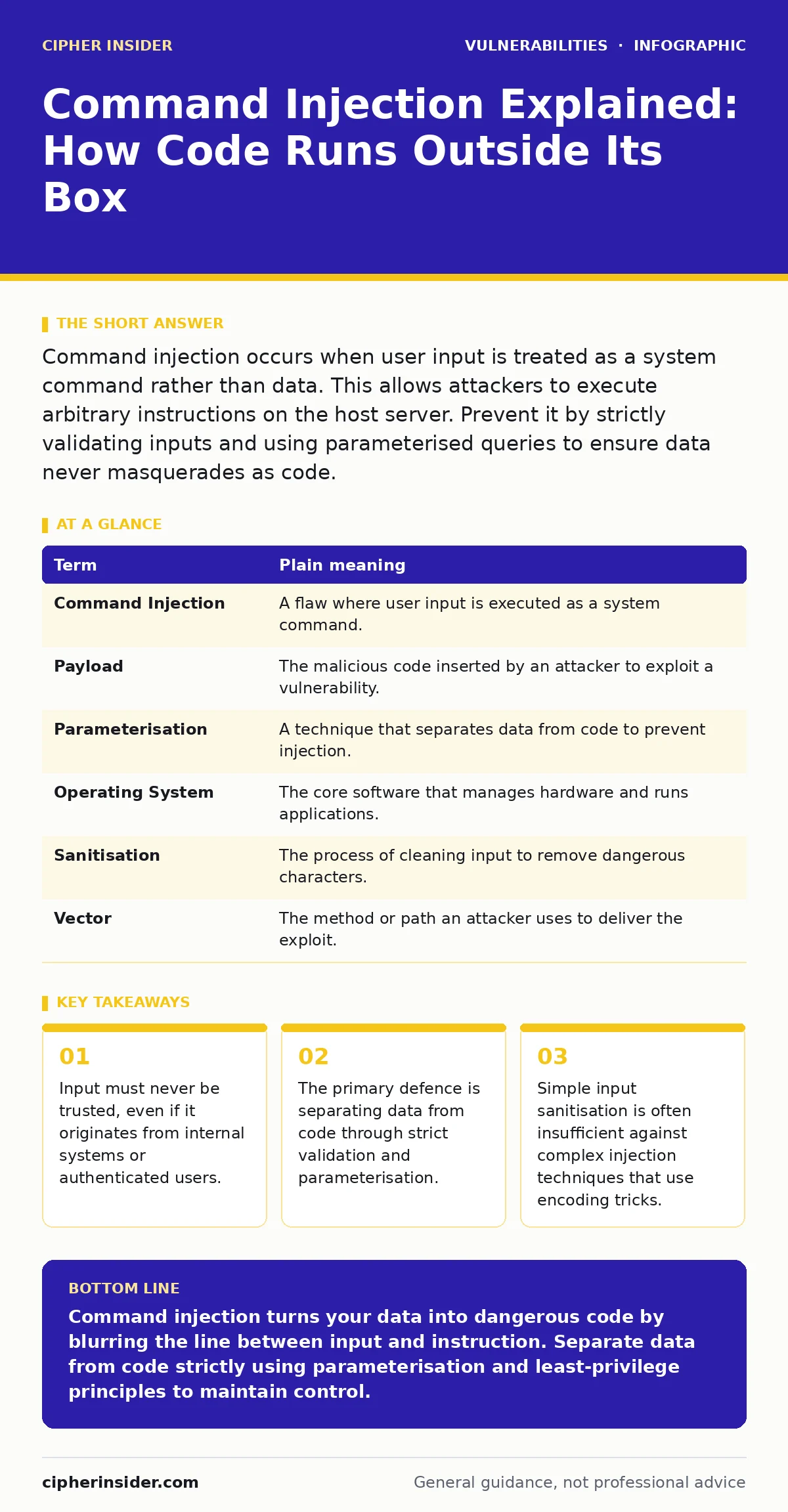
Command injection occurs when user input is treated as a system command rather than data. This allows attackers to execute arbitrary instructions on the host server. Prevent it by strictly validating inputs and using parameterised queries to ensure data never masquerades as code.
The Post Office Analogy
Imagine you send a letter to the post office. You write your address on the envelope, and the postal worker reads that address to deliver the mail. Now, suppose you write "Deliver this to the Mayor" inside the letter, but the postal worker mistakenly reads that sentence as a new instruction for their own job. They stop delivering mail and instead go to the Mayor’s office. You have injected a command into a system designed only for reading addresses.
In computing, this happens when an application takes user input and passes it directly to the operating system without checking what it contains. The system expects data, like a username or a search term. Instead, it receives an instruction, like "delete all files." Because the application does not distinguish between the two, it executes the instruction.
Understanding the Mechanism
Command injection exploits the boundary between data and code. Applications often need to interact with the underlying operating system to perform tasks, such as running a ping command to check network connectivity or executing a script to process a file. When an application constructs these commands by appending user input to a fixed string, it creates a vulnerability.
If the application does not validate or escape the input, an attacker can insert special characters that signal the end of the intended command. They then append their own commands. This is distinct from SQL injection, which targets databases, whereas command injection targets the host operating system directly. The consequences are often more severe because the attacker gains control over the server itself, not just the application data.
Why Standard Defences Fail
Many developers assume that basic input validation is enough. They might check that input contains only letters and numbers. However, attackers use encoding techniques to bypass these checks. They might represent the malicious command in hexadecimal, URL-encoded, or other formats that the validation routine does not recognise as dangerous.
Suppose you have a form that accepts a filename. You check that it ends in ".txt". An attacker submits "; cat /etc/passwd". If your system concatenates this into a command like "process file.txt", the semicolon ends the first command and starts a new one. The system then displays sensitive password files. Simple length checks or character whitelists often miss these edge cases because they do not account for how the operating system interprets the final string.
The Hidden Cost of Complexity
A non-obvious consequence of command injection is the difficulty of detection. If an attacker runs a command that returns no output, such as deleting a log file, the application may appear to function normally. The user sees no error message. The server continues to run. The damage is silent.
This makes dynamic application security testing (DAST) particularly valuable. DAST tools simulate attacks against a running application to find vulnerabilities that static code analysis might miss. However, DAST cannot find every issue. It relies on known patterns. If an attacker uses a novel technique, the tool may not flag it. This is why defence in depth is necessary. You cannot rely on a single tool or method.
Safety Habits for Developers
The most effective way to prevent command injection is to avoid calling system commands directly. If you must, use parameterised functions that separate the command from its arguments. These functions treat the arguments strictly as data, regardless of their content. They do not interpret special characters as command separators.
Another habit is to maintain an IT asset inventory. Knowing exactly which systems run which software helps you prioritise patching. If you do not know a system exists, you cannot secure it. Unpatched software is a common entry point, but command injection is a flaw in how code is written, not just a missing update. Even the latest software can contain this flaw if the developers did not follow secure coding practices.
See also: XML External Entity Prevention Checklist for Secure Applications · Prevent NoSQL Injection: Validation, Operators and Query Builders
Implications for Ordinary Users
As a user, you cannot directly fix code. However, you can reduce your risk by keeping your software updated. Automatic software updates ensure that known vulnerabilities are patched quickly. When a vendor discovers a command injection flaw, they release a fix. Delaying the update leaves you exposed.
Be cautious with applications that allow you to input complex data or run scripts. If a web application asks for a filename or a command to run, question why it needs that level of access. Most consumer applications do not need to execute system commands. If they do, the risk is higher.
Mini Glossary
| Term | Plain meaning |
|---|---|
| Command Injection | A flaw where user input is executed as a system command. |
| Payload | The malicious code inserted by an attacker to exploit a vulnerability. |
| Parameterisation | A technique that separates data from code to prevent injection. |
| Operating System | The core software that manages hardware and runs applications. |
| Sanitisation | The process of cleaning input to remove dangerous characters. |
| Vector | The method or path an attacker uses to deliver the exploit. |
Try This Now
- Review any code that uses system commands. Check if user input is directly concatenated into the command string. If it is, refactor to use parameterised calls.
- Implement strict input validation. Define exactly what characters are allowed. Reject anything outside this set before it reaches the command execution layer.
- Test your application with security misconfigurations in mind. Ensure that the application runs with the least privilege necessary. If it is compromised, the damage will be limited.
Key takeaways
- Input must never be trusted, even if it originates from internal systems or authenticated users.
- The primary defence is separating data from code through strict validation and parameterisation.
- Simple input sanitisation is often insufficient against complex injection techniques that use encoding tricks.
Command injection turns your data into dangerous code by blurring the line between input and instruction. Separate data from code strictly using parameterisation and least-privilege principles to maintain control.
Frequently asked questions
Is command injection the same as SQL injection?
No. SQL injection targets database queries, while command injection targets the operating system's command interpreter. Both exploit the failure to separate data from code, but the impact and methods differ.
Can I prevent command injection with a firewall?
A firewall can block some malicious traffic, but it cannot inspect the logic of your application. If your code is vulnerable, a firewall will not stop an attacker from sending a valid request that triggers the injection.
Does using a high-level language prevent this?
Not automatically. High-level languages often provide functions to call system commands. If you use these functions incorrectly, you remain vulnerable. The language does not protect you from logical errors in how you handle input.
How do I know if I have been attacked?
Look for unexpected processes running on your system, unusual network connections, or missing files. However, some attacks leave no trace. Regular monitoring and logging are your best indicators of compromise.
How this guide was produced: written by the Cipher Insider editorial team with AI assistance, checked against the public references listed below, and reviewed when the facts change. See our editorial policy or report an error.