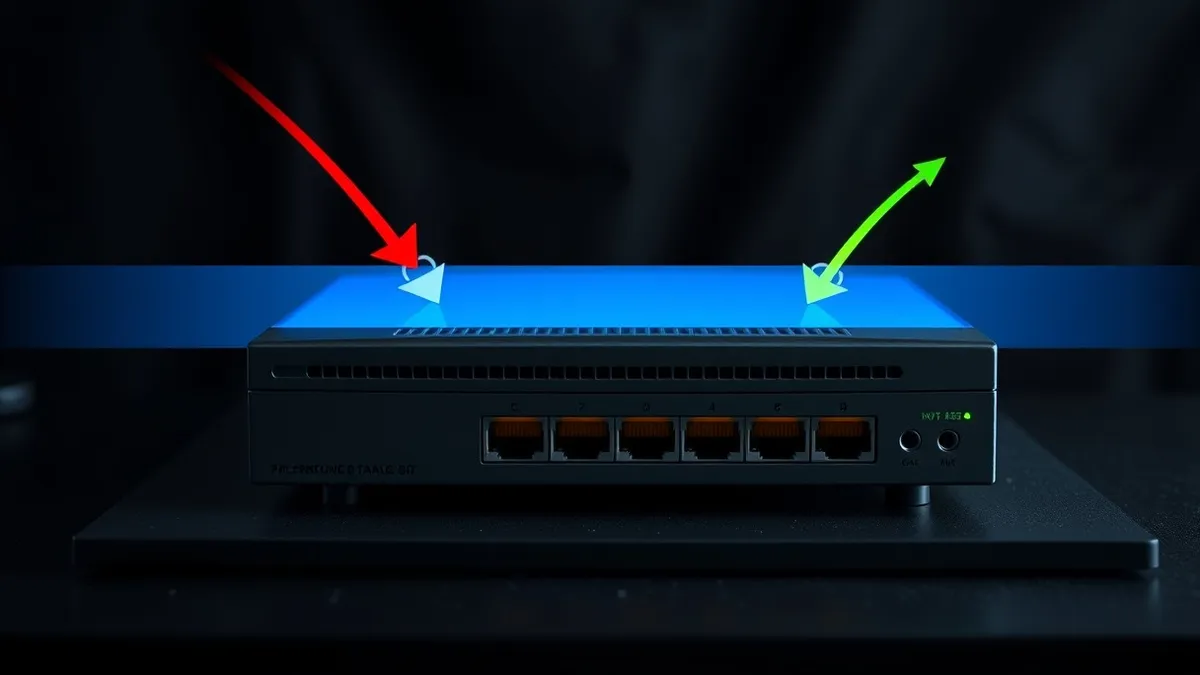
DNS filtering meaning refers to security controls that monitor and block domain name requests. It stops users from accessing malicious or inappropriate websites by intercepting the translation of web addresses. This method prevents data exfiltration and reduces exposure to phishing sites without inspecting encrypted traffic content.
Understanding the Core Mechanism
Imagine a library where the librarian checks every book request before allowing entry. If a patron asks for a banned title, the librarian denies access immediately. The patron never sees the book, nor does the library incur the cost of retrieving it. DNS filtering meaning centres on this exact interception model. It sits between the user device and the public internet, examining every request to translate a human-readable domain name into a machine-readable IP address.
The Domain Name System acts as the phonebook of the internet. When you type a website address, your device asks a DNS resolver for the corresponding numerical address. Filtering solutions intercept this query. They compare the requested domain against a constantly updated list of known threats, blacklists, or policy categories. If the domain matches a blocked category, the resolver returns a refusal or a sinkhole address. The connection never establishes. This prevents the download of malware, the access to illegal content, or the communication with command-and-control servers.
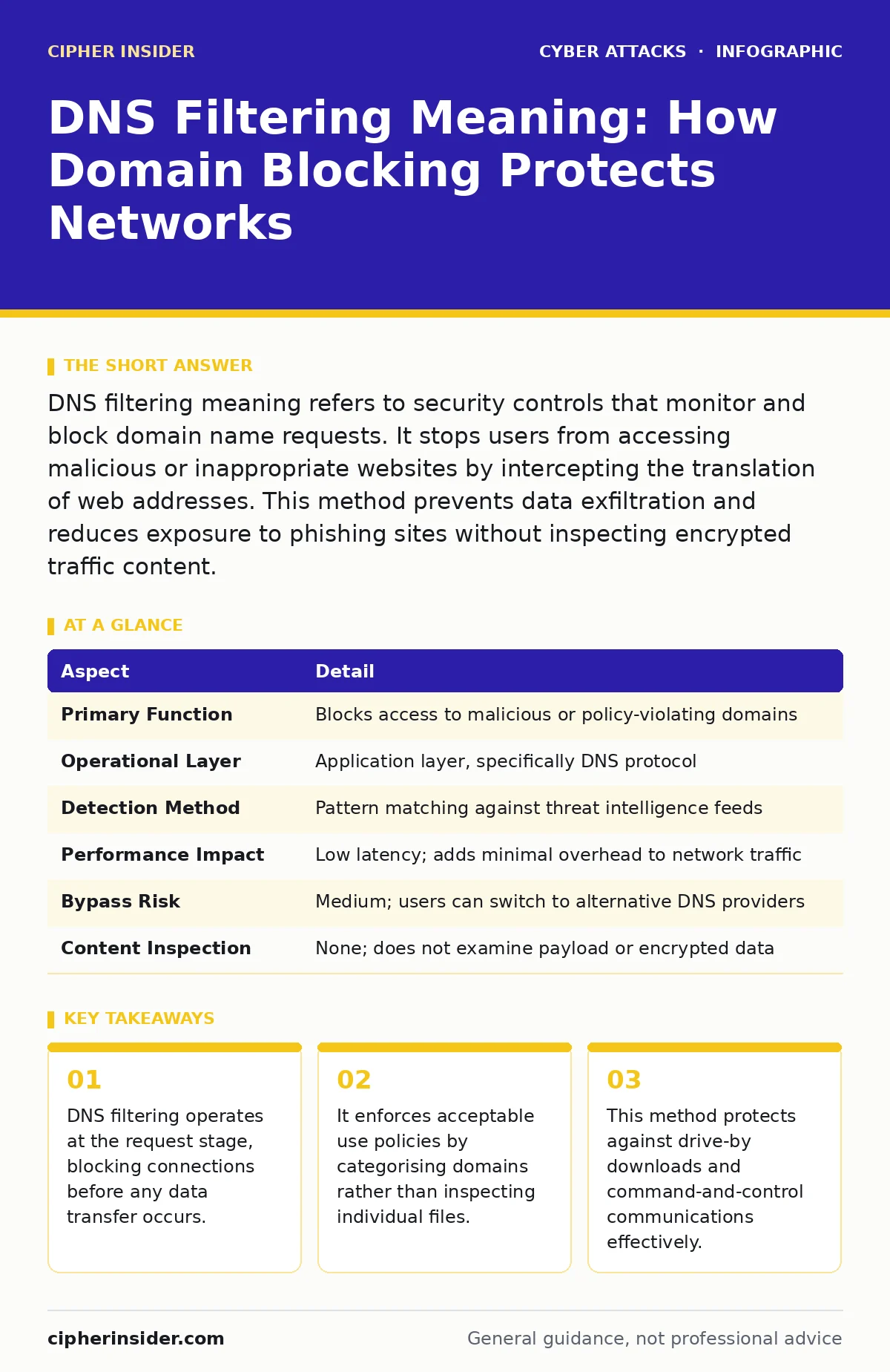
| Aspect | Detail |
|---|---|
| Primary Function | Blocks access to malicious or policy-violating domains |
| Operational Layer | Application layer, specifically DNS protocol |
| Detection Method | Pattern matching against threat intelligence feeds |
| Performance Impact | Low latency; adds minimal overhead to network traffic |
| Bypass Risk | Medium; users can switch to alternative DNS providers |
| Content Inspection | None; does not examine payload or encrypted data |
How DNS Filtering Works in Practice
The process begins when you enter a URL into your browser. Your operating system generates a DNS query packet. This packet travels to the configured DNS resolver. In a filtered environment, this resolver is not a public service like Google or Cloudflare, but a controlled appliance or cloud service. The resolver checks the requested domain against its database. This database contains millions of entries, categorised by reputation, content type, and threat level.
If the domain is clean, the resolver returns the IP address. Your browser then connects to the server. If the domain is flagged, the resolver blocks the response. It may return a specific error code or redirect you to a warning page. This happens in milliseconds. You often perceive it as a failed connection. The advantage is speed. Because the filter works at the name resolution stage, it consumes very few resources. It does not need to decrypt HTTPS traffic or scan large files.
Who Is Affected by DNS Controls
DNS filtering affects every device that relies on standard domain name resolution. This includes laptops, smartphones, servers, and Internet of Things devices. The impact varies by role. End-users experience blocked access to certain websites. They may encounter restrictions on social media, streaming services, or gaming sites during work hours. This enforces productivity and reduces bandwidth waste. However, it can also frustrate legitimate use cases if the filtering rules are too broad.
Administrators bear the responsibility of tuning the filters. They must balance security with usability. Over-blocking legitimate services disrupts business operations. Under-blocking leaves gaps for attackers to exploit. Security teams use DNS logs to detect anomalies. Sudden spikes in requests to unknown domains may indicate malware activity. Internal devices communicating with known bad actors trigger alerts. This visibility helps identify compromised hosts early.
Organisations also use DNS filtering to meet compliance requirements. Regulations often mandate the blocking of illegal content or the protection of sensitive data. By controlling outbound DNS traffic, organisations demonstrate due care. This reduces legal liability. It also protects brand reputation by preventing employees from accessing harmful sites on corporate networks.
Common Misconceptions About Filtering
Many people assume DNS filtering provides complete security. This is a dangerous misconception. DNS filtering only controls access based on domain names. It does not inspect the content of the traffic once the connection is established. If a user accesses a legitimate website that has been compromised, DNS filtering will allow the connection. The malware hidden within that site can still download and execute.
Another common error is assuming DNS filtering protects against all phishing. Phishers often use domains that look similar to legitimate ones. These typosquatting domains may not be on blocklists immediately. Until the threat intelligence feeds update, the filter may allow access. Users must still verify URLs carefully. DNS filtering is a layer of defence, not a silver bullet.
Some believe DNS filtering replaces the need for other security measures. This is incorrect. It works best alongside other controls. For instance, network segmentation limits the spread of malware if a device is compromised. DNS filtering stops the initial connection, but segmentation contains the breach. Understanding these limitations prevents false confidence in the security posture.
Integration With Broader Security Strategies
DNS filtering integrates well with other security frameworks. It complements security awareness training by reducing the success rate of casual clicks. Even if a user is trained to spot phishing, fatigue or distraction can lead to mistakes. DNS filtering acts as a safety net. It catches the errors that training cannot prevent. This layered approach reduces the overall risk significantly.
It also mitigates the impact of insider threats. Malicious insiders may try to exfiltrate data to external servers. DNS filtering can block connections to known data-harvesting domains. While determined insiders may use encryption or alternative protocols, standard DNS filtering raises the difficulty. It adds friction to malicious activities. This friction can be enough to deter opportunistic theft.
For remote workers, DNS filtering is particularly valuable. Home networks often lack enterprise-grade security. By routing DNS queries through a corporate filter, organisations extend their security perimeter. Employees get the same protection regardless of location. This consistency is vital for maintaining security standards in a distributed workforce. It ensures that the security policy follows the user, not just the building.
See also: Port Scanning Myths: What Attackers Actually Reveal · Difference Between Session Hijacking and Spoofing: Mechanisms and Defences
What To Do About Implementation
Start by defining your policy goals. Determine which categories of websites need blocking. Common categories include malware, phishing, gambling, and adult content. Align these categories with your organisation’s acceptable use policy. Clear policies reduce confusion and support from users. They also provide a legal basis for monitoring and blocking.
Choose a filtering solution that fits your infrastructure. On-premise appliances offer direct control but require maintenance. Cloud-based services are easier to manage and scale. They update threat intelligence automatically. Ensure the solution supports logging and reporting. You need visibility into what is being blocked and why. This data helps refine your rules over time.
Test the configuration thoroughly before full deployment. Use a pilot group to identify false positives. Adjust rules based on feedback. Document the exceptions process. Users need a way to request access to blocked sites if they have a legitimate business need. This process should be manual and audited. Automatic overrides create security holes.
Key takeaways
- DNS filtering operates at the request stage, blocking connections before any data transfer occurs.
- It enforces acceptable use policies by categorising domains rather than inspecting individual files.
- This method protects against drive-by downloads and command-and-control communications effectively.
- It does not inspect the content of allowed traffic, leaving encrypted payloads unexamined.
Frequently asked questions
Does DNS filtering slow down my internet connection?
No, DNS filtering adds minimal latency. It processes requests quickly, typically adding only a few milliseconds to the connection setup time.
Can users bypass DNS filtering easily?
Users can bypass it by changing their DNS settings to public providers. However, network policies can enforce DNS usage, making bypassing difficult for average users.
Does DNS filtering protect against encrypted threats?
It blocks access to malicious domains regardless of encryption. However, it cannot inspect the content of encrypted traffic from allowed domains.
How often are DNS blocklists updated?
Threat intelligence feeds update constantly, often in real-time. This ensures new threats are blocked quickly without manual intervention.
How this guide was produced: written by the Cipher Insider editorial team with AI assistance, checked against the public references listed below, and reviewed when the facts change. See our editorial policy or report an error.