
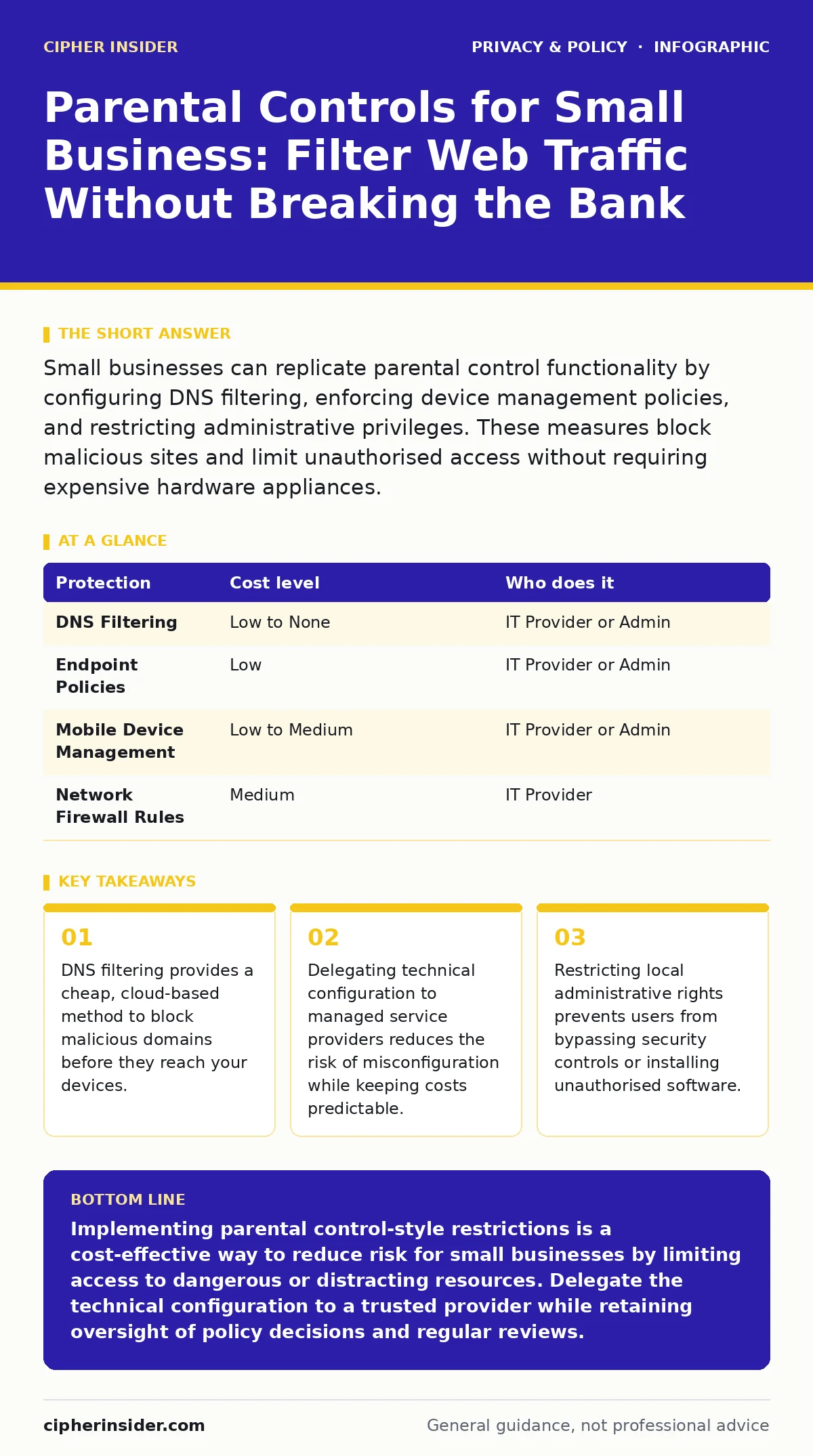
Small businesses can replicate parental control functionality by configuring DNS filtering, enforcing device management policies, and restricting administrative privileges. These measures block malicious sites and limit unauthorised access without requiring expensive hardware appliances.
The Mechanics of Digital Restraint
Parental controls are not merely tools for monitoring children. They are mechanisms for restricting access to specific resources based on predefined rules. In a corporate environment, this translates to web filtering, application whitelisting, and device management. You are essentially drawing a perimeter around acceptable behaviour and blocking everything outside it.
The core mechanism relies on policy enforcement. When a user attempts to access a resource, the system checks the request against a rule set. If the resource matches a blocked category, such as gambling or adult content, the connection is terminated. If it matches a required category, such as work-related cloud services, the connection proceeds. This binary decision process happens in milliseconds, often before the user sees any content.
For small teams, the threat is not just malicious software. It is also distraction and accidental exposure. An employee visiting a poorly secured website can inadvertently expose the company network to drive-by downloads. By restricting access to known safe categories, you reduce the attack surface. You are not stopping every threat, but you are removing the most common entry points.
Why Small Scale Demands Precision
Large enterprises have dedicated security operations centres to monitor traffic. You likely do not. This lack of resources means you cannot rely on reactive measures. You must rely on prevention. If a breach occurs, the downtime and data loss can be fatal to a small business. You do have the luxury of time to investigate and recover.
Precision matters because broad restrictions can hinder productivity. If you block all social media, you might also block legitimate marketing research tools. If you block all file downloads, you stop software updates. The goal is to find the balance between security and usability. You need controls that are strict enough to block threats but flexible enough to allow work to continue.
Small teams also suffer from insider risk. With fewer people, each employee has greater access to sensitive data. A single disgruntled or careless employee can cause significant damage. Parental control-style restrictions limit what each user can do with their account. This principle of least privilege ensures that even if an account is compromised, the attacker has limited movement within your network.
Affordable Filtering Mechanisms
You do not need expensive hardware appliances to implement effective filtering. Several affordable, even free, mechanisms exist that leverage existing infrastructure. The most common approach is DNS filtering. Domain Name System filtering redirects web traffic through a secure resolver that blocks requests to known malicious or inappropriate domains.
Another option is cloud-based endpoint management. Many operating systems include built-in tools for managing device access. Windows Group Policy Objects, for instance, allow you to restrict which applications can run on company computers. macOS Profile Manager offers similar capabilities for Apple devices. These tools are often included in the operating system licence, meaning there is no additional cost.
Mobile device management is also critical if your team uses smartphones for work. MDM solutions allow you to enforce password policies, encrypt data, and wipe devices remotely if they are lost. While some MDM solutions cost money, many offer free tiers for small numbers of devices. You must evaluate which features are necessary for your specific workflow.
| Protection | Cost level | Who does it |
|---|---|---|
| DNS Filtering | Low to None | IT Provider or Admin |
| Endpoint Policies | Low | IT Provider or Admin |
| Mobile Device Management | Low to Medium | IT Provider or Admin |
| Network Firewall Rules | Medium | IT Provider |
Delegating Technical Complexity
Configuring these controls requires technical knowledge. A misconfigured firewall rule can lock you out of your own network. A poorly written DNS policy can block essential business services. If you lack this expertise, the cost of error is high. You risk downtime, data loss, or security gaps.
This is where delegation becomes a strategic choice. You do not need to hire a full-time security engineer. You can engage a managed service provider or an IT consultant. These professionals configure the controls, monitor for anomalies, and update rules as new threats emerge. You pay for their expertise, which is often cheaper than the cost of a full-time employee.
When delegating, you must retain oversight. You should understand what is being blocked and why. Ask for regular reports on blocked attempts. This provides visibility into the threats your team faces. It also helps you refine policies over time. If certain legitimate sites are being blocked, you can request exceptions.
Questions for Your IT Provider
Before hiring a provider, you must assess their capability and approach. Not all IT providers specialise in security. Some focus solely on hardware maintenance. You need a partner who understands policy enforcement and risk management. Ask specific questions to gauge their expertise.
- How do you update filtering rules, and how frequently?
- What is your process for handling false positives, where legitimate sites are blocked?
- Can you provide a sample report of blocked traffic and attempted breaches?
- How do you ensure that your own access to our systems is secure and auditable?
- What happens if a critical business application is accidentally blocked?
These questions reveal whether the provider thinks proactively or reactively. A good provider will explain their update cycle and their incident response plan. They will also emphasise communication and transparency. You should feel comfortable challenging their recommendations and asking for clarification.
See also: Port Scanning Myths: What Attackers Actually Reveal · Difference Between Session Hijacking and Spoofing: Mechanisms and Defences
The Hidden Cost of Over-Restriction
There is a trade-off between security and productivity. Over-restrictive policies can frustrate employees. They may seek ways to bypass controls, such as using personal devices or mobile data. This creates shadow IT, where unmonitored devices access company resources. This is often more dangerous than the original threat.
You must educate your team on why these controls exist. Explain that filtering protects the company, not just individual users. Transparency reduces resentment and encourages compliance. If employees understand the rationale, they are more likely to report issues rather than circumvent rules.
Regular reviews of policies are necessary. Technologies change, and business needs evolve. A policy that was appropriate last year may be obsolete today. You should review blocked categories and access rights at least annually. This ensures that your controls remain effective without hindering operations.
Maintaining Policy Integrity
Implementing controls is only the first step. Maintaining them requires ongoing effort. You must monitor logs, update rules, and train staff. Neglecting maintenance turns your controls into a false sense of security. Attackers adapt, and your defences must adapt with them.
Consider the lifecycle of user accounts. When an employee leaves, their access must be revoked immediately. Delayed revocation is a common vulnerability. Automated processes can help, but manual verification is still necessary. Ensure that your provider has a clear offboarding procedure.
Finally, test your controls regularly. Attempt to access blocked sites to verify that the filtering is working. Try to install unauthorised software to check application whitelisting. These tests reveal gaps in your configuration. They also demonstrate to your team that the controls are active and enforced.
Key takeaways
- DNS filtering provides a cheap, cloud-based method to block malicious domains before they reach your devices.
- Delegating technical configuration to managed service providers reduces the risk of misconfiguration while keeping costs predictable.
- Restricting local administrative rights prevents users from bypassing security controls or installing unauthorised software.
Implementing parental control-style restrictions is a cost-effective way to reduce risk for small businesses by limiting access to dangerous or distracting resources. Delegate the technical configuration to a trusted provider while retaining oversight of policy decisions and regular reviews.
Frequently asked questions
Can I use free parental control software on company computers?
Free software often lacks advanced features and support, and may compromise privacy by collecting user data. It is generally safer to use built-in operating system tools or reputable paid services.
How do I balance security with employee privacy?
Focus on filtering content categories rather than monitoring individual communications. Clearly communicate what is monitored and why, ensuring compliance with local privacy laws.
What if an employee needs access to a blocked site for work?
Establish a clear request process for exceptions. The IT provider should review the request, verify the necessity, and temporarily or permanently whitelist the specific domain.
Do these controls protect against ransomware?
Filtering can block some ransomware distribution sites, but it does not stop all variants. You must combine filtering with regular backups, endpoint protection, and employee training.
How this guide was produced: written by the Cipher Insider editorial team with AI assistance, checked against the public references listed below, and reviewed when the facts change. See our editorial policy or report an error.