
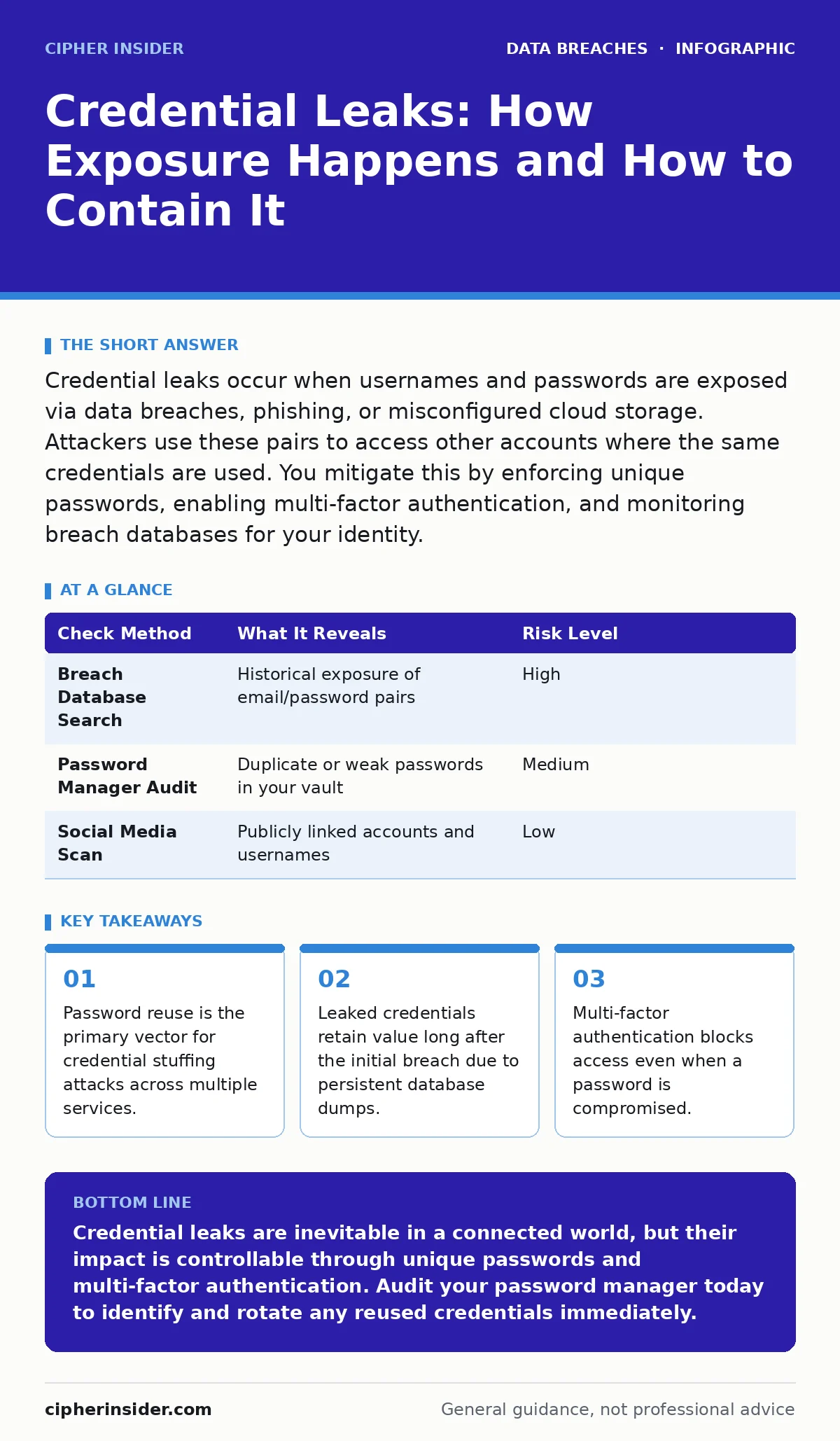
Credential leaks occur when usernames and passwords are exposed via data breaches, phishing, or misconfigured cloud storage. Attackers use these pairs to access other accounts where the same credentials are used. You mitigate this by enforcing unique passwords, enabling multi-factor authentication, and monitoring breach databases for your identity.
What actually constitutes a credential leak?
A credential leak is the unauthorised exposure of authentication data, typically usernames and passwords, to untrusted parties. This data usually originates from a database breach, a phishing campaign, or a misconfigured storage bucket. Unlike a direct system intrusion, the leak itself is the exposure of the keys, not the entry into the house. The data often ends up in underground forums or public repositories where it is catalogued for later use.
How do attackers obtain these credentials in the first place?
Attackers rarely steal credentials directly from your current account; they harvest them from previous incidents involving other services. When a company suffers a data breach, its customer database may be exfiltrated and sold. Attackers then cross-reference these lists with other platforms. They also scrape data from oversharing on social media to find usernames or email addresses that link to these password lists. This aggregation allows them to build a profile of your digital footprint without targeting you directly.
Why does password reuse make leaks so dangerous?
Reusing passwords creates a single point of failure for your entire digital identity. If one site you use is breached, the attacker now holds the key to every other account where you use the same combination. This technique, known as credential stuffing, automates the testing of these pairs against thousands of services. You cannot mitigate this risk by changing passwords infrequently; you must ensure every account has a unique credential string. This is why third-party risk assessments often flag legacy systems that enforce weak password policies.
What is the difference between a leak and a breach?
A breach is the act of unauthorised access to a system, while a leak is the subsequent release of the stolen data. A breach may remain contained if the attacker fails to exfiltrate the data or if the organisation detects and stops the intrusion. A leak implies the data has left the secure boundary and is now available to others. Understanding this distinction helps you assess risk: a contained breach may not affect your credentials, but a leaked dataset almost certainly does.
How can you verify if your credentials have been exposed?
You can check your email addresses against known breach databases to see if your data appears in historical incidents. Several public services maintain indexes of compromised credentials, allowing you to search for your identity without submitting new passwords. Do not enter your live password into these checkers; instead, use the email-address-only option. Regular checks help you identify exposure early, before attackers have time to exploit the data. This proactive monitoring complements formal breach notification laws that require companies to inform affected users.
| Check Method | What It Reveals | Risk Level |
|---|---|---|
| Breach Database Search | Historical exposure of email/password pairs | High |
| Password Manager Audit | Duplicate or weak passwords in your vault | Medium |
| Social Media Scan | Publicly linked accounts and usernames | Low |
Why do attackers keep old credential lists?
Password habits change slowly, so credentials stolen years ago often remain valid. Attackers maintain and update these lists, re-testing them against services that have not yet enforced stronger security. This persistence means that even ancient leaks pose a current threat. You must assume that any password you have used in the past is potentially known.
What role do misconfigured databases play in leaks?
Human error in cloud configuration is a leading cause of unauthorised data exposure. Developers may accidentally leave database exposure settings open, allowing public access to sensitive tables. Similarly, backup data exposure can occur when old storage volumes are not properly deleted or secured. These leaks do not require complex hacking; they simply require someone to look in the wrong place. You can reduce this risk by enforcing strict access controls and regular configuration audits.
How does data scraping amplify credential risks?
Automated tools scrape the internet for publicly available information, linking usernames to email addresses and phone numbers. This data is then merged with leaked password lists to create high-confidence attack vectors. Data scraping turns fragmented public data into a coherent profile that attackers can use to bypass security questions or reset flows. Minimising your public digital footprint reduces the surface area for these aggregation attacks.
What is the most effective technical defence against leaks?
Multi-factor authentication is the single most effective defence against credential leaks. It requires a second form of verification, such as a code from an app or a hardware key, before granting access. Even if an attacker has your password, they cannot log in without this second factor. This renders stolen credentials largely useless for account takeover. You should enable this on every account that supports it, prioritising financial and email services.
How do you respond if you confirm a leak?
Change the password for the affected account immediately, and then change the password for any other account where you used the same credential. Review recent account activity for signs of unauthorised access, such as logins from unfamiliar locations. Enable multi-factor authentication if it is not already active. Monitor your identity for further signs of compromise, such as unauthorised credit applications. This rapid response limits the window of opportunity for attackers.
Can credential leaks lead to further extortion?
Stolen credentials can be used to access sensitive files, which attackers may then lock or threaten to publish. This escalates a simple password leak into a data extortion scenario. The attacker leverages the initial access to demand payment for the return of data or to prevent its release. While multi-factor authentication prevents initial access, poor internal controls can allow lateral movement once inside. You must segment data and enforce least-privilege access to limit the blast radius of any single compromised account.
Key takeaways
- Password reuse is the primary vector for credential stuffing attacks across multiple services.
- Leaked credentials retain value long after the initial breach due to persistent database dumps.
- Multi-factor authentication blocks access even when a password is compromised.
Credential leaks are inevitable in a connected world, but their impact is controllable through unique passwords and multi-factor authentication. Audit your password manager today to identify and rotate any reused credentials immediately.
Frequently asked questions
Does using a password manager prevent credential leaks?
A password manager generates and stores unique passwords, preventing reuse. It does not stop the initial breach of a site, but it ensures that stolen credentials from one site cannot be used to access your other accounts.
Should I use SMS verification for two-factor authentication?
SMS verification is convenient but vulnerable to SIM swapping and interception. For high-security accounts, use an authenticator app or hardware security key, which are not tied to your mobile network provider.
How long do leaked credentials remain dangerous?
Leaked credentials remain dangerous indefinitely if you do not change them. Attackers continuously re-test old password lists against new services, so a password stolen years ago can still grant access today.
What should I do if I find my data on a dark web forum?
Immediately change the associated password and enable multi-factor authentication. Check other accounts where you might have used the same password and update those credentials as well to prevent credential stuffing attacks.
How this guide was produced: written by the Cipher Insider editorial team with AI assistance, checked against the public references listed below, and reviewed when the facts change. See our editorial policy or report an error.