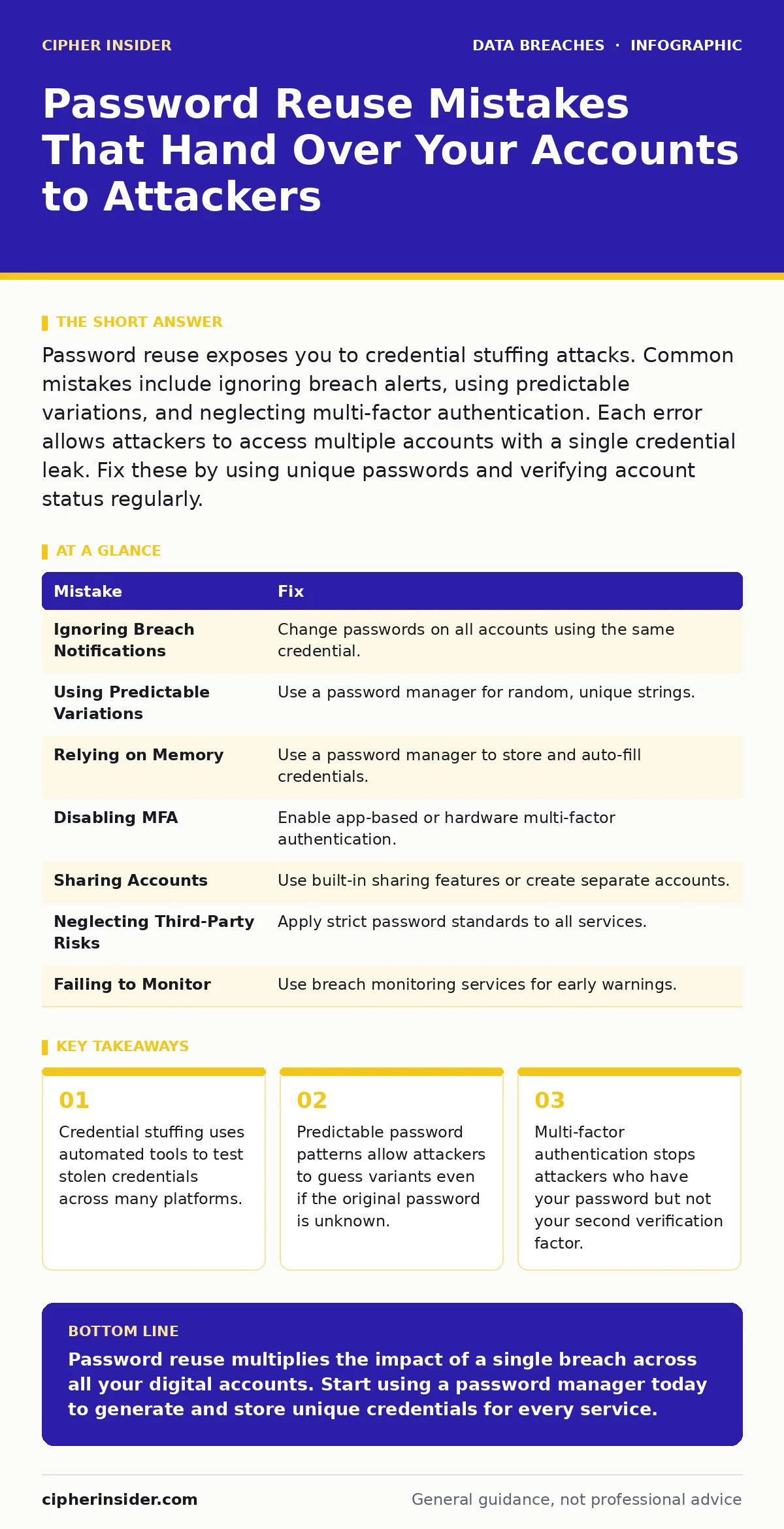
Password reuse exposes you to credential stuffing attacks. Common mistakes include ignoring breach alerts, using predictable variations, and neglecting multi-factor authentication. Each error allows attackers to access multiple accounts with a single credential leak. Fix these by using unique passwords and verifying account status regularly.
Mistake 1: Ignoring Breach Notifications
You receive an email from a service stating your account was compromised. You assume the service handled it and move on. This assumption ignores the fact that attackers often harvest these credentials immediately after a breach.
Why it hurts: Attackers compile lists of breached usernames and passwords from various sources. They then use automated software to try these combinations on other popular sites. If you used the same password elsewhere, your other accounts become vulnerable within minutes of the initial breach.
The fix: Treat every breach notification as a signal to change passwords on all other accounts where you used the same credential. Check breach aggregation services regularly to identify exposures you might have missed. Understanding how password hashing and salting works helps you appreciate why some breaches leak usable passwords while others do not.
Mistake 2: Using Predictable Password Variations
You create a base password and add numbers or symbols to make it unique for different sites. For example, you use "Base123" for one site and "Base456" for another. You believe this satisfies the requirement for unique passwords.
Why it hurts: Attackers use rule-based guessing engines that apply common transformations to stolen passwords. They automatically add numbers, swap letters for similar symbols, and append common suffixes. If your variation follows a standard pattern, the attacker’s software will likely generate the correct variant without needing to crack each password individually.
The fix: Use a password manager to generate and store completely random strings for each account. These strings contain no logical relationship to your base password or to each other. This ensures that even if one password is discovered, the pattern cannot be extrapolated to derive others.
Mistake 3: Relying on Memory Instead of Managers
You struggle to remember unique passwords for every service, so you reuse a few strong ones. You justify this by claiming you are too busy to manage a complex set of credentials.
Why it hurts: Human memory is designed for recall, not for storing high-entropy random strings. When you force your brain to remember unique passwords, you inevitably revert to patterns or reuse. This cognitive load leads to security fatigue, causing you to disable security features or choose weaker passwords for convenience.
The fix: Install a reputable password manager on all your devices. Allow it to generate and auto-fill credentials. You only need to remember one strong master password. This shifts the burden of storage to encrypted software, freeing your mind for other tasks while maintaining strict uniqueness.
Mistake 4: Disabling Multi-Factor Authentication
You consider your password strong enough that you do not need an extra step. You disable two-factor authentication because it slows down your login process or requires carrying a separate device.
Why it hurts: Multi-factor authentication adds a layer of verification that does not rely on knowledge alone. It requires something you have, such as a phone or hardware token. Without this second factor, a stolen password is sufficient for an attacker to gain full access. The convenience of a single step is outweighed by the total loss of account security.
The fix: Enable multi-factor authentication on every account that supports it. Prefer app-based authenticators or hardware tokens over SMS, as SMS can be intercepted through SIM swapping. This aligns with best practices often discussed in PCI DSS compliance for protecting payment data, though the principle applies to all critical accounts.
Mistake 5: Sharing Accounts with Colleagues or Family
You share your login details with coworkers for project collaboration or with family members for shared subscriptions. You trust these people to keep the credentials secret.
Why it hurts: Shared credentials create an uncontrolled distribution chain. Once shared, you cannot revoke access without changing the password, which disrupts the workflow. If any recipient’s device is compromised, or if they inadvertently share the password further, your account becomes exposed. You lose the ability to track who accessed what and when.
The fix: Use the service’s built-in sharing features if available. For accounts that do not support sharing, create separate, unique accounts for each user. This ensures individual responsibility and allows you to disable specific access without affecting the entire group.
Mistake 6: Neglecting Third-Party Service Risks
You reuse passwords on small, infrequently used websites because they seem low risk. You assume that a minor service does not hold valuable data worth stealing.
Why it hurts: Attackers target smaller services because they often have weaker security controls. Breaching a minor site can still yield your username and password. Attackers then use this credential to access your primary email or banking accounts. The value lies not in the small site itself, but in the access it provides to your more critical infrastructure.
The fix: Apply the same password standards to minor sites as you do to major ones. Use your password manager to generate unique credentials for every account, regardless of its perceived importance. Consider third-party risk assessments as a framework for evaluating how external services might impact your overall security posture.
Mistake 7: Failing to Monitor for Data Exposure
You assume that if no one tells you about a breach, your data is safe. You do not actively check for exposures, relying solely on notifications from services.
Why it hurts: Many breaches go unreported or are kept private by companies to avoid reputational damage. Your credentials may appear in underground forums or data dumps before any official notification is sent. Without active monitoring, you remain unaware of compromised accounts until an attacker has already gained access.
The fix: Use a breach monitoring service that alerts you when your email or phone number appears in known data dumps. This provides early warning, allowing you to change passwords before attackers can exploit the credentials. This practice complements credit monitoring services, which focus on financial fraud but can also signal identity compromise.
| Mistake | Fix |
|---|---|
| Ignoring Breach Notifications | Change passwords on all accounts using the same credential. |
| Using Predictable Variations | Use a password manager for random, unique strings. |
| Relying on Memory | Use a password manager to store and auto-fill credentials. |
| Disabling MFA | Enable app-based or hardware multi-factor authentication. |
| Sharing Accounts | Use built-in sharing features or create separate accounts. |
| Neglecting Third-Party Risks | Apply strict password standards to all services. |
| Failing to Monitor | Use breach monitoring services for early warnings. |
Key takeaways
- Credential stuffing uses automated tools to test stolen credentials across many platforms.
- Predictable password patterns allow attackers to guess variants even if the original password is unknown.
- Multi-factor authentication stops attackers who have your password but not your second verification factor.
Password reuse multiplies the impact of a single breach across all your digital accounts. Start using a password manager today to generate and store unique credentials for every service.
Frequently asked questions
Is it safe to use the same password for low-risk accounts?
No, because attackers use automated tools to test credentials across all platforms. A low-risk account can still provide access to your email, which resets other passwords.
How often should I change my passwords?
Change passwords immediately if you suspect a breach or if a service reports a compromise. Otherwise, change them only if you have reason to believe they may be exposed, rather than on a fixed schedule.
Can a password manager be hacked?
Password managers are encrypted and protected by your master password. While no system is immune to all threats, a strong master password and multi-factor authentication significantly reduce the risk of compromise.
What should I do if I find my password in a breach?
Change that password immediately on all accounts where you used it. Enable multi-factor authentication if you have not already. Monitor your accounts for unusual activity over the following weeks.
How this guide was produced: written by the Cipher Insider editorial team with AI assistance, checked against the public references listed below, and reviewed when the facts change. See our editorial policy or report an error.