
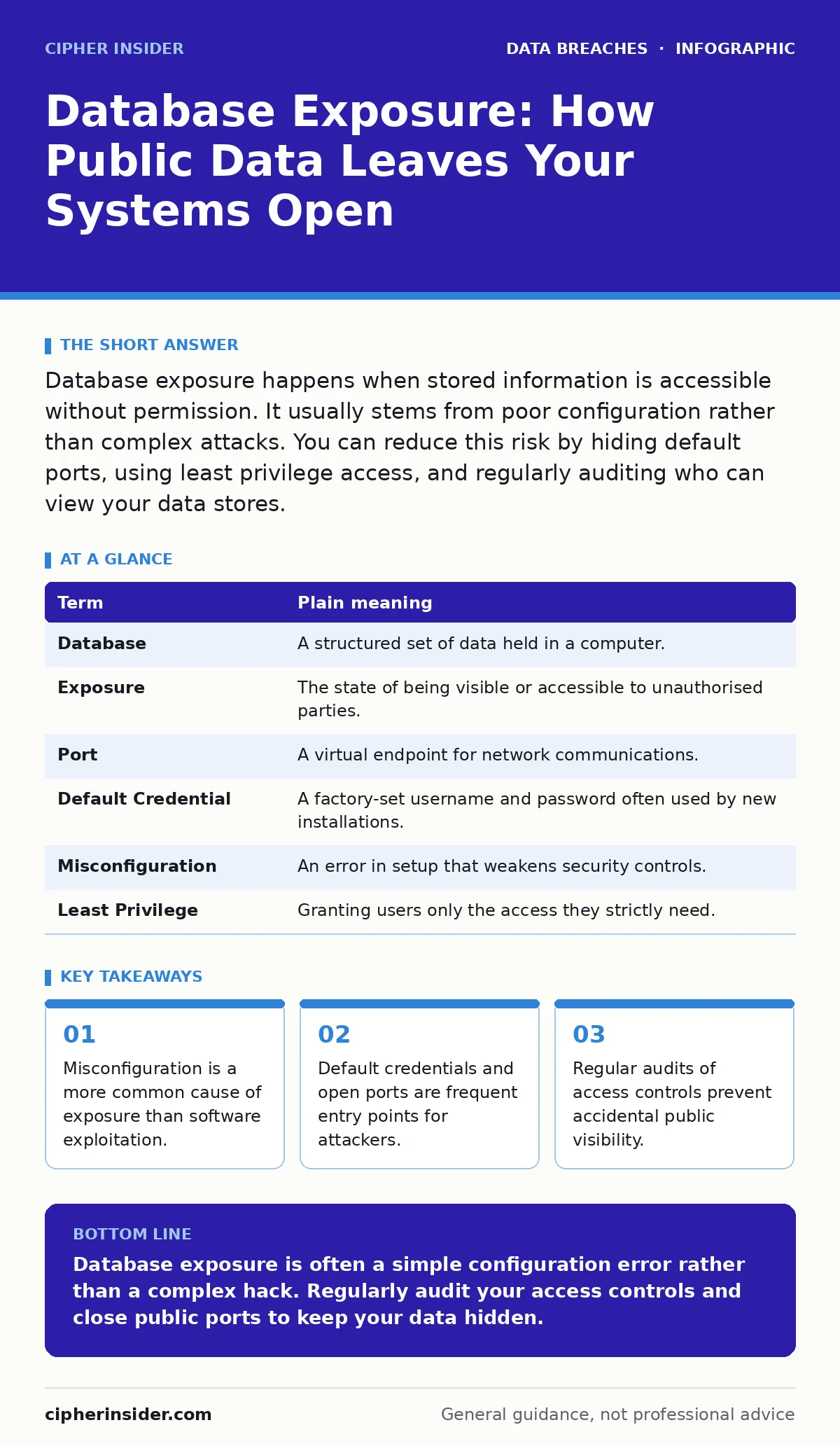
Database exposure happens when stored information is accessible without permission. It usually stems from poor configuration rather than complex attacks. You can reduce this risk by hiding default ports, using least privilege access, and regularly auditing who can view your data stores.
The Library Without Doors
Imagine a library where the librarian forgets to lock the front door. Anyone walking past can enter, browse the shelves, and take any book they wish. No special key or membership card is needed. The books are not hidden; they are simply left out in the open.
This is what database exposure looks like in digital systems. A database is an organised collection of data, such as user profiles or transaction records. When it is exposed, it is like that unlocked library. The data is not stolen through force; it is taken because it was left accessible to anyone with an internet connection.
How Exposure Happens
You might expect a breach to involve sophisticated code or brute-force attacks. Often, the cause is far simpler. An administrator sets up a new database and forgets to change the default settings. These defaults often allow connections from any IP address and use generic passwords.
Another common error involves ports. A port is a network endpoint that allows data to flow between devices. If a database runs on a standard port and that port is open to the public internet, scanners can find it instantly. The system does not need to be weak; it just needs to be visible.
| Term | Plain meaning |
|---|---|
| Database | A structured set of data held in a computer. |
| Exposure | The state of being visible or accessible to unauthorised parties. |
| Port | A virtual endpoint for network communications. |
| Default Credential | A factory-set username and password often used by new installations. |
| Misconfiguration | An error in setup that weakens security controls. |
| Least Privilege | Granting users only the access they strictly need. |
The Hidden Cost of Visibility
When a database is exposed, the damage is not always immediate. Attackers often scan for these open systems automatically. They may not take the data right away. Instead, they map it out for later use. This delay gives a false sense of security.
The real cost appears when the data is used. If the database contains credential leaks, attackers can try those usernames and passwords on other services. This is known as credential stuffing. Even if your system is secure, exposed data can harm your users elsewhere.
What This Means for You
As an ordinary user, you may not control database servers. However, you are affected when companies fail to secure theirs. If a service provider exposes its user data, your personal details may end up in public repositories. This increases your risk of identity theft or phishing attacks.
You should also be aware of third-party risk assessments. The company you trust might use a vendor who does not secure their data well. A breach in a small supplier can expose the main organisation’s customers. You are only as safe as the weakest link in the chain.
Safety Habits for Configuration
If you manage any system that stores data, you must treat access as a privilege, not a right. Start by disabling default accounts. Never leave the administrator account with its original password. Change it to something unique and complex.
Next, restrict network access. Use a firewall to block connections from the public internet. Only allow traffic from specific, trusted IP addresses. This is called whitelisting. It ensures that even if the port is open, only authorised devices can reach it.
See also: What is online tracking: how data follows you and how to stop it · Differential Privacy Meaning: How Noise Protects Your Data
Auditing and Maintenance
Security is not a one-time setup. It requires ongoing review. You should regularly check who has access to your databases. Remove accounts for employees who have left the organisation. Review permissions for active users to ensure they still need their current level of access.
Automate these checks where possible. Manual reviews are easy to forget. Automated tools can alert you when a new port is opened or when a user gains elevated privileges unexpectedly. This helps catch backup data exposure early, as backups often contain the same sensitive data as the live system.
Simple Steps to Reduce Risk
You can apply these habits to any system you control. They do not require expensive software, just careful attention.
- Change all default settings. Rename admin accounts and set strong, unique passwords.
- Close unnecessary ports. Use a firewall to block public access to database ports.
- Audit access monthly. Review user lists and remove anyone who no longer needs access.
Beyond Basic Protection
Understanding breach notification laws helps you know your obligations if exposure occurs. These laws require you to inform users if their data is compromised. Proactive security reduces the likelihood of having to make such notifications.
Also, consider data scraping. Attackers use automated tools to collect exposed data. If your system is visible, these tools will find it. Hiding your systems from public view is a basic defence against these automated harvesters.
Key takeaways
- Misconfiguration is a more common cause of exposure than software exploitation.
- Default credentials and open ports are frequent entry points for attackers.
- Regular audits of access controls prevent accidental public visibility.
Database exposure is often a simple configuration error rather than a complex hack. Regularly audit your access controls and close public ports to keep your data hidden.
Frequently asked questions
Is my personal data safe if I don't run a database?
Your data is still at risk if the services you use fail to secure their databases. You rely on their security practices.
How do I know if my database is exposed?
You can use online port scanning tools to check if your database ports are visible from the public internet.
Does encryption stop database exposure?
Encryption protects data at rest, but it does not prevent unauthorised access. If the database is open, attackers can still read the data if they have the keys.
What is the difference between a hack and exposure?
A hack involves exploiting a vulnerability. Exposure involves leaving data accessible without proper authentication or network restrictions.
How this guide was produced: written by the Cipher Insider editorial team with AI assistance, checked against the public references listed below, and reviewed when the facts change. See our editorial policy or report an error.