Data loss prevention stops sensitive information from leaving your network. It works by classifying data, monitoring movement, and blocking unauthorised transfers. You must configure it carefully to avoid blocking legitimate work. Understanding its limits helps you protect assets without hindering productivity.
What is data loss prevention?
Data loss prevention is a security strategy that identifies, monitors, and blocks sensitive data as it moves across your network. It uses pattern matching, fingerprinting, and content inspection to recognise confidential information. The system acts as a gatekeeper, scanning emails, file transfers, and cloud uploads. It does not prevent all leaks, but it adds a layer of detection that alerts you to risky behaviour.
How does DLP differ from a firewall?
A firewall controls traffic based on source and destination addresses, while DLP controls traffic based on content. A firewall might allow an email to pass because it comes from a trusted server. DLP examines the attachment inside that email for credit card numbers or source code. One tool manages the door, while the other checks what you are carrying through it. You need both to secure your perimeter effectively.
What are the main types of DLP controls?
There are 3 primary categories of DLP controls that address different stages of data movement. Network DLP monitors data in transit across your internet connections. Endpoint DLP secures data at rest on devices like laptops and servers. Discovery DLP scans storage systems to find where sensitive data currently lives. Each type addresses a specific vulnerability in your data lifecycle.
Why do DLP alerts often cause fatigue?
False positives occur when DLP tools flag legitimate business communications as threats. If your tool blocks an engineer sending a standard invoice, it creates friction. Users will seek workarounds, such as using personal email accounts, which bypasses security entirely. High alert volumes desensitise security teams to genuine threats. You must tune your rules carefully to balance protection with operational efficiency.
Can DLP stop insider threats?
DLP can detect and block accidental leaks, but it struggles with determined insiders. An employee with authorised access can copy data to a personal device or take photographs of a screen. Network DLP cannot see data that never leaves the internal network. Endpoint DLP helps by controlling copy-paste actions and USB usage, but it cannot stop someone from memorising information. Human behaviour remains the hardest variable to control.
See also: Fileless Malware Mistakes: 7 Errors That Bypass Traditional Defenses · Zero-knowledge encryption: mathematical privacy for small firms
How does DLP handle encrypted data?
Standard DLP tools cannot inspect encrypted traffic because the data is unreadable. If you use TLS for all web traffic, the DLP sees only scrambled gibberish. To inspect this data, you must implement SSL decryption at your network perimeter. This process breaks the encryption, inspects the content, and re-encrypts it. It adds computational overhead and requires careful certificate management to avoid breaking secure connections.
What is the impact of cloud services on DLP?
Cloud services move data outside your traditional network boundary. Traditional network DLP cannot see traffic going directly to cloud storage providers. You must use cloud access security brokers or cloud-specific DLP agents. These tools integrate with cloud APIs to monitor file shares and permissions. Without them, your data protection gaps widen as you adopt more cloud applications.
How do I classify data for DLP?
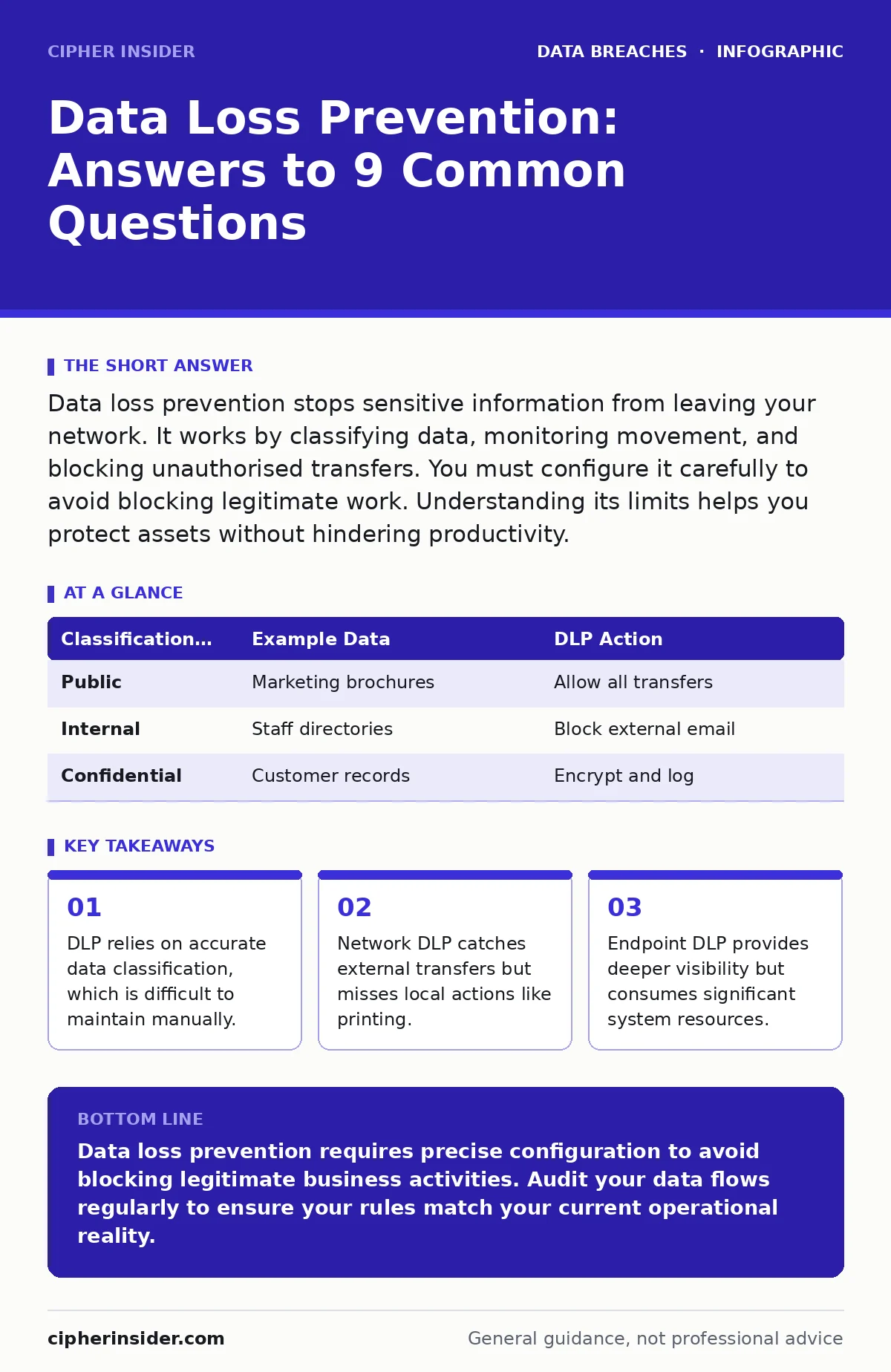
Data classification assigns a sensitivity label to information, such as public, internal, or confidential. DLP rules rely on these labels to decide what to block. You can use automated classifiers that look for patterns like tax IDs or credit card numbers. Manual classification is more accurate but requires employee effort. A hybrid approach works best, where automation handles standard formats and humans label complex documents.
| Classification Level | Example Data | DLP Action |
|---|---|---|
| Public | Marketing brochures | Allow all transfers |
| Internal | Staff directories | Block external email |
| Confidential | Customer records | Encrypt and log |
Does DLP replace data minimisation?
DLP does not replace data minimisation, which is the practice of collecting only necessary data. If you store excessive personal details, DLP must monitor all of it, increasing complexity. Reducing the amount of sensitive data you hold reduces the attack surface. This approach aligns with data subject rights frameworks that emphasise purpose limitation. Less data means fewer rules to manage and lower risk.
How does DLP interact with compliance standards?
Compliance standards like PCI DSS require protection of specific data types. DLP provides the technical controls to demonstrate this protection. It creates audit logs showing who accessed or moved sensitive data. However, compliance also requires policies and training. DLP is a tool, not a solution. You must combine it with regular reviews and employee education to meet regulatory requirements.
Key takeaways
- DLP relies on accurate data classification, which is difficult to maintain manually.
- Network DLP catches external transfers but misses local actions like printing.
- Endpoint DLP provides deeper visibility but consumes significant system resources.
Data loss prevention requires precise configuration to avoid blocking legitimate business activities. Audit your data flows regularly to ensure your rules match your current operational reality.
Frequently asked questions
What is the difference between DLP and information rights management?
DLP monitors and blocks data movement, while information rights management encrypts files and controls who can open them. DLP stops the leak, whereas IRM restricts usage after the file is accessed.
How does data scraping affect DLP effectiveness?
Data scraping collects publicly available information, which DLP cannot stop because the data is not confidential. You must protect against oversharing on social media to reduce the data available for scraping.
Can DLP prevent child identity theft?
DLP protects organisational data, not individual family information. Preventing child identity theft requires monitoring personal accounts and checking for credential leaks on sites like Have I Been Pwned.
Does credit monitoring help with data loss prevention?
Credit monitoring detects financial fraud after a breach, while DLP attempts to prevent the breach itself. They serve different purposes in your overall security strategy.
How this guide was produced: written by the Cipher Insider editorial team with AI assistance, checked against the public references listed below, and reviewed when the facts change. See our editorial policy or report an error.