
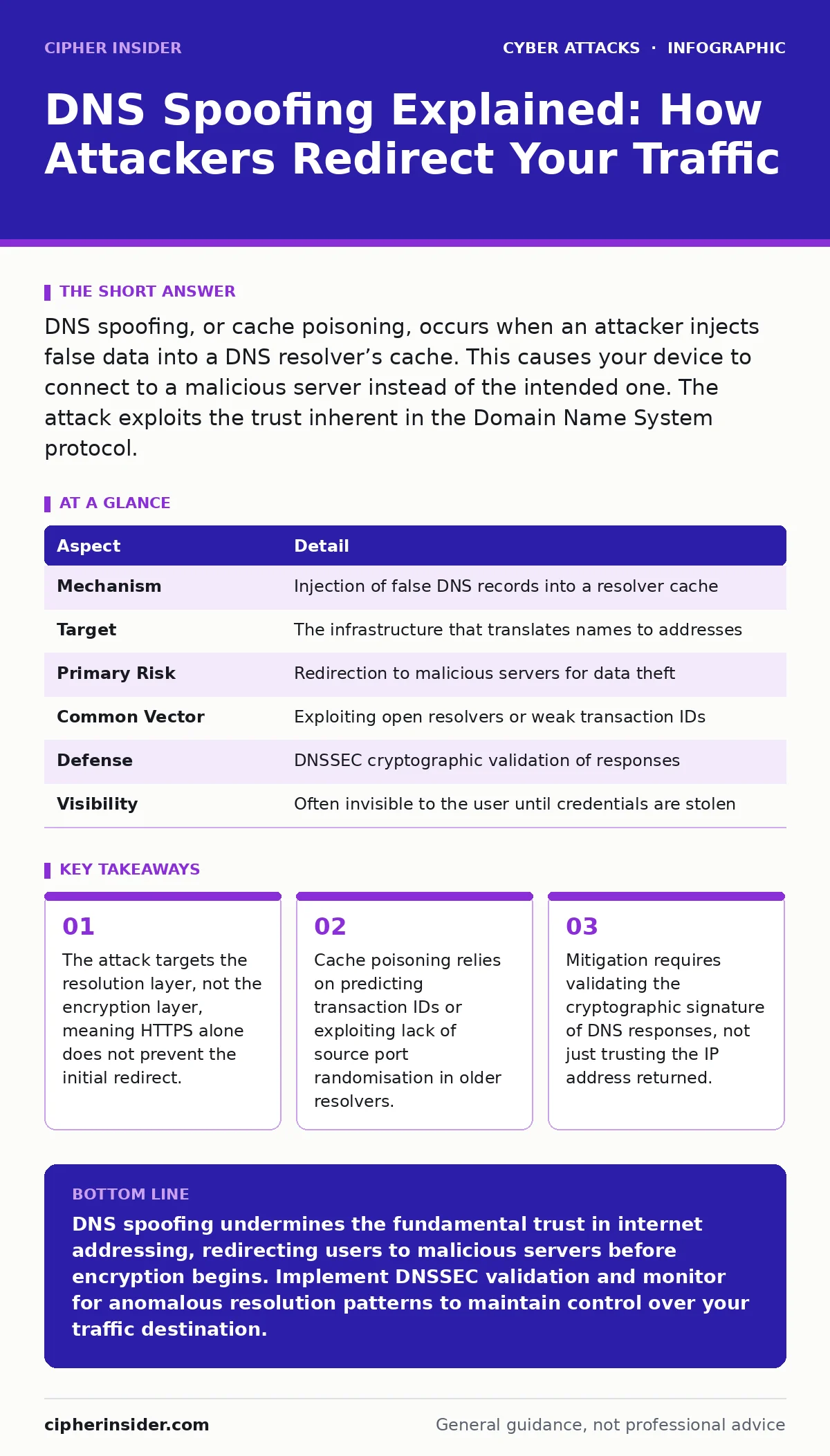
DNS spoofing, or cache poisoning, occurs when an attacker injects false data into a DNS resolver’s cache. This causes your device to connect to a malicious server instead of the intended one. The attack exploits the trust inherent in the Domain Name System protocol.
The Phonebook Analogy for Digital Trust
Imagine you want to call a friend. You do not memorise their number; you look it up in a shared phonebook. If someone alters that phonebook entry to show a different number, you will call the wrong person. You believe you are speaking to your friend because the name matches, but the connection is entirely different.
The Domain Name System functions as this global phonebook. It translates human-readable domain names into numerical IP addresses that computers use to locate each other. When this translation is corrupted, you are no longer talking to the server you intended. You are talking to whoever controls the false entry.
| Aspect | Detail |
|---|---|
| Mechanism | Injection of false DNS records into a resolver cache |
| Target | The infrastructure that translates names to addresses |
| Primary Risk | Redirection to malicious servers for data theft |
| Common Vector | Exploiting open resolvers or weak transaction IDs |
| Defense | DNSSEC cryptographic validation of responses |
| Visibility | Often invisible to the user until credentials are stolen |
How the Poisoning Occurs
The Domain Name System operates on a trust model. Your device asks a resolver, usually provided by your internet service provider, for the address of a website. The resolver checks its local memory, known as the cache, to see if it has answered this question recently. If it finds a match, it returns the cached IP address immediately. This speed is why the internet feels fast.
Attackers exploit this efficiency. They send forged DNS responses to the resolver before the legitimate server can answer. If the forged response matches the resolver’s expectations, the resolver accepts it as truth. It stores the false IP address in its cache. Every subsequent user querying that resolver for the same domain will receive the attacker’s address.
The technical hurdle for the attacker is predicting the transaction ID. This is a unique number attached to every DNS query to ensure the response matches the request. Older systems used predictable IDs, making them easy to guess. Modern systems randomise these IDs and the source port, raising the difficulty significantly but not eliminating the risk.
The Silent Redirect Experience
You type your bank’s web address into your browser. The address bar shows the correct URL. The connection appears secure. You enter your username and password. The website responds normally. You feel safe.
This scenario illustrates the core danger. The attack happens before the browser establishes its secure connection with the real server. The browser trusts the IP address provided by the DNS system. It does not know that the IP is wrong until the certificate validation fails, if it fails at all.
Common Forms of Address Manipulation
Not all DNS attacks involve cache poisoning. Several methods achieve similar redirection goals. Understanding the difference helps in identifying the specific weakness being exploited.
- Cache Poisoning: The classic form described above. It corrupts the resolver’s memory.
- DNS Hijacking: This involves compromising the actual DNS server or the configuration of a network router. The attacker changes the authoritative records or forces the device to use a malicious resolver.
- Local Host File Modification: Malware on your specific machine alters the local hosts file. This file overrides DNS lookups for that single device. It is a form of DNS spoofing limited to one user.
Each form has distinct indicators. Cache poisoning affects many users on the same network. Local host modification affects only one machine. Hijacking can affect an entire organisation if the primary DNS server is compromised.
What People Usually Get Wrong
A common misconception is that HTTPS prevents DNS spoofing. HTTPS encrypts the traffic between your browser and the server. It does not verify that the server is the correct one before the connection starts. If DNS returns the wrong IP, your browser will attempt to establish an HTTPS connection with that wrong IP.
Another error is believing that changing DNS settings to a public provider like Google or Cloudflare stops the attack. While these providers have better security practices, they are still targets. If an attacker can poison a major public resolver, millions of users are affected simultaneously. The risk shifts from local to global.
Reducing Risk Through Validation
The only technical solution that truly prevents DNS spoofing is DNS Security Extensions, or DNSSEC. This protocol adds cryptographic signatures to DNS records. When your resolver receives a response, it checks the signature. If the signature does not match, the response is rejected. The resolver does not cache the false data.
Implementing DNSSEC requires cooperation across the entire chain. The domain owner must sign their records. The registry must support it. The resolver must validate it. Your device must request validation. If any link in this chain is broken, the protection fails. Most modern operating systems and browsers support DNSSEC validation, but it is not always enabled by default.
The Human Element in Detection
Technical controls are primary, but human observation remains a secondary layer. Attackers often make mistakes in their spoofed environments. A website might load slowly. Images might fail to appear. The layout might be slightly off. These are signs that the server you are connected to is not the legitimate one.
Regular security awareness training helps staff recognise these subtle anomalies. Employees should know to check the URL carefully and report any unusual behaviour. They should understand that a correct URL in the address bar does not guarantee a correct destination if the underlying DNS system is compromised.
Integrating with Broader Security Hygiene
DNS spoofing rarely occurs in isolation. It is often part of a broader campaign. An attacker might use evil twin Wi-Fi attacks to force devices onto a rogue network. On this network, they can manipulate DNS responses easily. They might follow up with session hijacking to steal active login tokens.
Understanding these connections is vital. If you secure your DNS but leave your Wi-Fi unsecured, you create a new entry point. If you train staff to spot phishing emails but ignore DNS vulnerabilities, you leave a blind spot. A holistic approach considers how different attack vectors interact.
For instance, watering hole attacks compromise legitimate websites that users trust. If DNS spoofing can redirect users to a copy of that site, the attacker gains the same access without compromising the original server. The defence must address both the content and the delivery mechanism.
Practical Steps for Immediate Improvement
Start by verifying your DNS settings. Ensure your devices are not using hardcoded DNS servers that are known to be insecure. Use a resolver that supports DNSSEC validation. Check your router settings to ensure it is not open to the public internet, which would allow anyone to poison its cache.
Monitor your network for unusual DNS traffic. Sudden spikes in queries or responses from unexpected sources can indicate an attack. Log these events. Investigate anomalies promptly. The earlier you detect a deviation, the less damage an attacker can cause.
Finally, educate yourself on the signs of a compromised system. If multiple users report accessing the same site with different experiences, suspect DNS issues. If you see certificate errors consistently, do not bypass them. These errors are often the only warning that you have been redirected.
Key takeaways
- The attack targets the resolution layer, not the encryption layer, meaning HTTPS alone does not prevent the initial redirect.
- Cache poisoning relies on predicting transaction IDs or exploiting lack of source port randomisation in older resolvers.
- Mitigation requires validating the cryptographic signature of DNS responses, not just trusting the IP address returned.
DNS spoofing undermines the fundamental trust in internet addressing, redirecting users to malicious servers before encryption begins. Implement DNSSEC validation and monitor for anomalous resolution patterns to maintain control over your traffic destination.
Frequently asked questions
Can antivirus software detect DNS spoofing?
Antivirus software focuses on malicious files and known signatures. It generally cannot detect DNS spoofing because the attack occurs at the network protocol level, not on the local file system.
Does using a VPN stop DNS spoofing?
A VPN can help if it forces all DNS queries through its own secure servers. However, if the VPN provider’s DNS servers are compromised or misconfigured, the protection fails. The VPN itself does not validate DNS records.
How do I know if my DNS cache is poisoned?
You can compare the IP address returned by your local resolver with the address returned by a trusted public resolver. If they differ, your local cache may be poisoned.
Is DNS spoofing the same as phishing?
No. Phishing tricks users into clicking malicious links. DNS spoofing tricks the computer into connecting to the wrong server, even when the user types the correct address.
How this guide was produced: written by the Cipher Insider editorial team with AI assistance, checked against the public references listed below, and reviewed when the facts change. See our editorial policy or report an error.