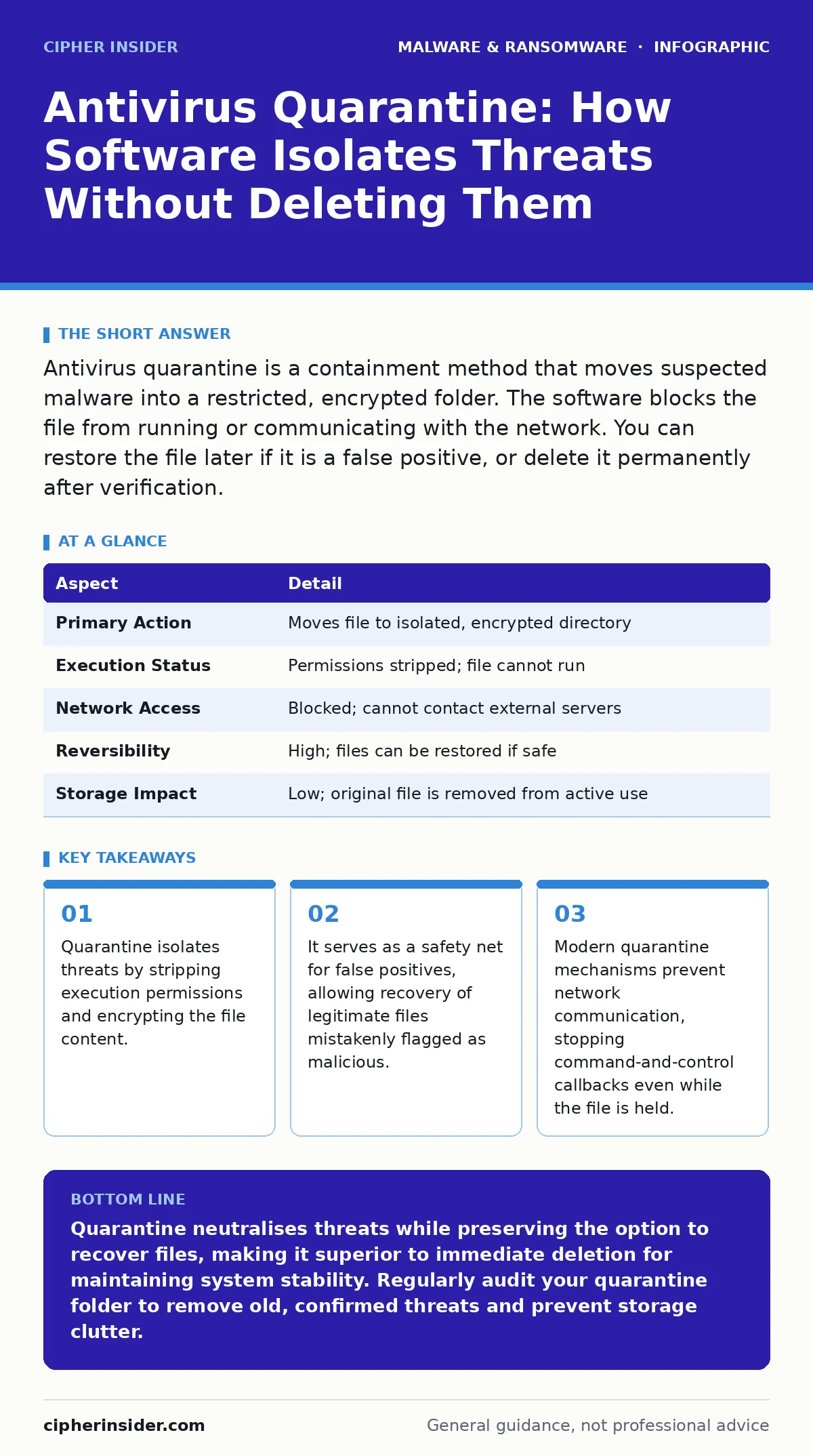
Antivirus quarantine is a containment method that moves suspected malware into a restricted, encrypted folder. The software blocks the file from running or communicating with the network. You can restore the file later if it is a false positive, or delete it permanently after verification.
The Digital Lockbox Analogy
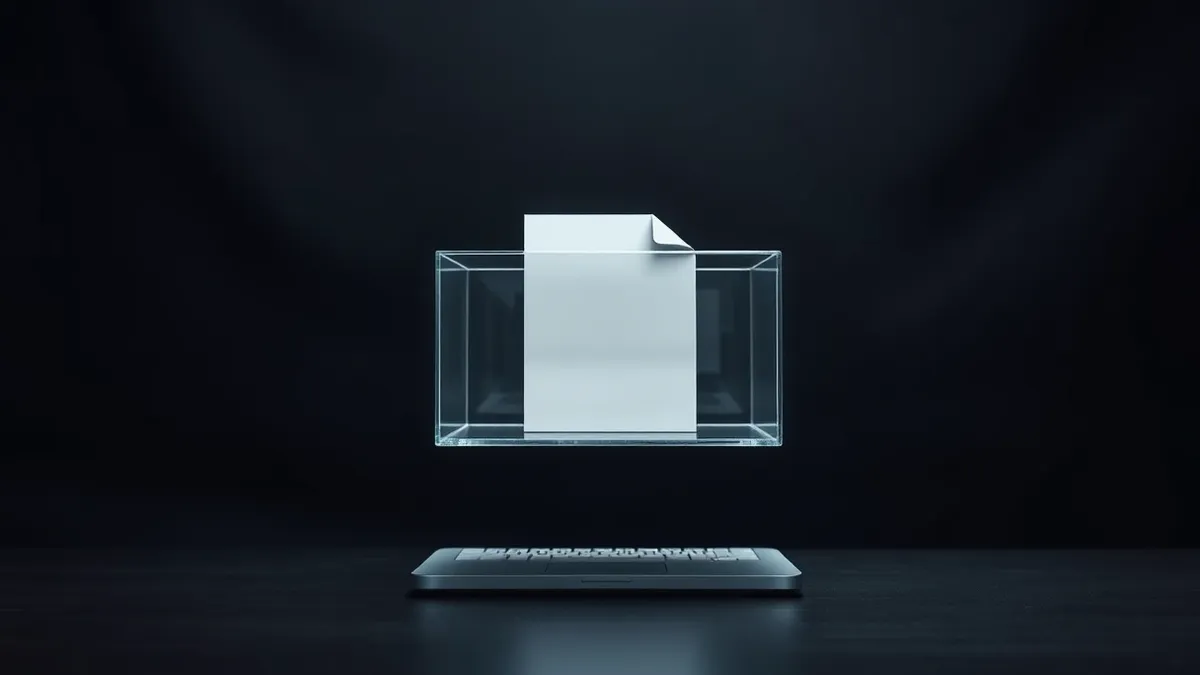
Imagine a customs officer inspecting a package at the border. The officer suspects the contents are prohibited but is not certain. Instead of destroying the package immediately, they place it in a secure, isolated room. The package cannot leave, and the contents cannot interact with the outside world. This isolation allows for further inspection without risking contamination of the general area.
Antivirus software uses this same logic. When a scanner identifies a file that matches a known threat signature or exhibits suspicious behaviour, it does not always delete it. Deletion is permanent and irreversible. Instead, the software moves the file to a quarantine area. This area is a protected directory on your hard drive, often encrypted, where the file loses its ability to execute.
Mechanics of Isolation
The process begins when the antivirus engine flags a file. The software copies the file to a hidden system directory. It then changes the file permissions so that no user or process can run it. In many cases, the software also encrypts the quarantined file. This prevents the malware from decrypting itself and executing if the quarantine folder is compromised.
The original file in its active location is either deleted or renamed with a system extension. This ensures the operating system cannot accidentally load the malicious code. The antivirus maintains a log entry linking the quarantined item to its original path. This log allows you to restore the file if you later determine it was safe.
| Aspect | Detail |
|---|---|
| Primary Action | Moves file to isolated, encrypted directory |
| Execution Status | Permissions stripped; file cannot run |
| Network Access | Blocked; cannot contact external servers |
| Reversibility | High; files can be restored if safe |
| Storage Impact | Low; original file is removed from active use |
Distinguishing Quarantine from Deletion
Users often confuse quarantine with deletion. Deletion removes the file from the file system entirely. The data may remain on the disk until overwritten, but the operating system no longer references it. Quarantine retains the file but neutralises its threat. This distinction matters when dealing with false positives.
A false positive occurs when legitimate software is incorrectly identified as malware. This can happen if a new program uses code structures similar to known viruses. If the antivirus deletes the file, you lose the software. If it quarantines the file, you can submit it to the vendor for analysis. If the vendor confirms it is safe, you can restore the file to its original location with a single click.
The Hidden Cost of Storage
Quarantine is not free in terms of system resources. Every quarantined file occupies space on your drive. If you run frequent scans on a large server, the quarantine folder can grow significantly. Old, confirmed threats may sit in quarantine for months or years, consuming storage without providing any security benefit.
You should configure your antivirus to automatically purge confirmed threats after a set period. This keeps the quarantine area lean and manageable. However, be cautious with auto-purge settings. If a file was quarantined due to a transient error in the detection engine, auto-deletion removes your chance to recover it. Balance convenience with the risk of data loss.
Network Containment Strategies
Modern malware often tries to phone home. Even if the file cannot execute on your machine, some sophisticated variants attempt to establish network connections from their stored state. This is rare but possible if the quarantine mechanism is flawed.
Effective antivirus solutions block all network traffic associated with quarantined items. This prevents the malware from sending data to command-and-control servers. It also stops the malware from downloading additional payloads. This layer of defence is critical for protecting your network infrastructure. If you suspect a breach, check your firewall logs for any outbound connections originating from the quarantine directory.
Common Misconceptions About Safety
Many users believe that once a file is quarantined, it is completely safe to ignore. This is a dangerous assumption. The quarantine folder is protected, but it is not invulnerable. If an attacker gains administrative access to your system, they can access the quarantine directory. They can restore the malicious files and execute them.
Furthermore, some ransomware variants target the quarantine folder. They may encrypt the quarantined files, rendering them useless. This does not necessarily mean the ransomware has infected your active system, but it indicates a high level of persistence. Always keep your operating system and antivirus definitions updated. This reduces the window of opportunity for attackers to exploit quarantine mechanisms.
Integrating with Broader Security Practices
Quarantine is one component of a layered defence strategy. It works best when combined with behavior-based detection. Signature-based scanning identifies known threats, while behaviour analysis catches new, unknown malware based on what it does. When behaviour analysis triggers a quarantine, the file is often more suspicious than one caught by signature matching.
You should also be aware of fake antivirus software. These programs mimic legitimate security tools to trick users into paying for unnecessary services. They may claim to have found hundreds of threats and quarantined them, but they are often just displaying false alerts. Always use reputable security software from trusted vendors.
Managing False Positives Efficiently
False positives are an inevitable part of antivirus operation. The line between legitimate software and malware is sometimes blurry. Legitimate tools, such as penetration testing utilities or system debuggers, may behave like malware. Quarantine allows you to handle these cases without compromising security.
When you encounter a false positive, do not simply disable your antivirus. This leaves your system vulnerable to real threats. Instead, restore the file and add it to the exclusion list. This tells the antivirus to ignore that specific file in future scans. Document the exclusion in your security logs. This creates an audit trail for future reference.
The Role of Quarantine in Incident Response
In a security incident, quarantine provides a valuable forensic artifact. The quarantined file can be analysed to understand the attack vector. Security teams can extract indicators of compromise from the file. This helps in identifying the scope of the breach and preventing future attacks.
However, rely on memory forensics for a complete picture. Quarantine only captures the file on disk. It does not capture the malware's activity in memory. If the malware has already executed, its traces may reside in RAM. Combining quarantine data with memory analysis gives a comprehensive view of the incident.
Key takeaways
- Quarantine isolates threats by stripping execution permissions and encrypting the file content.
- It serves as a safety net for false positives, allowing recovery of legitimate files mistakenly flagged as malicious.
- Modern quarantine mechanisms prevent network communication, stopping command-and-control callbacks even while the file is held.
Quarantine neutralises threats while preserving the option to recover files, making it superior to immediate deletion for maintaining system stability. Regularly audit your quarantine folder to remove old, confirmed threats and prevent storage clutter.
Frequently asked questions
Can I access files in the quarantine folder?
Generally, no. The folder is hidden and protected by the antivirus software. Accessing it directly may break the quarantine integrity or trigger security alerts. Use the antivirus interface to manage quarantined items.
Does quarantine slow down my computer?
Not significantly. The quarantine process happens quickly and in the background. However, a very large quarantine folder may slightly impact scan times. Keep the folder clean by purging old entries.
What happens if I disconnect from the internet?
Quarantine functions offline. The software does not need an internet connection to isolate files. However, it cannot update its definitions or send samples for analysis without connectivity.
Is quarantine the same as sandboxing?
No. Sandboxing runs the file in an isolated environment to observe its behaviour. Quarantine stores the file in a protected location without executing it. Sandboxing is for analysis; quarantine is for containment.
How this guide was produced: written by the Cipher Insider editorial team with AI assistance, checked against the public references listed below, and reviewed when the facts change. See our editorial policy or report an error.