
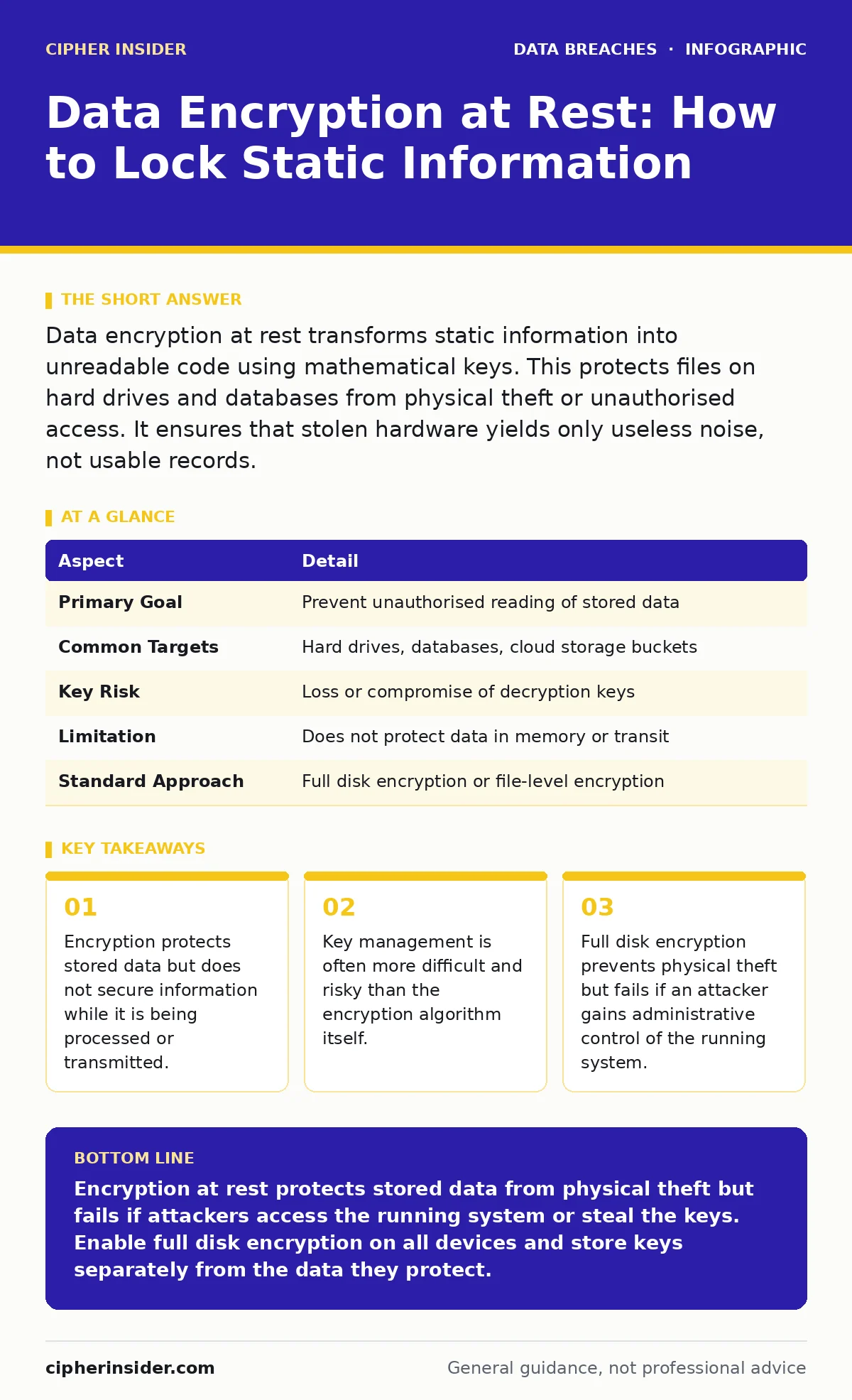
Data encryption at rest transforms static information into unreadable code using mathematical keys. This protects files on hard drives and databases from physical theft or unauthorised access. It ensures that stolen hardware yields only useless noise, not usable records.
Understanding Data Encryption at Rest
Data encryption at rest is the process of scrambling digital information while it sits on storage media. It turns readable files into ciphertext that requires a specific key to decode. This mechanism differs from encryption in transit, which secures data moving across networks. When you save a document to a hard drive, the system applies this transformation before writing the bits to the physical platter or flash memory. Without the correct decryption key, the magnetic or electrical states on the drive mean nothing to an observer.
Encryption at rest addresses the risk of physical loss or theft. If an attacker steals a laptop, a USB stick or a server hard drive, they cannot read the contents. The data remains mathematically locked until the proper credentials are provided. This is distinct from password protection, which often stores credentials in ways that can be bypassed. Encryption adds a layer of mathematical obscurity that brute-forcing usually cannot overcome within a useful timeframe.
| Aspect | Detail |
|---|---|
| Primary Goal | Prevent unauthorised reading of stored data |
| Common Targets | Hard drives, databases, cloud storage buckets |
| Key Risk | Loss or compromise of decryption keys |
| Limitation | Does not protect data in memory or transit |
| Standard Approach | Full disk encryption or file-level encryption |
How the Mechanism Works
The system uses a symmetric key algorithm to transform plaintext into ciphertext. Symmetric encryption means the same key locks and unlocks the data. This is efficient for large volumes of information. When you write a file, the operating system or application intercepts the data stream. It passes the stream through the encryption module before it reaches the storage controller. The storage device receives only the scrambled output.
Reading the file requires the reverse process. The system retrieves the ciphertext from the disk. It applies the decryption key to convert the noise back into readable text or binary code. This happens in real-time, so you perceive no delay. The complexity lies in managing these keys. If the key is lost, the data is permanently inaccessible. If the key is stolen, the encryption provides no protection. This trade-off defines the entire security posture of static data.
Who Is Affected by Static Data Risks
Organisations that store sensitive information face the highest risk. This includes healthcare providers holding patient records, banks storing transaction history, and retailers keeping payment details. Even small businesses with employee tax records are targets. Physical theft of devices is a common entry point. Attackers do not always need network access to compromise data. They only need to remove the storage medium.
Cloud service providers also handle data at rest. When you upload files to a cloud bucket, they sit on someone else's hard drive. The provider manages the physical security, but you often manage the encryption keys. This shared responsibility model creates confusion. Many users assume the cloud provider encrypts everything by default. While many do, verifying the configuration is necessary. Misconfigured storage buckets can expose unencrypted data to the public internet. This relates closely to database exposure risks where internal structures become visible.
What To Do About Encryption Gaps
You must enable full disk encryption on every device that stores sensitive data. Modern operating systems include this feature by default. Verify that it is active and not disabled for performance reasons. For servers, use volume-level encryption that covers the entire operating system and all data partitions. This prevents attackers from bypassing file-level protections by accessing the system drive directly.
Manage your encryption keys with the same care as the data itself. Never store keys on the same device they protect. Use a dedicated key management service or hardware security module. These systems isolate keys from the main computing environment. Regularly rotate keys to limit the damage of a potential leak. Test your recovery procedures annually. If you lose the key, you must know how to restore access without losing the data. This process is often overlooked until a crisis occurs.
Common Misconceptions About Static Security
Many believe that encryption at rest protects against all forms of data loss. This is incorrect. It does not protect against ransomware that encrypts files before they are saved. It does not protect against an attacker who logs into your system while it is running. Once the data is decrypted in memory, it is vulnerable. This is why password reuse remains a critical threat. If an attacker guesses your login password, they bypass the encryption layer entirely.
Another mistake is assuming that cloud storage is automatically secure. Providers may encrypt data at rest, but they might use keys they control. If you need compliance with standards like PCI DSS, you often must bring your own keys. This ensures the provider cannot read your data. You must verify the encryption settings in your console. Default settings often prioritise convenience over security. Leaving defaults unchanged is a common path to third-party risk assessments failing.
Integrating With Backup Strategies
Backups are often the weakest link in encryption chains. Many organisations encrypt their primary systems but store backups in plain text. This creates a large target for attackers. If a backup tape or cloud snapshot is stolen, it contains the same data as the production system. You must apply the same encryption standards to backups. Ensure the backup software supports encryption before writing the data to the archive.
Test your backup restoration process regularly. Encrypted backups add a step to recovery. You need the correct keys to decrypt the backup before you can restore it. If the key management system is down, you cannot restore data. This creates a single point of failure. Document the key retrieval process clearly. Include it in your disaster recovery plan. Check for backup data exposure risks by auditing who has access to the backup storage. Limit this access to the minimum necessary personnel.
Limitations and Edge Cases
Encryption at rest has performance costs. Every read and write operation requires cryptographic processing. This adds latency to disk operations. On high-throughput systems, this can impact application performance. You must balance security requirements with speed. Modern processors include instructions that accelerate encryption, reducing this overhead. Still, the cost exists. Measure your performance before and after enabling encryption.
Some legacy systems do not support modern encryption standards. They may use outdated algorithms that are no longer considered secure. You cannot simply turn on encryption on these systems. You must upgrade the hardware or software. This is a common challenge in industrial control systems or older medical devices. In these cases, network segmentation and strict access controls become more important. Isolate these devices from the main network. Monitor them closely for unusual activity. This approach mitigates risk when encryption is not an option.
Key takeaways
- Encryption protects stored data but does not secure information while it is being processed or transmitted.
- Key management is often more difficult and risky than the encryption algorithm itself.
- Full disk encryption prevents physical theft but fails if an attacker gains administrative control of the running system.
Encryption at rest protects stored data from physical theft but fails if attackers access the running system or steal the keys. Enable full disk encryption on all devices and store keys separately from the data they protect.
Frequently asked questions
Does encryption at rest protect against phishing attacks?
No. Phishing targets user credentials. If an attacker logs in with your password, the system decrypts data for them. Encryption at rest only protects the data when it is sitting on the disk, not when it is being used by an authorised user.
Should I encrypt my personal smartphone?
Yes. Smartphones contain sensitive personal data and are easily lost or stolen. Most modern phones offer full device encryption. Enable it in the security settings. This ensures that if you lose the phone, the thief cannot access your photos or messages without your passcode.
How do I know if my cloud data is encrypted?
Check your cloud provider's security documentation. Look for settings related to "server-side encryption" or "client-side encryption". Verify who holds the keys. If the provider holds the keys, they can access your data. For higher security, use client-side encryption where you manage the keys.
Can I recover data if I lose my encryption key?
Only if you have a backup of the key. If the key is lost and no backup exists, the data is permanently unrecoverable. This is a fundamental property of strong encryption. Do not rely on the provider to recover the key. You must manage your own key backups securely.
How this guide was produced: written by the Cipher Insider editorial team with AI assistance, checked against the public references listed below, and reviewed when the facts change. See our editorial policy or report an error.