Key points
- MapQuest has introduced a new map layer that reveals the locations of known outdoor surveillance cameras and licence plate readers.
- The feature includes devices from Flock Safety, Motorola Solutions, Genetec, Axon, and several other major manufacturers.
- Users can enable the camera overlay in Map Options, alongside existing traffic and incident layers, to view nearby monitoring points.
The short version
- MapQuest users can now toggle on a surveillance layer to see where outdoor cameras and licence plate readers are located.
- The data includes devices from Flock Safety, a major US licence plate reader maker, as well as Motorola, Genetec, and Axon.
- Camera locations are crowdsourced, allowing users to submit devices they observe, according to reports by Engadget and The Next Web.
The details
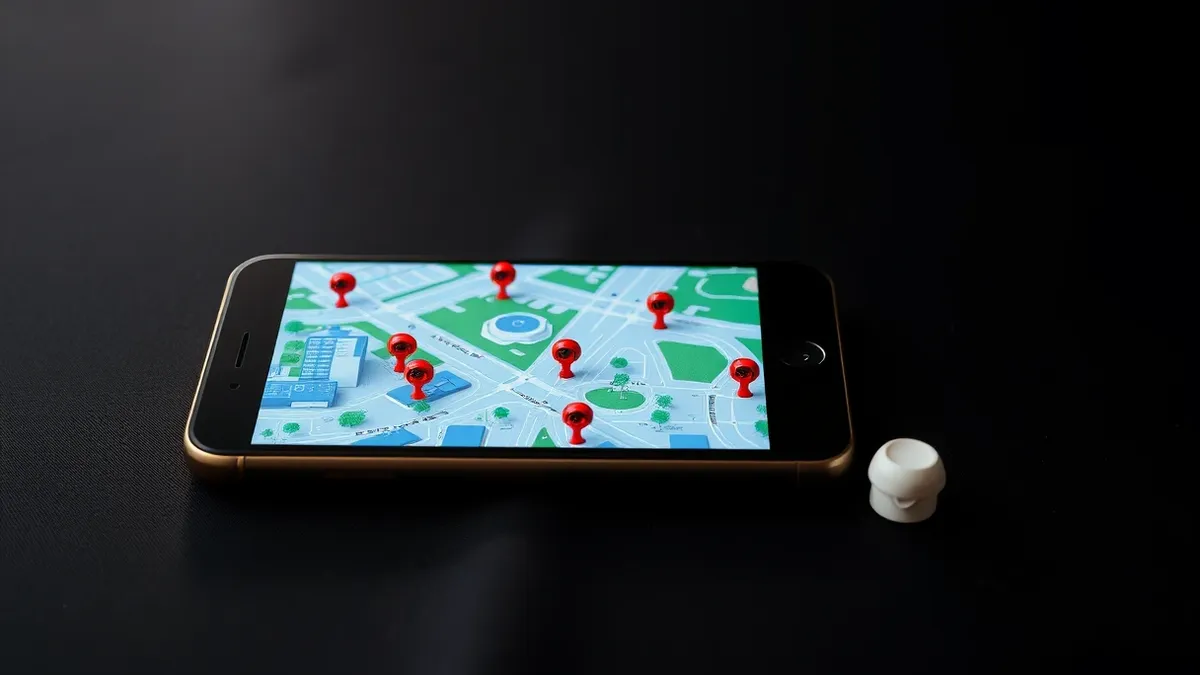
MapQuest has updated its application to include a surveillance layer that displays known outdoor cameras and licence plate readers. Users can activate this feature within the Map Options menu, positioning it next to the standard traffic and incidents layers. The update was reported by Engadget and The Next Web.
The layer specifically highlights cameras manufactured by Flock Safety, which is identified as one of the largest producers of licence plate readers in the United States. It also lists devices from Motorola Solutions (Vigilant), Genetec, Axis Communications, Axon, Leonardo (ELSAG), Neology, Rekor, PlateSmart, Ubicquia, and Verkada. These devices photograph passing vehicles and log their licence plates, times, and locations for search by police and private groups.
MapQuest announced the feature on social media with the phrase “The Roads Have Eyes!”. The company stated that camera locations are crowdsourced, meaning users can add devices they spot to the database. This functionality allows individuals to see where monitoring infrastructure is concentrated in their area.
The context
This update follows a surge in MapQuest downloads in September. The increase occurred after the service refused to follow Google Maps and Apple Maps in relabelling Lake Ontario as Lake America. According to Engadget, MapQuest has since added Android Auto support and public transport directions.
Flock’s cameras have expanded rapidly across the US but face growing pushback. A US judge ruled that a police search using Flock data constituted unconstitutional mass surveillance. The addition of this layer brings transparency to the growing network of automated monitoring systems in public spaces.
Defender's checklist
- Review Map Options in the MapQuest app to locate the new surveillance camera layer.
- Toggle the layer on to visualise nearby licence plate readers and outdoor cameras.
- Note that locations are crowdsourced, so availability may vary by region and user contribution.
- Use the layer alongside traffic and incident data for comprehensive situational awareness.
If your data is involved
Organisations deploying surveillance hardware should monitor how their devices appear on public maps. Review privacy policies to ensure crowdsourced data sharing aligns with local regulations. Individuals should be aware that licence plate readers log vehicle movements, times, and locations. Check whether your organisation’s security vendors share location data with third-party mapping services. Remain vigilant for phishing attempts that exploit awareness of surveillance technology. Verify the source of any security alerts regarding camera data breaches before taking action.
Background: Phishing
Phishing is a broad, automated attack sent to thousands of recipients using generic templates. Spear phishing targets specific individuals or organisations using researched personal details. The core difference lies in the level of personalisation. You defend against phishing with technical filters and against spear phishing with verification protocols and human awareness.
Read the full guide: Phishing vs Spear Phishing: Targeting Mechanics and Defence
What to do and how to stay safe: MapQuest
- Check the MapQuest app settings to see if the surveillance layer is active on your device.
- Review your organisation’s privacy impact assessments for licence plate reader deployments.
- Monitor official communications from camera vendors for updates on data sharing practices.
- Educate staff on recognising scams related to surveillance data or camera security.
Step-by-step guide: What is online tracking: how data follows you and how to stop it
General security guidance from the Cipher Insider newsroom. It is not confirmed advice from the organisations named in this story.
Frequently asked questions
Can I turn off the surveillance camera layer in MapQuest?
Yes, users can switch the layer on or off in Map Options, next to traffic and incidents.
Which camera manufacturers are included in the MapQuest layer?
It includes Flock Safety, Motorola Solutions, Genetec, Axis, Axon, Leonardo, Neology, Rekor, PlateSmart, Ubicquia, and Verkada.
How does MapQuest know where the cameras are located?
The camera locations are crowdsourced, allowing users to add devices they spot to the map.