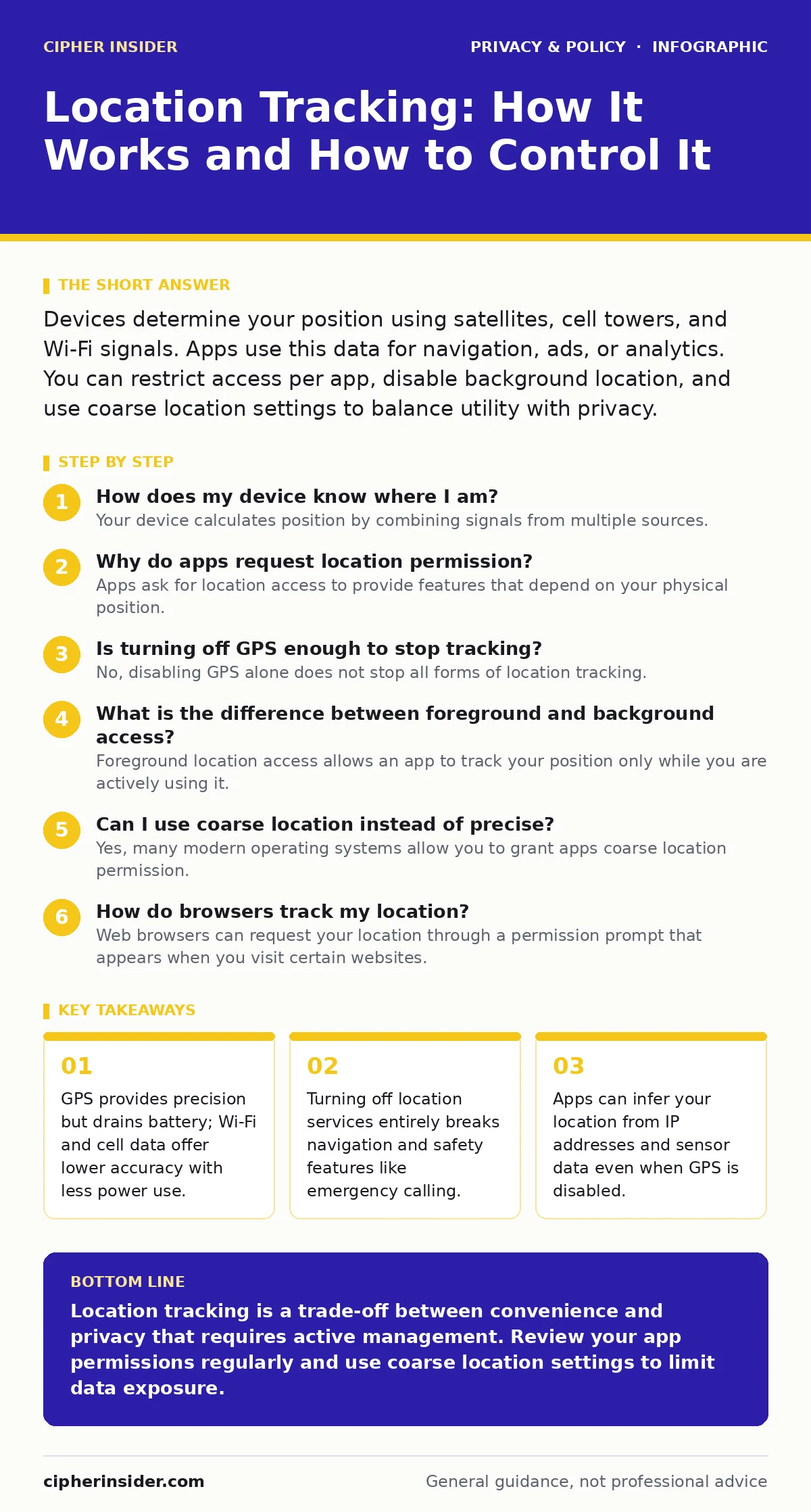
Devices determine your position using satellites, cell towers, and Wi-Fi signals. Apps use this data for navigation, ads, or analytics. You can restrict access per app, disable background location, and use coarse location settings to balance utility with privacy.
How does my device know where I am?
Your device calculates position by combining signals from multiple sources. Global Positioning System (GPS) satellites provide precise coordinates, while cellular towers and Wi-Fi access points offer broader estimates. This combination, known as Assisted GPS, allows your phone to determine location quickly, even indoors where satellite signals are weak. The device triangulates your position based on the time it takes for signals to travel from these sources to your antenna.
Why do apps request location permission?
Apps ask for location access to provide features that depend on your physical position. A weather application needs your town to show accurate forecasts, while a ride-sharing service requires your exact coordinates to dispatch a driver. Some apps, however, collect this data for advertising or analytics, building a profile of your habits and preferences. Understanding the specific use case helps you decide whether to grant full access or restrict it to foreground use only.
Is turning off GPS enough to stop tracking?
No, disabling GPS alone does not stop all forms of location tracking. Your device can still determine your approximate position using cell tower triangulation and Wi-Fi scanning. Many applications rely on these less precise methods when GPS is unavailable or to save battery life. Furthermore, your Internet Protocol (IP) address reveals your general geographic region, allowing websites to infer your location without any GPS involvement.
What is the difference between foreground and background access?
Foreground location access allows an app to track your position only while you are actively using it. Background access permits the app to record your movements even when the screen is off or the app is running in the background. This distinction matters because background tracking enables features like route history in fitness apps, but it also allows social media or utility apps to build a continuous log of your whereabouts. Restricting access to foreground use significantly reduces the amount of data collected without breaking core functionality.
Can I use coarse location instead of precise?
Yes, many modern operating systems allow you to grant apps coarse location permission. Coarse location provides your approximate area, such as a neighbourhood or city, rather than your exact street address. This setting is sufficient for weather forecasts, local news, or general advertising targeting. By using coarse location, you maintain the utility of location-based services while preventing apps from pinpointing your specific residence or workplace. This trade-off reduces privacy risk without sacrificing the basic function of the application.
See also: Malicious Mobile Apps: What They Steal and How to Stop Them · Smart home privacy risks: recovery steps after a sensor leak
How do browsers track my location?
Web browsers can request your location through a permission prompt that appears when you visit certain websites. This mechanism uses the same GPS, cell, and Wi-Fi data as native apps. When you click "Allow," the browser shares your coordinates with the website, which may store them in cookies or send them to third-party analytics providers. This tracking persists across different sites if you have previously granted permission, creating a cross-site profile of your movements. You can manage these permissions in your browser settings to block or allow specific sites.
| Tracking Method | Accuracy | Power Usage | Can Be Blocked by User? |
|---|---|---|---|
| GPS Satellites | High (Metres) | High | Yes, via settings |
| Cell Towers | Medium (Hectometres) | Low | Partially, via Airplane Mode |
| Wi-Fi Scanning | Medium (Metres) | Low | Yes, via Wi-Fi settings |
| IP Address | Low (City/Region) | Negligible | No, unless using VPN |
Does Airplane Mode stop all location tracking?
Airplane Mode disables the radio transmitters that send and receive data, including cellular, Wi-Fi, and Bluetooth. This stops your device from communicating its location to networks and servers, effectively halting active tracking. However, the GPS receiver itself often remains active because it only receives signals and does not transmit any data. Some devices may still calculate your position internally, though they cannot share it until you re-enable connectivity. If you need to ensure no location data is transmitted, you must disable GPS in addition to turning on Airplane Mode.
How can I prevent apps from building a movement profile?
To stop apps from creating a detailed map of your daily routine, you should revoke location permissions for any app that does not strictly need them for its core function. Social media, games, and flashlights rarely require constant location access, yet they often request it to serve targeted advertisements. Additionally, disable location history features within your device settings, which aggregate your past locations into a searchable log. Regularly auditing your app permissions ensures that only necessary services have access to your physical movements.
What is the hidden cost of location-based convenience?
The primary cost of location convenience is the erosion of anonymity and the potential for data aggregation. When multiple apps collect your location data, that information can be combined to reveal sensitive details about your health, relationships, and political affiliations. Even if individual data points seem harmless, their aggregation creates a comprehensive profile that can be sold to advertisers or exposed in data breaches. You must weigh the immediate convenience of features like automatic check-ins against the long-term privacy implications of continuous surveillance.
Key takeaways
- GPS provides precision but drains battery; Wi-Fi and cell data offer lower accuracy with less power use.
- Turning off location services entirely breaks navigation and safety features like emergency calling.
- Apps can infer your location from IP addresses and sensor data even when GPS is disabled.
Location tracking is a trade-off between convenience and privacy that requires active management. Review your app permissions regularly and use coarse location settings to limit data exposure.
Frequently asked questions
Can I track my device if I lose it?
Most operating systems offer built-in find-my-device features that allow you to locate, lock, or erase your device remotely, provided it remains connected to the internet.
Do smartwatches track location differently?
Smartwatches often rely on your paired phone for location data, though some models have independent GPS and cellular capabilities that can track you even when your phone is not nearby.
Is location data encrypted?
Location data is typically encrypted during transmission between your device and the service provider, but it may be stored in plain text or hashed formats on company servers, depending on their security policies.
Can I use location services without an internet connection?
Yes, GPS works without an internet connection, but features like map downloads, traffic updates, and location-based search require data connectivity to function fully.
How this guide was produced: written by the Cipher Insider editorial team with AI assistance, checked against the public references listed below, and reviewed when the facts change. See our editorial policy or report an error.