Key points
- MapQuest has added a surveillance layer to its mobile application that displays the locations of known outdoor license plate readers.
- The feature includes data from Flock Safety and numerous other manufacturers such as Motorola Solutions, Genetec, and Axon.
- Users can visualise camera positions and facing directions on the map, though the app does not yet offer automated routing to avoid these devices.
The short version
- MapQuest users can now toggle a specific layer on their maps to see where license plate recognition cameras are installed in their area.
- The database covers devices from a wide range of vendors, including Flock, Verkada, and Neology, rather than limiting data to a single provider.
- While the app shows camera locations and orientation, it currently lacks a feature to automatically steer drivers away from these surveillance points.
The details
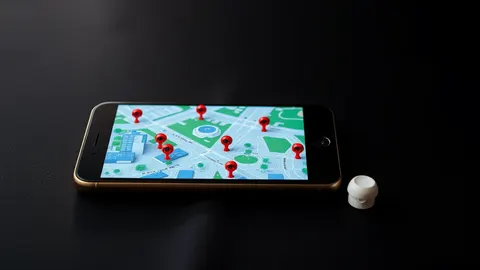
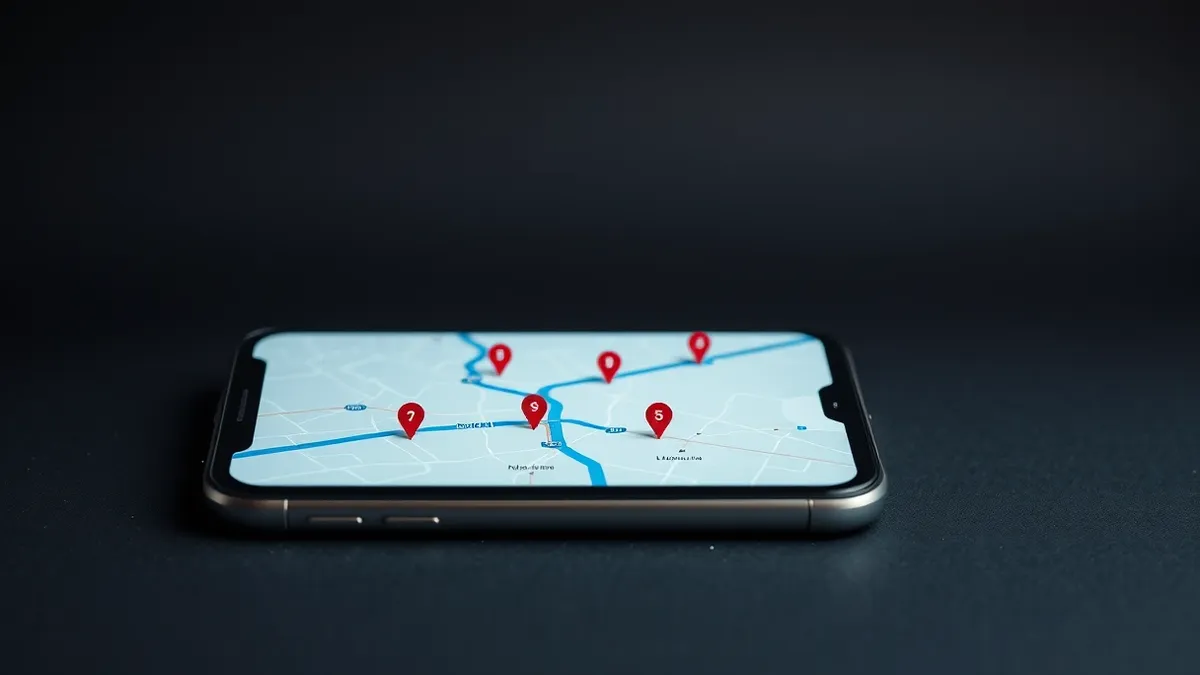
MapQuest has introduced a surveillance layer within its mobile navigation application, according to ZDNET Security. This feature allows users to view the locations of outdoor license plate readers in their vicinity. The map marks these devices with a small red eye icon and includes a vision cone to indicate the direction the camera is facing. Although the application does not currently provide an option to automatically route users around these cameras, individuals can manually plan their journeys to avoid the displayed locations if they wish.
The surveillance layer aggregates data from multiple brands, not just one provider. According to ZDNET Security, the map includes cameras from Flock Safety, Motorola Solutions, Genetec, Axis Communications, Axon, Leonardo, Neology, Rekor, PlateSmart, Ubicquia, and Verkada. This breadth of coverage distinguishes the feature from competitors like Google Maps and Apple Maps, which do not currently offer information on Flock camera locations. Waze identifies police cameras, but this category often includes speed and traffic cameras, making it difficult to distinguish specific surveillance devices.
MapQuest announced the addition of this layer on Bluesky, noting that it aims to help users stay out of sight of surveillance cameras. The company did not explain how it sourced the location data for these devices. ZDNET Security suggests the information is likely user-generated, citing the existence of crowdsourced maps such as OpenStreetMap that track similar camera networks. The publication notes that Flock is actively fighting against such crowdsourced mapping efforts. Despite this, the data displayed in the MapQuest app appears reliable to observers.
The context
The introduction of this feature marks a resurgence for MapQuest, a brand once dominant in turn-by-turn navigation before the rise of Google Maps, Waze, and Apple Maps. The publication notes that the app continues to offer standard navigation services alongside this new transparency tool.
The visibility of these cameras has raised concerns among some users; ZDNET Security reports that one observer found more than thirty cameras in a medium-sized town with a population of eighty thousand people. This density of surveillance infrastructure highlights the growing presence of automated license plate readers in everyday environments, prompting the need for tools that help the public understand where these devices are located.
Defender's checklist
- Check whether your navigation application of choice now includes layers for surveillance or traffic enforcement devices.
- Review the settings in your map application to see if you can toggle specific camera types on or off.
- Verify the source of the camera location data to understand if it is crowdsourced or officially sanctioned.
- Compare the camera data in your primary navigation app against alternative mapping services for completeness.
If your data is involved
If you are concerned about vehicle tracking, review the new surveillance layer in your navigation app to identify cameras near your home or workplace. Check whether the app allows you to manually plan routes that avoid these specific locations. Be aware that while the map shows camera positions, it may not reflect real-time operational status. Follow-up scams often exploit privacy concerns; do not click on links claiming to remove your data from camera databases, as these are frequently fraudulent. Verify any communication regarding your vehicle data through official channels only.
What to do and how to stay safe: MapQuest
- Open your MapQuest application and locate the layer icon on the main navigation screen to toggle the surveillance view.
- Manually plan your daily commute or regular routes to avoid areas with a high density of displayed license plate readers.
- Cross-reference the camera locations shown in MapQuest with other mapping services to ensure you have a complete picture of local surveillance.
- Monitor official announcements from map providers for updates on how camera data is sourced and maintained.
Step-by-step guide: What is online tracking: how data follows you and how to stop it
General security guidance from the Cipher Insider newsroom. It is not confirmed advice from the organisations named in this story.
Frequently asked questions
Which camera brands are included in the MapQuest surveillance layer?
The layer includes cameras from Flock Safety, Motorola Solutions, Genetec, Axis Communications, Axon, Leonardo, Neology, Rekor, PlateSmart, Ubicquia, and Verkada.
Can MapQuest automatically route me around license plate cameras?
No, the application currently does not offer a setting to automatically route users around license-plate reading cameras; users must avoid them manually.
Where does MapQuest get the location data for these cameras?
MapQuest did not explain the source, but it is likely user-generated data from crowdsourced maps like OpenStreetMap, according to ZDNET Security.